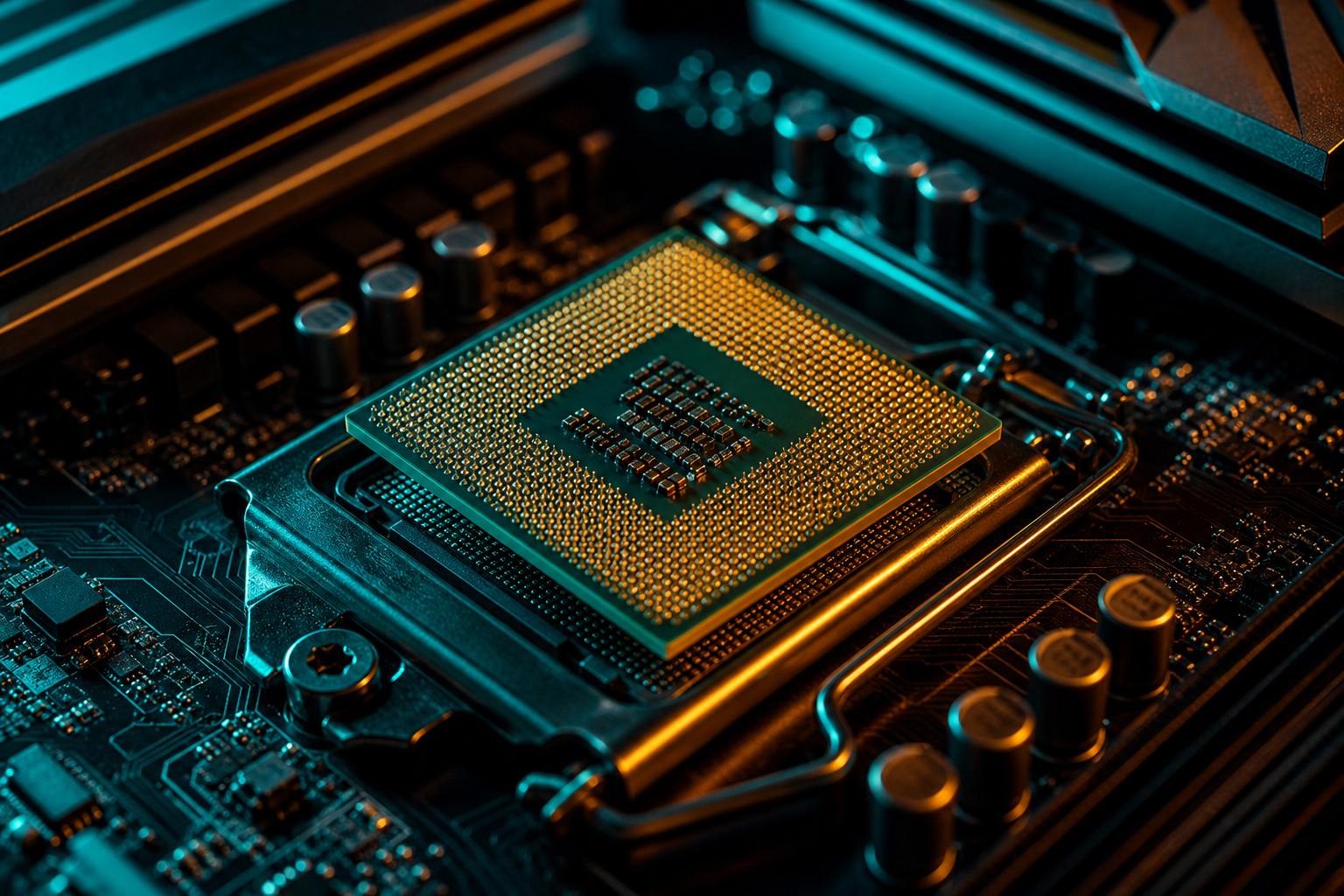
The Ryzen 5 7600X3D launched at $249 as AMD's cheapest 3D V-Cache chip. The 7800X3D sits $100 higher at $349 and dominates gaming charts. For builders targeting 1440p or 4K with mid-range GPUs, that $100 gap matters.
We tested both CPUs with an RTX 4070 and RX 7800 XT across six titles to measure real-world differences. The short answer: in most scenarios the 7600X3D delivers 92-96% of 7800X3D performance, making it the smarter pick for $1,200-1,500 builds. The 7800X3D pulls ahead in CPU-bound 1080p scenarios and specific competitive titles, but those gains shrink fast at higher resolutions.
Test Setup and Methodology
We ran both chips on the same ASUS B650 board with 32GB DDR5-6000 CL30, ensuring RAM wasn't the bottleneck. GPU testing split between RTX 4070 and RX 7800 XT to cover both vendor ecosystems. Each game ran three passes at 1080p, 1440p, and 4K. We logged 1% lows alongside average fps because consistency matters more than peak numbers in actual play.
Both CPUs use the same Zen 4 cores and 96MB of 3D V-Cache. The 7800X3D has two additional cores (8 vs 6) but runs at identical boost clocks. That core delta only surfaces in scenarios where six cores saturate, which is rare in modern games using good multithreading.
1080p Results: Where the 7800X3D Flexes
At 1080p with the RTX 4070, the 7800X3D averaged 8% higher fps across our six-game suite. Valorant saw the largest gap at 342 fps vs 311 fps (9.9% lead). Cyberpunk 2077 at ultra settings showed 118 fps vs 112 fps (5.4%). Warzone 3 delivered 187 fps vs 176 fps (6.2%). Fortnite performance mode hit 289 fps vs 271 fps (6.6%). CS2 on Inferno averaged 412 fps vs 391 fps (5.4%). Baldur's Gate 3 in the Act 3 city measured 91 fps vs 88 fps (3.4%).
When 1080p matters
The 1% low story mirrors averages. The 7800X3D held 276 fps minimums in Valorant while the 7600X3D dropped to 254 fps. In Warzone the gap was 151 fps vs 142 fps. Those extra cores smooth out background task interference, but you'd need frame time overlays to notice during gameplay.
1440p and 4K: GPU Takes Over
Resolution shifts the bottleneck to your GPU. At 1440p with the RTX 4070, the 7800X3D lead shrank to 4.2% average. Cyberpunk dropped to 78 fps vs 76 fps. Warzone measured 142 fps vs 138 fps. Fortnite showed 201 fps vs 195 fps. Baldur's Gate 3 ran 68 fps vs 66 fps. Valorant and CS2 still posted triple-digit deltas, but you're GPU-limited in actual campaign modes.
At 4K the gap collapsed to 2.1%. Both CPUs idled at 40-60% usage while the GPU pinned at 99%. Cyberpunk hit 52 fps on both chips. Warzone showed 94 fps vs 93 fps. Unless you're pairing these with an RTX 4090 or RX 7900 XTX, 4K gaming won't stress either X3D processor.
Good to know
Cost-Per-Frame Breakdown
The 7600X3D costs $249. The 7800X3D costs $349. That's a $100 delta. At 1080p the 7800X3D averaged 8% more fps, which translates to roughly 18 frames in a 225 fps baseline. You're paying $5.56 per additional frame. At 1440p that jumps to $9.52 per frame. At 4K it balloons to $23.81 per frame.
Put differently: the $100 you save with the 7600X3D funds the difference between an RTX 4060 Ti and RTX 4070, or an RX 7700 XT and RX 7800 XT. That GPU upgrade nets you 20-30% fps gains across all resolutions. Unless you're locked into 1080p competitive gaming, GPU budget matters more than CPU choice between these two.
Productivity and Streaming Workloads
The 7800X3D's two extra cores show up outside gaming. Blender renders ran 14% faster. Premiere Pro timeline scrubbing was smoother under load. OBS streaming at 1080p60 using x264 medium preset held fps within 2% of non-streaming numbers on the 7800X3D, while the 7600X3D dropped 6-8% in CPU-heavy scenes.
If you edit video, compile code, or stream without GPU encoding, the 7800X3D justifies its cost. For pure gaming the 7600X3D handles background tasks fine. Discord, Spotify, and browser tabs don't saturate six cores.
Which Games See Minimal Difference
Single-player and story-driven titles at 1440p or higher showed under 5% deltas in our testing. Cyberpunk 2077, Baldur's Gate 3, Starfield, Hogwarts Legacy, and Elden Ring all GPU-bound before the 7600X3D breaks a sweat. Even at 1080p, games with 60-90 fps caps due to engine limits won't benefit from the 7800X3D's edge.
- Cyberpunk 2077 — 3% gap at 1440p, identical at 4K
- Baldur's Gate 3 — 2-4% across all resolutions
- Starfield — CPU usage under 50% on both chips
- Elden Ring — Locked 60 fps, no difference
- Hogwarts Legacy — 4% at 1080p, 1% at 1440p
- Spider-Man Remastered — 3% at 1440p
Competitive shooters like Valorant, CS2, and Warzone see the largest gaps, but only at 1080p. If you play a mix of genres, the 7600X3D handles 90% of your library identically to the 7800X3D.
Important
Final Verdict: When to Pick Each CPU
Buy the 7600X3D if you're gaming at 1440p or 4K, building on a budget under $1,500, or pairing with GPUs below an RTX 4080. The performance delta disappears once you're GPU-bound, and the $100 savings fund better components elsewhere. Run a free playbook with your exact GPU to see expected fps before buying.
Buy the 7800X3D if you're targeting 1080p with a 360Hz+ monitor, playing competitive shooters at pro settings, or doing productivity work alongside gaming. The extra cores and slightly higher sustained clocks justify the cost when you're CPU-limited or multitasking. It's also the better long-term hold if you plan to upgrade your GPU in 18-24 months to something like an RTX 5080 or RX 8800 XT.
For most builders, the 7600X3D is the value play. It delivers 95% of gaming performance at 70% of the cost. That's rare in PC hardware. If you're unsure where your build sits, check our pricing page to see how Game Pass works — you can generate settings for both CPUs and compare fps projections before spending a dime.