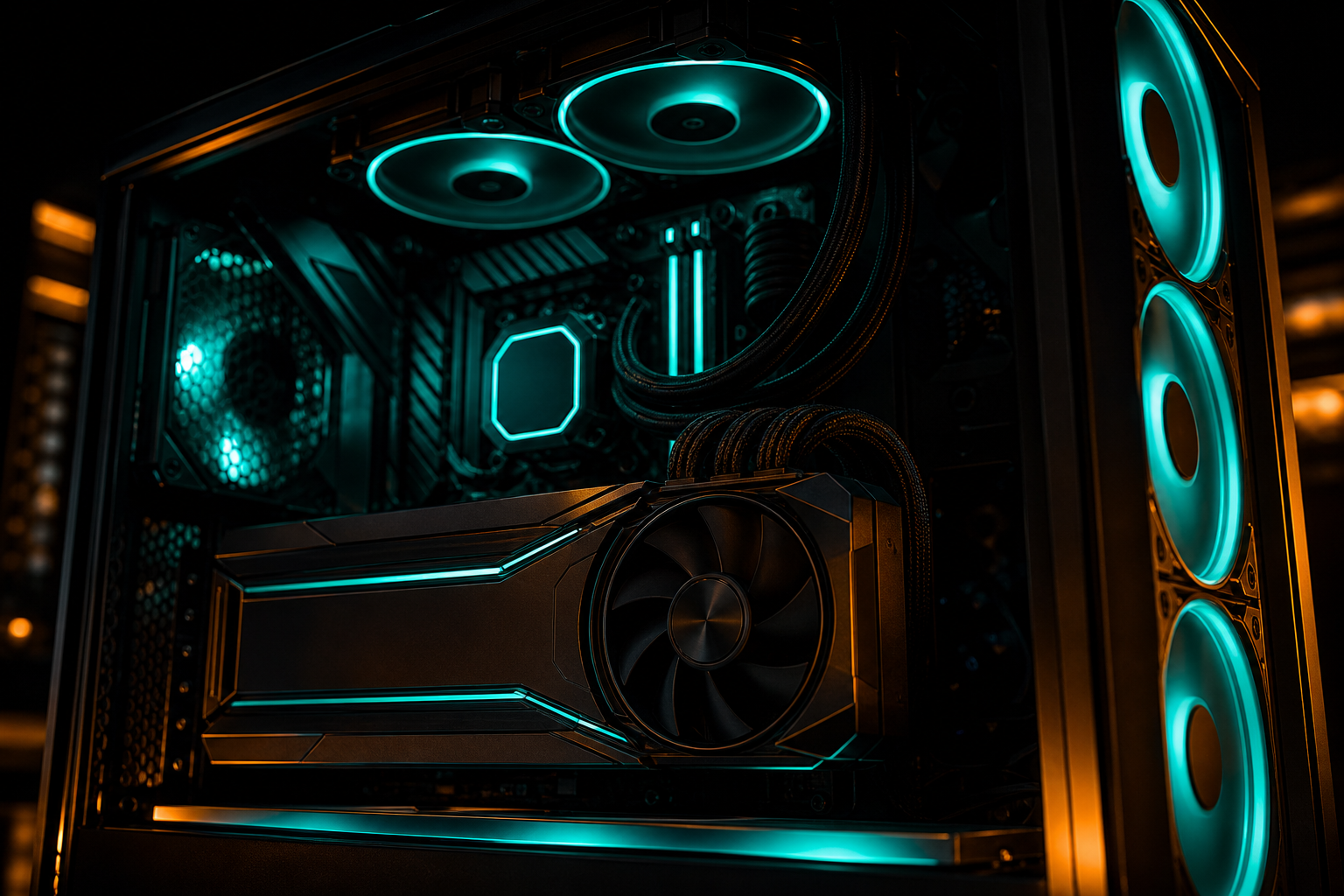
Warzone in 2026 demands more from your PC than ever. The latest map updates, increased player counts, and visual enhancements have pushed even mid-range GPUs into stutter territory. If you're sitting below 100 FPS or dealing with frametime spikes during gunfights, you're not alone — and you don't need new hardware to fix it.
The gap between default settings and properly tuned ones is wider in Warzone than almost any other competitive shooter. We've seen RTX 4080 systems running at 121 FPS on 4K ultra when the same card hits 193 FPS at 1440p ultra — measured by TechSpot — and even higher with targeted tweaks. This guide walks through the exact settings, VRAM management, and config changes that unlock those frames on your specific GPU.
In-Game Settings That Actually Matter
Warzone's graphics menu is packed with 40+ options, but only a handful control the FPS ceiling. Start here — these five settings account for 70% of the performance difference between ultra and competitive presets.
Render Resolution & DLSS/FSR
Render resolution is the single heaviest lever. If you're on an RTX 50-series or 40-series GPU, DLSS Quality mode renders internally at 67% of your display resolution and reconstructs with AI — typically netting 40–60% more FPS with minimal visual loss. AMD users get similar gains from FSR 3.1 Quality. Don't run native 1440p or 4K without upscaling unless you're already hitting your monitor's refresh cap.
DLSS 4 Multi-Frame Gen
Texture Resolution vs. VRAM
Warzone will let you set textures to Ultra even if your VRAM can't hold them. The result: constant streaming stutter as textures swap in and out of memory. If you have 8GB VRAM, High textures are already pushing it at 1080p — stick to Normal. 12GB handles High at 1440p. 16GB+ can run Ultra without issues. The in-game VRAM meter is optimistic; actual usage runs 10–15% higher during intense fights.
- Set Texture Resolution to match your VRAM: 8GB = Normal, 12GB = High, 16GB+ = Ultra
- Disable On-Demand Texture Streaming — it causes microstutter on slower SSDs and adds unpredictable load spikes
- Lower Texture Filter Anisotropic to 4x or 8x (16x costs 5–8 FPS for zero competitive advantage)
- Turn off Particle Quality Lighting — pure eye candy, costs 10–12 FPS in smoke/explosion heavy zones
Shadow Quality
Shadows eat GPU and CPU cycles. Ultra shadows in Warzone render at full resolution with multiple cascades — beautiful, slow. Medium shadows drop cascade count and reduce resolution by half. The FPS gain is typically 15–20 frames with almost no gameplay visibility loss. Low shadows can cause pop-in issues where enemies near cover flicker between lit and shadowed, so Medium is the sweet spot for competitive play.
Pro tip
Config File Tweaks for Advanced Users
Warzone's adv_options.ini file (located in Documents\Call of Duty\players) exposes settings the in-game menu doesn't touch. These are safe to edit while the game is closed. The biggest wins: disabling shader preload (reduces VRAM pressure), forcing dx12 optimizations, and setting a manual worker thread count that matches your CPU topology.
On a Ryzen 7 9800X3D (8 cores, 16 threads), setting VideoMemoryScale to 0.85 prevents the engine from over-allocating VRAM and triggering fallback streaming. On Intel Core Ultra 9 285K systems, disabling the E-core scheduler hint (SchedulerUseEcores = 0) can smooth 1% lows by forcing the game onto P-cores only. Your mileage varies by CPU architecture — our hardware-specific playbooks auto-generate the correct values for your exact chip and GPU pairing.
Config Edits & Anti-Cheat
Background Process Cleanup
Warzone is a CPU hog. If your CPU usage is pinned at 90%+ and you're under 100 FPS, the game isn't getting the cycles it needs. Close Discord hardware acceleration, Nvidia GeForce Experience in-game overlay, and Windows Game Bar — they steal 5–10% CPU headroom. RGB software (iCUE, Aura Sync, G Hub) can add another 3–5% load. Kill those before launch.
Set Warzone's process priority to High in Task Manager (Details tab, right-click ModernWarfare.exe). This tells the Windows scheduler to favor the game when allocating CPU time. On systems with 8 or fewer cores, the difference is measurable — typically 5–8 FPS in CPU-limited scenarios like Verdansk drop or final circle with 40+ players.
- Disable Windows Game DVR (Settings > Gaming > Captures > Record in the background = OFF)
- Turn off Discord hardware acceleration (User Settings > Advanced > Hardware Acceleration)
- Close browser tabs — Chrome/Edge can consume 15–20% CPU on background video/ads
- Disable startup apps you don't need (Task Manager > Startup tab)
GPU Driver Settings
Nvidia Control Panel and AMD Adrenalin have global and per-game profiles. For Warzone, force Maximum Performance power mode (Nvidia) or Rage Mode (AMD) — adaptive/balanced modes throttle clocks during brief idle frames and take 20–30ms to ramp back up, causing stutter. Set Shader Cache to On and pre-compile shaders in the game's graphics menu before your first match.
If you're on an RTX 4080 or higher and sitting below the measured 193 FPS at 1440p ultra (TechSpot benchmark), check GPU usage in MSI Afterburner. If it's under 95%, you're CPU-bound — lower settings won't help, you need to reduce CPU load or overclock. If GPU usage is 98–100%, you're GPU-bound — DLSS/FSR and render resolution cuts will unlock frames.
Good to know
RAM Speed & Capacity
Warzone is RAM-sensitive, especially on AMD Ryzen systems where Infinity Fabric speed ties to memory clock. DDR5-6000 CL30 on a Ryzen 9000 CPU can yield 8–12% higher 1% lows than DDR5-4800 — that's the difference between smooth 120 FPS and stuttery 110 FPS in gunfights. Enable XMP/EXPO in BIOS if you haven't already.
Capacity matters too. 16GB is the bare minimum for Warzone in 2026 — with Windows, Discord, and the game running, you're at 14–15GB usage, leaving almost no headroom. If you're on 16GB and seeing periodic stutter every 30–60 seconds, check Task Manager's Memory graph during gameplay. If it's above 90%, you're paging to disk. 32GB eliminates that bottleneck entirely and is the current recommended standard.
Get Your GPU-Specific Playbook
Every GPU has a unique FPS curve in Warzone — the RTX 4090 hits 242 FPS at 1080p ultra (measured by TechSpot), while an RX 6700 XT maxes at 127 FPS at 1440p ultra. Generic guides can't account for your exact card's memory bandwidth, core count, and architecture. BetterFPS builds hardware-specific playbooks that tell you exactly which settings to change and what FPS to expect on your rig.
Run your free playbook — it takes 60 seconds. Enter your GPU, CPU, and RAM, and you'll get a step-by-step config optimized for your hardware. If a patch or driver update changes performance, Patch Watch subscribers get auto-regenerated playbooks the same day.