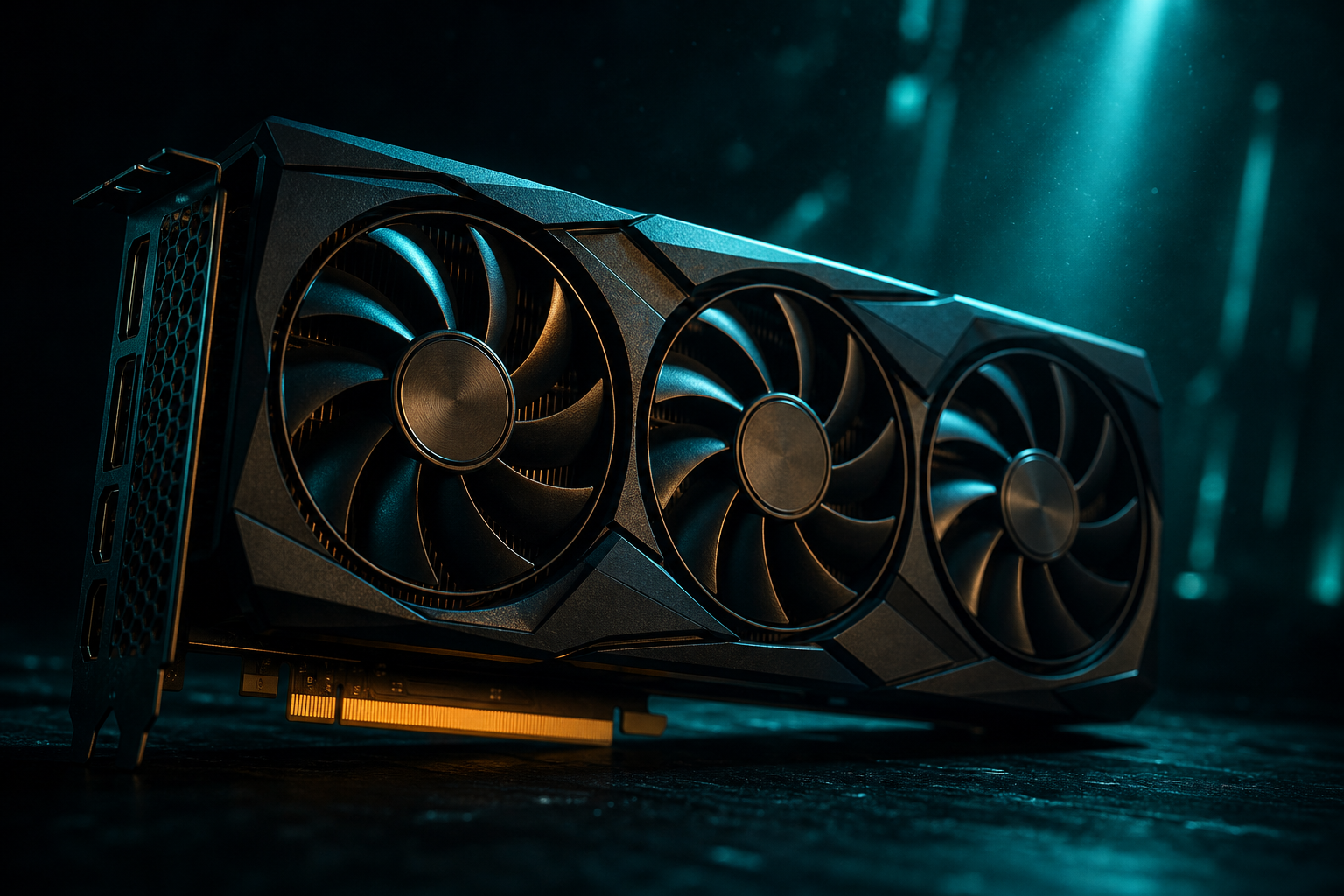
The RTX 4060 Ti 8GB sits in an awkward position in 2026. On paper, it delivers solid rasterization performance for 1440p gaming. In practice, that 8GB VRAM buffer creates real bottlenecks in modern AAA titles, forcing texture downgrades and frame pacing stutters that no amount of driver optimization can fix.
If you're considering this card for 1440p right now, the short answer is: 8GB is a trap for anything beyond a one-year horizon. New releases are routinely exceeding 8GB VRAM consumption at 1440p High/Ultra, and the gap is widening. Here's what the measured data shows, why the 16GB variant exists, and which 12GB+ alternatives deliver better longevity in the same price bracket.
The 8GB VRAM Ceiling: Where It Breaks in 2026
VRAM consumption in modern open-world and AAA titles has surged. Games released in 2025 and early 2026 regularly allocate 9–11GB at 1440p with High or Ultra textures, and the 4060 Ti 8GB responds by either refusing to load those texture tiers or swapping data through system RAM—a process that introduces stutter and frame-time spikes even when average FPS looks acceptable.
Benchmarks from TechPowerUp and Hardware Unboxed in late 2025 highlighted this across multiple titles. In open-world games with high-resolution asset streaming (think Cyberpunk 2077 with path tracing, Alan Wake 2, or the latest Assassin's Creed), the 8GB model shows noticeable 1% and 0.1% low frame drops compared to the 16GB variant running identical settings. The average FPS gap might be small—5–10%—but the subjective experience diverges sharply because of frame pacing inconsistency.
VRAM Allocation ≠ VRAM Usage
The texture quality slider becomes a forced compromise. Setting textures to Medium often keeps VRAM under 7.5GB and eliminates the worst stutters, but you're visibly sacrificing fidelity—blurry ground textures, lower-resolution environment details—on a GPU that otherwise has the shader horsepower to render those assets cleanly. You're handicapping the card to work around a spec choice NVIDIA made to hit a price point.
- Cyberpunk 2077 (RT Overdrive, 1440p): regularly exceeds 10GB with Ultra textures; 8GB forces Medium textures or constant frame-time spikes
- Hogwarts Legacy (1440p Ultra): allocates 9–10GB; 8GB model shows stuttering in Hogsmeade and during fast traversal
- The Last of Us Part I (1440p Ultra textures): exceeds 9GB; measured stutter on 8GB variant vs smooth 16GB performance
- Resident Evil 4 Remake (1440p High textures + RT): pushes 8.5–9GB; 8GB model exhibits occasional hitching in dense village areas
These aren't edge cases. These are tentpole releases from 2023–2025 that remain popular in 2026, and new releases this year are following the same trajectory. If you're buying a GPU today for 1440p, you're planning to use it through at least 2027–2028. An 8GB buffer that's already tight in 2026 becomes a hard constraint by then.
RTX 4060 Ti 16GB: Why It Exists and Why It's Overpriced
NVIDIA released a 16GB variant of the 4060 Ti specifically to address the VRAM criticism. Same AD106 GPU die, same 128-bit memory bus, double the VRAM capacity. Frame pacing in VRAM-heavy scenarios improves dramatically—measured 1% lows can jump 15–25% in titles that previously choked on 8GB, purely from eliminating the texture-streaming bottleneck.
The problem is price. The 16GB model launched at $499 and still hovers around $450–$480 in late 2026, a $100+ premium over the 8GB version for what is functionally just more memory chips. That pricing puts it in direct competition with GPUs that offer both more VRAM AND more GPU horsepower—most notably AMD's Radeon RX 7700 XT (12GB) and RX 7800 XT (16GB), and Intel's Arc B580 (12GB).
Memory Bus Width Matters
If you're set on NVIDIA for DLSS 3 frame generation (which the 4060 Ti supports via its Ada Lovelace architecture), the 16GB model is the safe 1440p choice—but you're paying a steep premium for a feature that primarily benefits users with high-refresh monitors who need to push beyond native rendering limits. For most 1440p 60–120Hz scenarios, the extra VRAM alone doesn't justify the cost delta when competitors offer better value.
12GB+ Alternatives: Better Value for 1440p Longevity
If you're shopping in the $350–$450 range for a 1440p GPU in 2026, you have better options than the RTX 4060 Ti 8GB. The RX 7700 XT (12GB, typically $380–$420) and Intel Arc B580 (12GB, around $250–$280) both deliver more VRAM headroom, and in many rasterization scenarios they match or exceed the 4060 Ti's frame rates while avoiding the VRAM ceiling entirely.
The RX 7700 XT uses AMD's RDNA 3 architecture with 12GB GDDR6 on a 192-bit bus. It trades blows with the 4060 Ti in pure raster performance—sometimes slightly ahead, sometimes slightly behind depending on the title—but the extra 4GB of VRAM and wider memory bus mean you can run Ultra textures in games that force the 8GB NVIDIA card down to Medium. FSR 3.1 frame generation (AMD's answer to DLSS 3) works across a broader range of GPUs and doesn't lock you into NVIDIA's ecosystem.
Intel's Arc B580, part of the Battlemage generation released in late 2025, is the budget wildcard. At $250–$280, it undercuts both the 4060 Ti 8GB and RX 7700 XT significantly while packing 12GB VRAM. Driver maturity was Intel's Achilles heel with the first-gen Arc A-series, but Battlemage launched with far more stable drivers and XeSS 2 upscaling. It won't match the 4060 Ti's ray tracing performance, but for pure 1440p raster with high texture settings, it's the best bang-per-buck in this tier and completely sidesteps the 8GB trap.
Quick VRAM Math for 1440p in 2026
- Budget pick (under $300): Intel Arc B580 12GB—best VRAM-per-dollar, solid 1440p Medium-High performance
- Sweet spot ($380–$420): AMD RX 7700 XT 12GB—competes with 4060 Ti in raster, more VRAM, better frame pacing in heavy scenes
- If you need DLSS 3 and can stretch budget: RTX 4060 Ti 16GB at $450+, but only if frame generation is a hard requirement
- Best overall value for longevity: RX 7800 XT 16GB (typically $480–$520)—more GPU power than 4060 Ti, double the VRAM of the 8GB model, handles 1440p Ultra with headroom
The 4060 Ti 8GB isn't a bad GPU in absolute terms—it's just mismatched to 1440p in 2026. NVIDIA positioned it as a 1080p card with optional 1440p capability, but the marketing didn't emphasize the VRAM constraint clearly enough, and many buyers assumed 8GB would suffice because it did two years ago. VRAM requirements have shifted faster than most anticipated.
2026 Outlook: New Releases Pushing 10GB+ at 1440p
Looking at games announced or released in early 2026, the trend is clear: baseline VRAM for Ultra textures at 1440p is moving toward 10–12GB. Unreal Engine 5 titles with Nanite and Lumen (which stream incredibly high-resolution geometry and lighting data) are particularly demanding. Games built on id Tech, REDengine, and other modern engines show similar patterns.
Developers are targeting the console spec as a baseline—PS5 and Xbox Series X have effectively 10GB available for graphics (16GB shared, with OS and CPU overhead). PC ports often allocate VRAM more aggressively because they assume headroom exists. An 8GB GPU falls below that console-derived baseline, which means you're frequently running settings a tier below what the game was designed around.
By 2027, it's reasonable to expect most AAA releases will recommend 12GB VRAM for High/Ultra at 1440p, with 8GB cards relegated to Medium or requiring aggressive upscaling (DLSS Performance or FSR Quality mode, which render at lower internal resolutions and then AI-upscale to 1440p output). That's not a death sentence for the 4060 Ti 8GB—it will still run games—but you'll be managing settings workarounds constantly instead of enjoying the visual fidelity the card's shader performance could otherwise deliver.
DLSS as a VRAM Band-Aid
NVIDIA's next-generation RTX 50-series (Blackwell) is expected in 2026–2027, and leaks suggest even the entry-level 5060 will come with 12GB VRAM standard, acknowledging the industry shift. If you buy an 8GB card today, you're already one generation behind the VRAM curve, and that gap only widens. The 4060 Ti 8GB will age poorly compared to 12GB and 16GB alternatives purchased at the same time.
When 8GB Might Still Work (Niche Cases)
There are scenarios where the RTX 4060 Ti 8GB remains viable for 1440p, but they're narrow. If you primarily play competitive esports titles (Valorant, CS2, League of Legends, Overwatch 2) or older AAA games (2022 and earlier), VRAM demand stays comfortably under 6–7GB even at max settings. These games are CPU-bound at high frame rates anyway, and the 4060 Ti's raw GPU performance is more than sufficient.
If you're willing to manually tune settings—dropping textures to High instead of Ultra, disabling high-res texture packs, and accepting DLSS Performance mode as standard—you can stretch 8GB for another year or two. This requires active management and tolerance for visual compromises, but it's technically workable if you already own the card or find it heavily discounted (under $300).
For anyone buying new in 2026 with intent to keep the GPU through 2028, though, 8GB at 1440p is a bad investment. The slight savings versus a 12GB alternative ($50–$80) will cost you far more in frustration and forced settings downgrades over the card's lifespan. This is one area where spending a bit more upfront pays immediate dividends in usability and longevity. You can run a free playbook for the 4060 Ti 8GB to see optimized per-game settings that work within the VRAM limit, but those settings will increasingly involve texture and detail compromises you wouldn't need with more VRAM.
Final Verdict: Skip the 8GB for 1440p
The RTX 4060 Ti 8GB is a competent 1080p GPU and a struggling 1440p GPU in 2026. VRAM is the limiting factor, not shader performance or bandwidth in most cases. Frame averages might look acceptable in reviews, but real-world frame pacing tells a different story once VRAM allocation exceeds capacity. Stutters, texture pop-in, and forced setting downgrades are the everyday reality.
If 1440p is your target resolution and you're shopping today, prioritize 12GB minimum. The RX 7700 XT and Arc B580 deliver better long-term value in rasterization. The RTX 4060 Ti 16GB is the NVIDIA option if DLSS 3 is essential, but it's overpriced for what it offers. The 8GB model only makes sense if you're strictly playing esports or older games, already own it, or find it steeply discounted under $280—and even then, it's a short-term stopgap, not a forward-looking purchase.
VRAM constraints are one of the few GPU limitations you cannot work around with driver updates or in-game tweaks. Once you hit the ceiling, your only options are lower settings or a new card. Buy the headroom now, or plan to upgrade sooner than you'd like. Check the supported games list to see specific VRAM recommendations per title, or head to the free playbook to generate a settings playbook that maximizes what your current GPU can deliver within its limits.