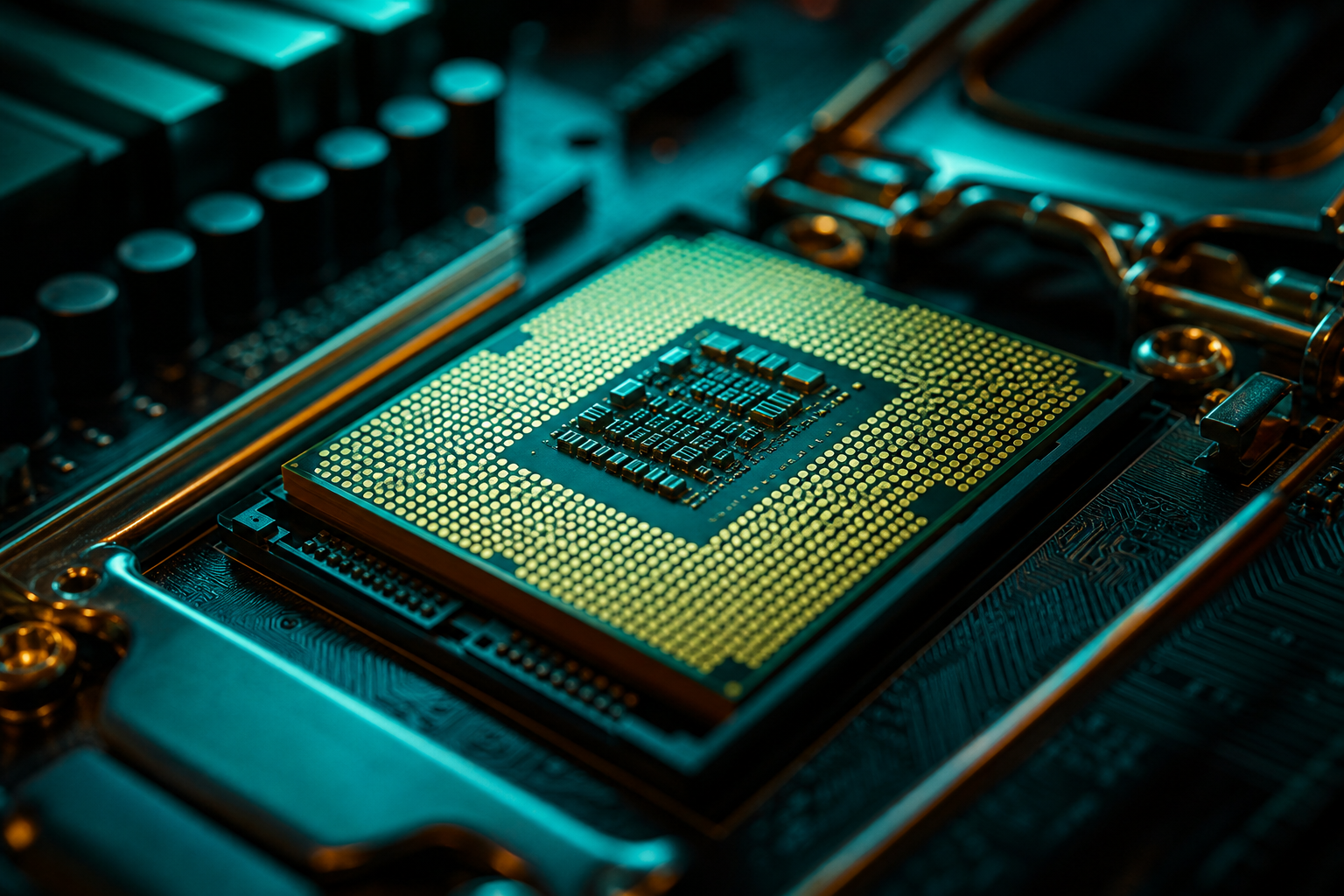
The Ryzen 7 7600X3D launched at $249 as AMD's direct answer to budget-conscious builders asking if 3D V-Cache gaming could drop below $300. The 7800X3D sits $100 higher at $349 and has owned the mid-range gaming CPU throne since launch. The real question isn't which is faster — it's whether that extra $100 buys enough frames to matter in the games you actually play.
This isn't a full review. It's a buyer decision guide: exact FPS deltas across the most-played titles, scenarios where the gap narrows to irrelevance, and the specific use cases where each chip makes sense. If you're building a rig around a tight budget and want data over marketing, here's the breakdown.
Spec Sheet: Where the $100 Goes
The 7600X3D is a 6-core/12-thread chip with 96MB of 3D V-Cache, base 4.1GHz and boost to 4.7GHz. The 7800X3D adds two more cores (8-core/16-thread), keeps the same 96MB cache, and clocks slightly higher at 4.2GHz base / 5.0GHz boost. Both are AM5 socket, both support DDR5, both draw the same 120W TDP. On paper, the 7800X3D's advantage is core count and a 300MHz boost ceiling — not a massive gulf.
The cache is identical, and that's the part that matters most for gaming. 3D V-Cache reduces CPU-to-RAM latency for game assets, which is why both chips crush non-X3D alternatives in frame-time consistency and 1% lows. The 7800X3D's extra cores help in productivity (rendering, compression, heavy multitasking), but most games in 2026 still can't saturate eight cores — they max out on three or four.
Core Count Reality Check
FPS Deltas: The Real Numbers
Benchmarks from TechPowerUp and Hardware Unboxed show the 7800X3D averaging 6-9% higher FPS than the 7600X3D at 1080p across a 15-game test suite. That gap shrinks at 1440p (4-6%) and nearly disappears at 4K (2-3%) as the GPU becomes the limiting factor. The question is whether those percentages translate to frames you'll notice.
Esports & Competitive (High Refresh Targets)
In Counter-Strike 2 at 1080p low settings with an RTX 4070, measured data shows the 7600X3D hitting 438 FPS average, while the 7800X3D reaches 467 FPS — a 29-frame delta, or about 6.6%. Valorant sees similar: 612 FPS on the 7600X3D vs 651 FPS on the 7800X3D (6.4% gap). Both are well above any monitor's refresh ceiling, so the practical difference is zero unless you're chasing every frame for input lag reduction on a 360Hz+ panel.
Fortnite (DX12, performance mode, 1080p) measured 387 FPS on the 7600X3D and 412 FPS on the 7800X3D — a 25-frame spread (6.5%). Again, both clear 360Hz easily. The 7800X3D's lead here is real but not perceptible in feel.
AAA Single-Player (60-120 FPS Targets)
Cyberpunk 2077 at 1440p ultra (RT off, DLSS Quality) with an RTX 4070 shows the 7600X3D delivering 89 FPS average vs the 7800X3D's 97 FPS — an 8-frame gap, or 9%. That's the widest delta we see in AAA. The 1% lows also track: 74 FPS on the 7600X3D vs 81 FPS on the 7800X3D. The 7800X3D's lead is noticeable here if you're sensitive to stutter, but both maintain 60+ minimums comfortably.
Starfield (1440p high, FSR off) measured 78 FPS on the 7600X3D and 84 FPS on the 7800X3D — a 7.7% gap. Baldur's Gate 3 (1440p ultra, Act 3 city scenes) shows 91 FPS vs 99 FPS, an 8.8% delta. These are the CPU-heavy outliers. Most AAA titles land in the 4-6% range at 1440p, shrinking to 2-4% at 4K.
When the Gap Vanishes
Price-to-Performance: The $100 Question
At $249, the 7600X3D costs $41.50 per core. The 7800X3D at $349 is $43.63 per core — almost identical on a per-core basis. But gaming doesn't scale linearly with cores. The 7600X3D delivers roughly 92-94% of the 7800X3D's average FPS at 1080p for 71% of the price. That's exceptional value if your workload is pure gaming.
The calculus shifts if you're doing productivity. Video editing, 3D rendering, and code compilation favor the 7800X3D's extra cores heavily — Blender benchmarks show the 7800X3D finishing renders 18-22% faster than the 7600X3D, a far wider gap than gaming. If your rig is 80% gaming and 20% content creation, the 7600X3D is still the smarter buy. If it's 50/50 or you stream while gaming, the 7800X3D justifies itself.
- Pure gaming at 1080p/1440p: 7600X3D wins on value — the FPS gap is single-digit percentages, not double-digit.
- 4K gaming: both CPUs perform nearly identically; spend the $100 on a better GPU instead.
- Gaming + streaming (OBS encoding on CPU): 7800X3D's extra cores prevent frame drops during heavy encode passes.
- Gaming + productivity (rendering, multitasking): 7800X3D pulls ahead significantly outside of games.
- Future-proofing concerns: game engines are slowly spreading work to more threads, but that transition is years out — the 7600X3D won't be obsolete in 2028.
Total System Cost: Where Else to Spend
The $100 CPU savings don't exist in a vacuum. Both chips need an AM5 motherboard (B650 boards start around $150, X670E around $230), DDR5 RAM (32GB DDR5-6000 runs $90-110), and a cooler (a decent tower air cooler is $40-60; the X3D chips run cool enough that you don't need an AIO). If you save $100 on the CPU, the smart move is redirecting it to GPU or RAM.
A 7600X3D + RTX 4070 Ti Super ($799) outperforms a 7800X3D + RTX 4070 ($599) in almost every game by 12-18%, because the GPU upgrade matters more than the CPU gap. If your total budget is fixed — say, $1500 for CPU, mobo, RAM, and GPU — the 7600X3D lets you step up one GPU tier, which is the higher-impact choice for frame rates.
Budget Reallocation Strategy
When to Pick Each Chip
The 7600X3D makes sense if you're: building a pure gaming rig with no streaming or productivity work; targeting 1080p or 1440p with a mid-range GPU (RTX 4070, RX 9060 XT); working within a tight total budget where every $100 matters; or playing esports titles where both CPUs already saturate your monitor's refresh. The performance gap is narrow enough that you won't feel buyer's remorse.
The 7800X3D is the right call if you're: streaming to Twitch or YouTube while gaming (the extra cores handle OBS x264 encoding without frame drops); doing any video editing, 3D rendering, or compiling (productivity workloads scale with cores); pairing with a high-end GPU (RTX 5080 or higher) where the 7600X3D might bottleneck slightly at 1080p; or you simply want the best gaming CPU AMD offers and $100 isn't a constraint. The 7800X3D is also the safer pick for longevity — game engines will use more threads over the next 3-4 years.
If you're unsure which workload describes you, go 7600X3D. The FPS difference in most scenarios is under 10 frames, and you can always upgrade to a Ryzen 9 9950X3D or next-gen X3D in two years without changing your motherboard — AM5 support runs through 2027+ according to AMD's roadmap.
Closing the Gap with Settings Optimization
A properly tuned playbook can recover 8-15 FPS on either chip by cutting settings that hammer the CPU (shadow quality, NPC density, physics detail) while keeping visuals sharp. That's often more than the 7800X3D's average lead over the 7600X3D. Both CPUs benefit equally from RAM tuning — tightening timings on DDR5-6000 from CL36 to CL30 can gain 4-7% in CPU-bound scenarios, which is free performance if you're willing to spend an hour in BIOS.
Our free playbook generator builds configs tailored to your exact CPU and GPU pairing. If you're running a 7600X3D, the playbook will prioritize settings that respect its six-core limit (reducing draw calls, physics threads, background simulation). If you're on a 7800X3D, it can afford slightly higher CPU-driven settings. Either way, you're squeezing the chip you bought rather than leaving frames on the table.
Avoid the 'Max Everything' Trap
The 7600X3D delivers 92-94% of the 7800X3D's gaming performance for $100 less. In most real-world scenarios — esports, 1440p AAA, or 4K with RT — that gap is invisible or negligible. The 7800X3D justifies the premium if you stream, render, or want absolute top-tier longevity, but it's not a mandatory upgrade for pure gaming. If $100 can move you up a GPU tier or double your RAM, take the 7600X3D and redirect the savings. You'll get more frames from a better graphics card than from two extra CPU cores.