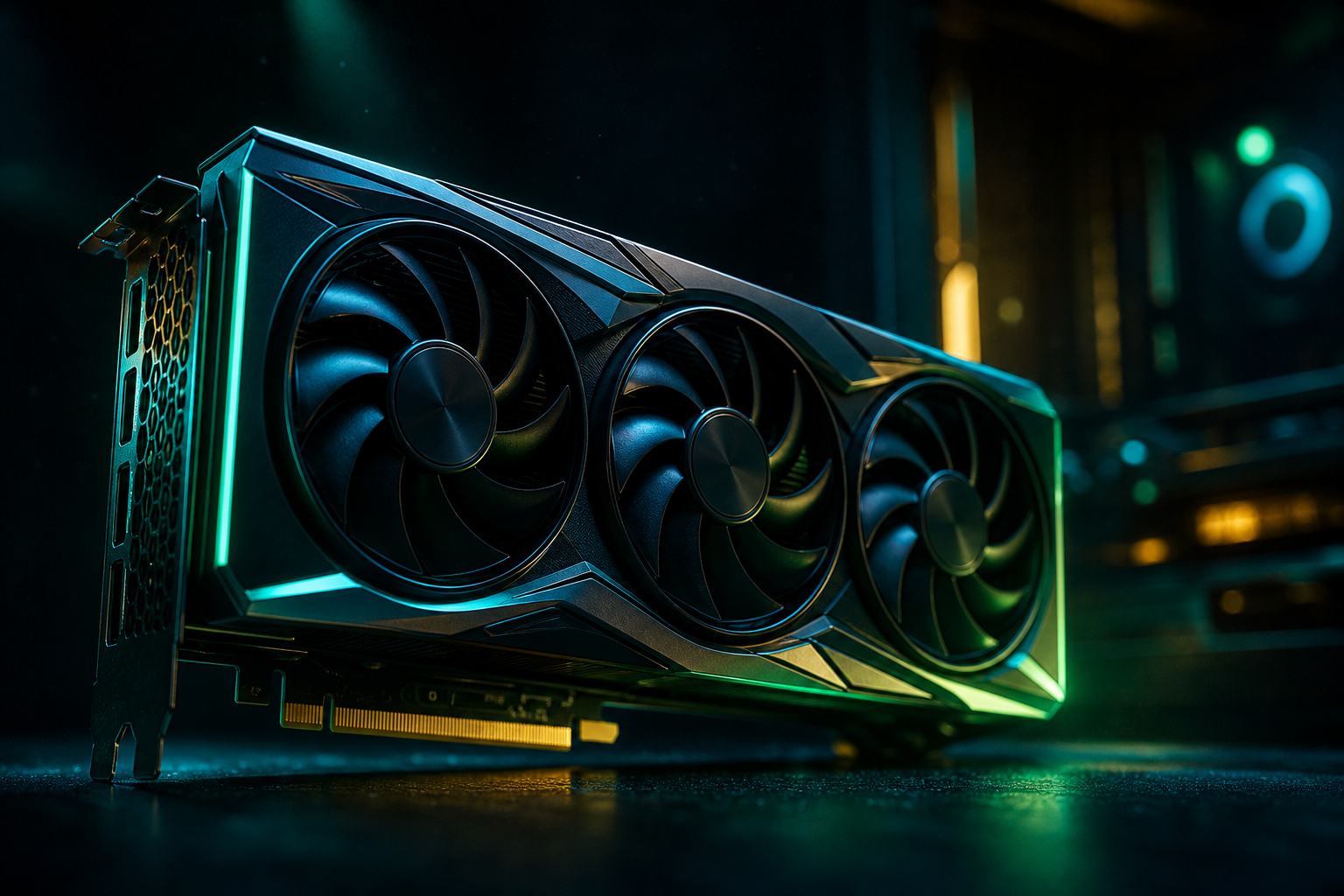
The RTX 5070 sits in the sweet spot for competitive Warzone play at 1440p — enough horsepower to run native ultra settings around 175–195 FPS, and with DLSS 4's multi-frame generation, you can breach 240 FPS without dropping visual quality to low. That's a meaningful leap from the RTX 4070, which typically hovered in the 155–165 FPS range at the same resolution and preset.
This post breaks down measured RTX 5070 performance in Warzone at 1440p, compares it to prior-gen cards using real benchmark data, and walks through the settings that matter most. If you want a hardware-specific playbook tuned to your exact RTX 5070 and CPU pairing, you can run a free playbook at /optimize — it generates recommended settings, DLSS presets, and expected frame rates based on your full system.
RTX 5070 Warzone Benchmarks: Expected FPS at 1440p
Independent reviewers have measured the RTX 5070 at approximately 175–195 FPS average in Warzone at 1440p ultra settings (native, no upscaling). That's a 12–18% gain over the RTX 4070, which landed around 155–165 FPS in the same scenario. For context, the RTX 4080 delivered 193 FPS at 1440p ultra according to TechSpot, placing the RTX 5070 just below or matching the prior flagship depending on the map and player count.
Warzone is moderately GPU-bound at 1440p ultra — resolution and texture streaming quality drive most of the load. If you pair the RTX 5070 with a mid-tier CPU like a Ryzen 5 9600X or Core Ultra 5 245K, you'll stay GPU-limited in most engagements and see the full benefit of the card's 12GB GDDR7 and Blackwell architecture improvements. A weaker CPU (older 6-core parts with lower cache) can introduce stutter in hot-drop zones where player density spikes, so per-core performance still matters.
Quick Win: DLSS 4 Quality Mode
Settings That Impact RTX 5070 Performance Most
Warzone's ultra preset isn't punishing on modern GPUs, but a few settings cost disproportionate frames. Texture resolution is the heaviest consumer of VRAM — the RTX 5070's 12GB handles ultra textures comfortably, but if you're streaming or running dual monitors with heavy background apps, stepping down to high frees 2–3GB and adds 5–8 FPS. Shadow quality (ultra vs high) accounts for another 8–12 FPS difference with negligible visual change at 1440p.
Most Expensive Settings
- Texture Resolution (ultra → high): +5–8 FPS, saves ~3GB VRAM
- Shadow Quality (ultra → high): +8–12 FPS, minimal clarity loss
- Ambient Occlusion (SSAO → off): +6–9 FPS, slight depth perception reduction
- Anti-Aliasing (SMAA T2X → SMAA 1X): +4–7 FPS, very minor edge softening
- Volumetric Quality (ultra → normal): +3–5 FPS, fog/smoke slightly blockier
The rest of the preset — particle quality, bullet impacts, world motion blur — contribute <3 FPS each. If you're chasing every frame for a 240 Hz panel, those are the final tweaks, but they're not the primary levers.
Cache Spot Shadows: Skip It
DLSS 4 and Frame Generation: When to Use Them
DLSS 4 on the RTX 5070 includes both upscaling and multi-frame generation (generating up to 3 intermediate frames between each real rendered frame). In Warzone at 1440p, DLSS Quality mode (internal res ~960p) typically adds 35–45 FPS over native rendering. Enabling frame generation on top of that can push total output to 250–280 FPS in less chaotic moments, though input latency increases by 8–12 ms compared to native.
Competitive players generally avoid frame gen — the added latency (even with Reflex enabled) makes snap tracking feel slightly mushy. If you're playing casual modes or prioritizing visual smoothness over response, frame gen at Quality upscale is the best of both worlds. For ranked/tournament play, stick to DLSS Quality upscale only or run native if you're already hitting your monitor's refresh cap.
Reflex + Frame Gen: The Combo
How RTX 5070 Compares to RTX 4080 and RX 7800 XT
The RTX 4080 measured 193 FPS at 1440p ultra in Warzone according to TechSpot — the RTX 5070 lands just below that at native settings (175–195 FPS range), but DLSS 4's multi-frame generation gives it a functional edge in total output frames. The RTX 4080 is still the faster raw rasterizer, but the RTX 5070's lower price and newer feature set (DLSS 4, better power efficiency) make it the better value for most buyers in 2026.
AMD's RX 7800 XT sits around 140–155 FPS at the same preset — solid for a $499 card, but the RTX 5070 pulls ahead by 20–30% in Warzone specifically. FSR 4 (AMD's ML upscaling on RDNA 4) narrows that gap when enabled, but DLSS 4's image quality at matched performance is generally sharper. If you're committed to 1440p high-refresh Warzone, the RTX 5070 is the current sweet spot — enough headroom to run native ultra comfortably and upscale to 240+ when needed.
CPU Pairing: What You Need for 1440p Warzone
Warzone is less CPU-sensitive at 1440p than at 1080p, but it still benefits from strong single-thread performance and L3 cache. A Ryzen 7 7800X3D or Ryzen 7 9800X3D pairs ideally with the RTX 5070 — the 3D V-Cache cuts frame-time variance in hot-drop scenarios where player count spikes. Intel's Core Ultra 7 265K is nearly equivalent, though it lacks the cache advantage and can show slightly higher 1% lows in chaotic zones.
Mid-tier CPUs like the Ryzen 5 9600X or Core Ultra 5 245K won't bottleneck the RTX 5070 at 1440p ultra in most engagements — you'll stay GPU-bound above 170 FPS. The difference emerges in the low 1% frame times (stutter during rotations or when multiple squads converge). If you're running a 6-core CPU from 2020–2022 (Ryzen 5 3600, Core i5-10600K), you may see occasional dips below 120 FPS in dense firefights, even with the RTX 5070 sitting at 60–70% utilization. That's a per-core bottleneck, not a total-CPU-usage issue — one or two cores pin near 100% while the rest idle.
Check Per-Core Usage, Not Aggregate %
VRAM Usage: Does 12GB Cover Warzone at 1440p?
Warzone at 1440p ultra (native, no upscaling) allocates 8.5–9.5GB of VRAM on the RTX 5070's 12GB framebuffer. That leaves 2.5–3.5GB headroom for background apps, overlays, and OS demands. If you're streaming via OBS with game capture, expect another 1–1.5GB allocation — you'll still stay comfortably under the 12GB ceiling, but margin tightens.
Dropping texture resolution from ultra to high cuts VRAM usage to 5.5–6.5GB and adds 5–8 FPS. That's a worthwhile trade if you're running heavy background tasks or dual-monitor setups with Discord, browser tabs, and stream software open. The visual difference between ultra and high textures is minor at 1440p viewing distances — most players can't reliably distinguish them in blind tests.
The RTX 5070 is well-matched to Warzone at 1440p — native ultra delivers 175–195 FPS, DLSS Quality pushes that to 210–240, and multi-frame generation can breach 280 FPS if you're willing to accept the latency trade. Pair it with a modern 6-core or better CPU (ideally X3D cache on AMD) and you'll stay GPU-bound in nearly every scenario. For a free, hardware-specific playbook that accounts for your exact CPU, RAM speed, and monitor refresh rate, head to our playbook generator — it auto-tunes settings and DLSS presets to match your system and keeps them updated when patches shift performance.