Best Gaming Desks in 2026
Your desk is the foundation of your entire setup. It needs to fit your monitors, peripherals, and accessories while keeping cables organized and your posture healthy. We compared desks across sizes, styles, and budgets to find the best options for every gaming setup.
Updated May 2026. Prices are approximate. BetterFPS earns a commission on qualifying Amazon purchases at no extra cost to you.
| Award | Name | Surface | Height | Material | Weight Cap. | Price |
|---|---|---|---|---|---|---|
| Best Overall | Secretlab Magnus Pro Sit-Stand | 70" x 27.6" | 25.6" – 49.2" (motorized) | Steel frame, MAGPAD desk mat surface | 265 lbs | $899–$999 |
| Best Standing Desk | FlexiSpot E7 Pro Plus | 60" x 30" | 22.8" – 48.4" (motorized) | Bamboo / MDF top, steel frame | 355 lbs | $500–$600 |
| Best L-Shaped | FlexiSpot E7L Standing L-Desk | 63" x 40" (L-shape) | 22.8" – 48.4" (motorized) | MDF top, triple-motor steel frame | 330 lbs | $600–$700 |
| Best Budget | Homall 55-Inch Gaming Desk | 55" x 23.6" | 29.5" (fixed) | Carbon fiber texture MDF, steel frame | 220 lbs | $80–$100 |
| Best for Dual Monitors | Eureka Ergonomic EGD 60 | 60" x 24" | 30" (fixed) | Carbon fiber PVC surface, steel frame | 330 lbs | $200–$250 |
| Best Compact | Arozzi Arena Leggero | 45" x 23.6" | 28.5" – 29.5" (manual) | Full-surface microfiber desk mat, steel frame | 155 lbs | $200 |
| Best Cable Management | Uplift V2 Standing Desk | 48" – 80" x 30" (configurable) | 25.3" – 50.9" (motorized) | Bamboo / Rubberwood / Laminate, steel frame | 355 lbs | $600–$900 |
| Best with RGB | Cougar Mars Pro 150 | 60" x 29" | 28" – 34" (manual crank) | Carbon fiber texture, dual-wing steel frame | 220 lbs | $350–$400 |
| Best Sit-Stand | FlexiSpot E7 (Standard) | 55" x 28" (default top) | 22.8" – 48.4" (motorized) | Particleboard / Bamboo, steel frame | 310 lbs | $380–$480 |
| Best Value | Bestier 55-Inch L-Shaped Desk | 55" x 40" (L-shape) | 29.7" (fixed) | P2 MDF with shelving, steel frame | 200 lbs | $100–$130 |
Secretlab Magnus Pro Sit-Stand
Gamers who want the best-engineered sit-stand desk with premium cable management and build quality.
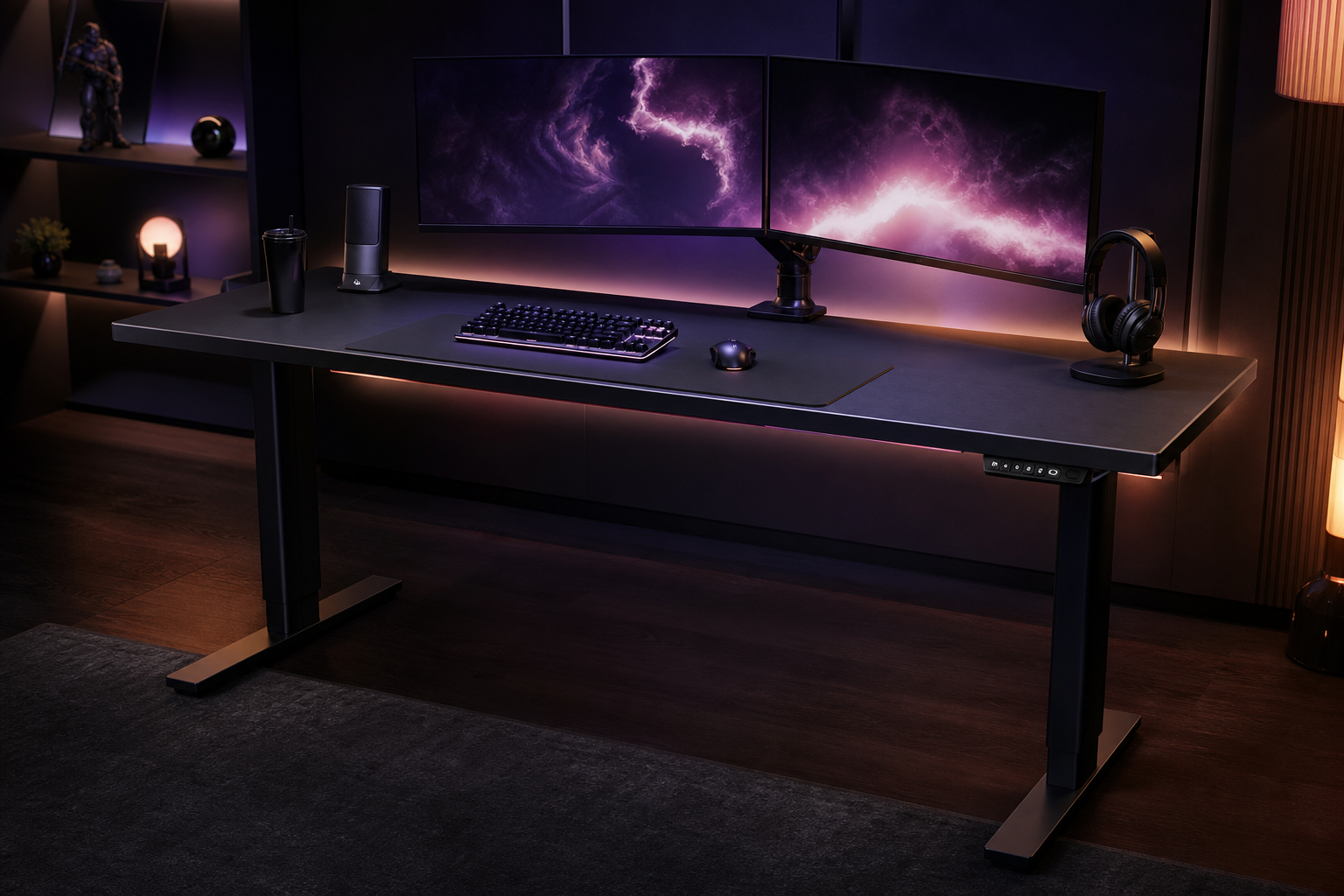
- +Full-length magnetic cable management tray hides every wire
- +MAGPAD magnetic surface covers the entire desk top
- +Dual-motor sit-stand mechanism is smooth and quiet
- +Rock-solid steel construction with zero wobble at standing height
- -Very expensive — approaching $1000 with accessories
- -Heavy at 150+ lbs — moving or repositioning is a two-person job
- -Ecosystem-locked magnetic accessories add up quickly
The Magnus Pro is the best gaming desk available, period. The magnetic cable management system is revolutionary, the sit-stand mechanism is flawless, and the build quality is tank-like. You pay a premium, but you get a desk for life.
FlexiSpot E7 Pro Plus
Anyone who wants a reliable motorized standing desk with massive weight capacity at a fair price.
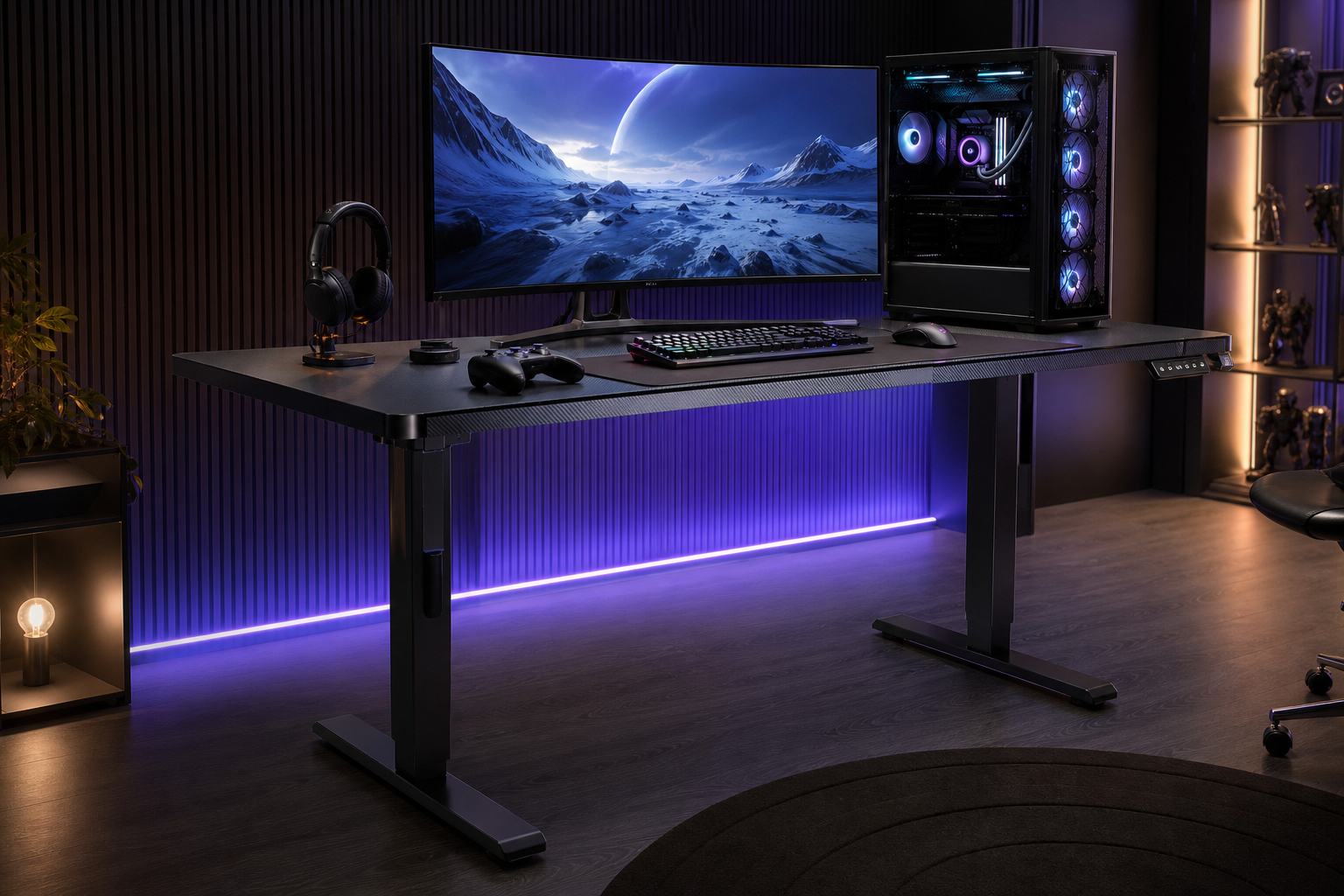
- +355 lb weight capacity handles the heaviest multi-monitor setups
- +Dual-motor system is fast and quiet with 4 memory presets
- +Wide range of desktop options including bamboo, hardwood, and MDF
- +Anti-collision detection prevents damage to objects underneath
- -Desktop quality varies by material — MDF options feel cheaper
- -Cable tray is basic compared to Secretlab's magnetic system
- -Frame is heavy — moving it after assembly is difficult
The E7 Pro Plus is the standing desk we recommend to most gamers. The 355 lb capacity, dual-motor system, and desktop options give you everything you need at hundreds less than the Magnus Pro. The best balance of price and performance.
FlexiSpot E7L Standing L-Desk
Multi-taskers who need separate gaming and streaming zones with full sit-stand capability.
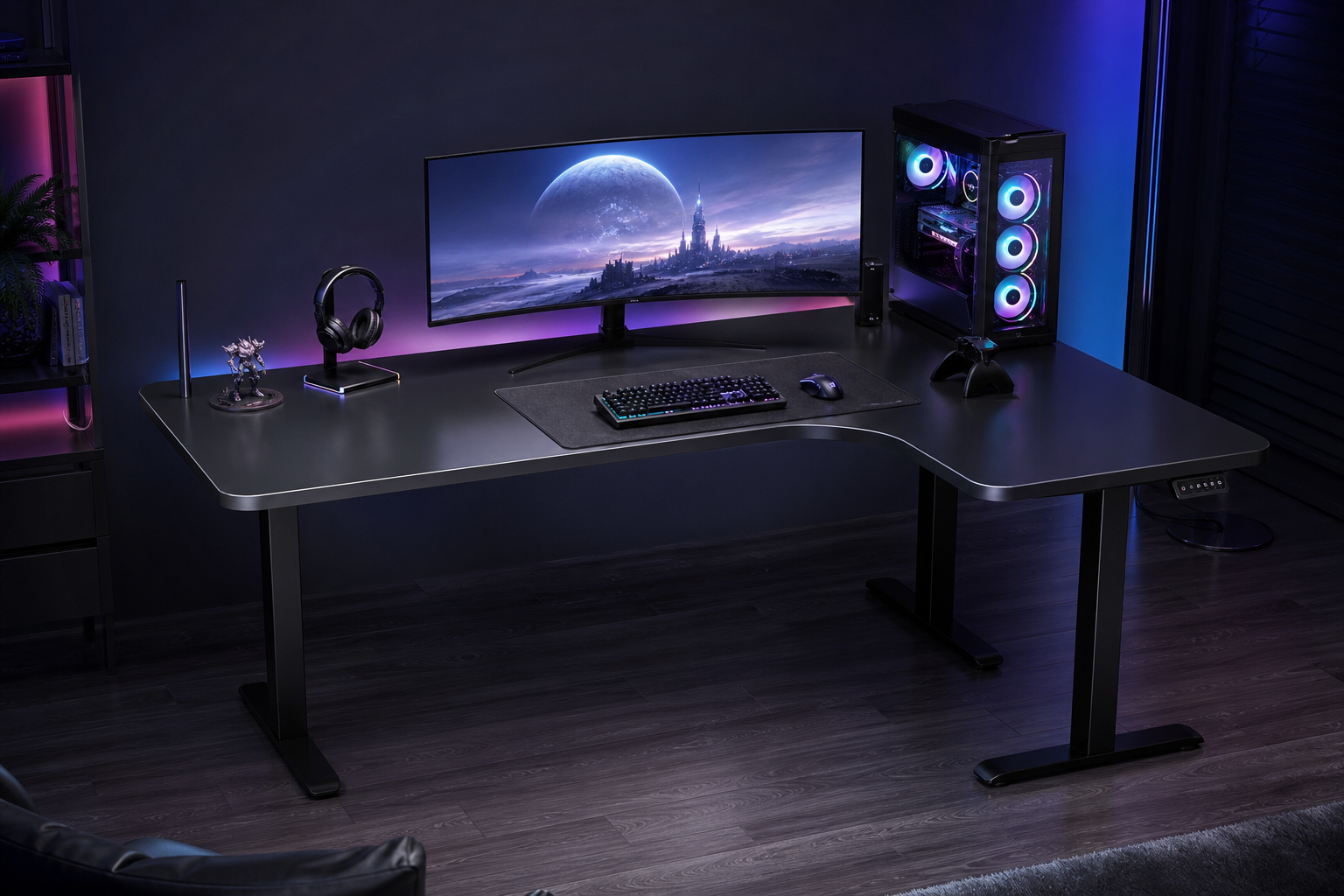
- +Triple-motor L-shaped frame is stable at all heights
- +Massive surface area for multi-monitor setups plus streaming gear
- +Full sit-stand range even in L-shape configuration
- +Both sides raise and lower together — no uneven surfaces
- -Expensive for an L-desk — budget options are half the price
- -Very heavy and complex assembly — plan for 90+ minutes
- -Large footprint requires a dedicated room corner
The E7L solves the problem of L-shaped desks being fixed-height. The triple-motor system lifts the entire L-shape smoothly, giving you the space of a corner desk with the health benefits of standing. Worth it for serious setups.
Homall 55-Inch Gaming Desk
Budget gamers who need a large, sturdy surface without spending more than $100.
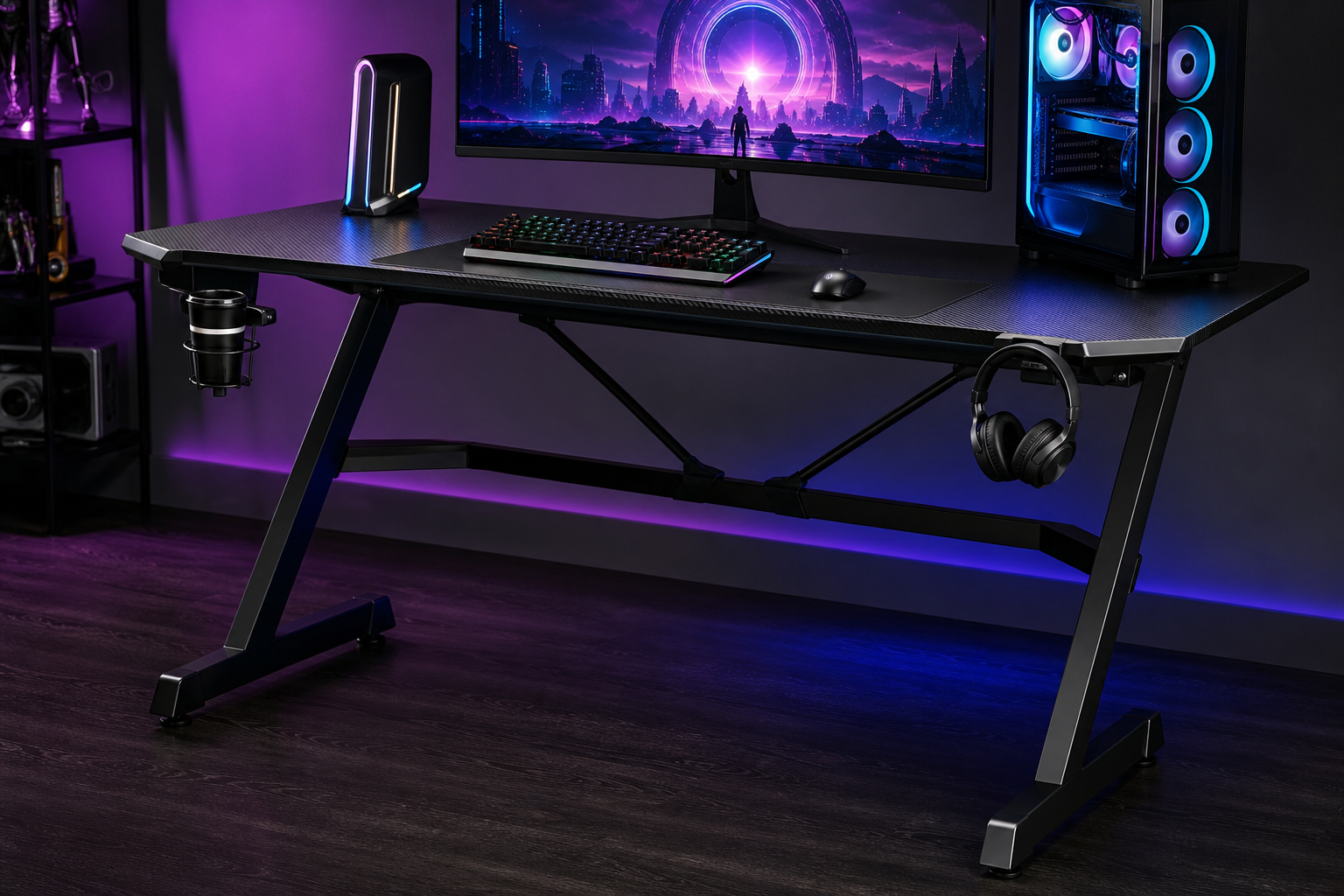
- +55-inch surface fits dual monitors and full-size peripherals
- +Carbon fiber texture surface looks professional and resists scratches
- +T-shaped legs provide stability at a low price
- +Includes cup holder and headset hook
- -Fixed height — no sit-stand capability
- -220 lb weight capacity is tight for heavy setups
- -Surface depth of 23.6 inches is shallow for deep monitors
The Homall GD21 proves you do not need to spend $500+ for a solid gaming desk. The 55-inch carbon fiber surface is roomy enough for most setups, and the steel frame keeps it stable. Best bang for your buck under $100.
Eureka Ergonomic EGD 60
Dual-monitor gamers who need 60 inches of depth-optimized surface with serious cable management.
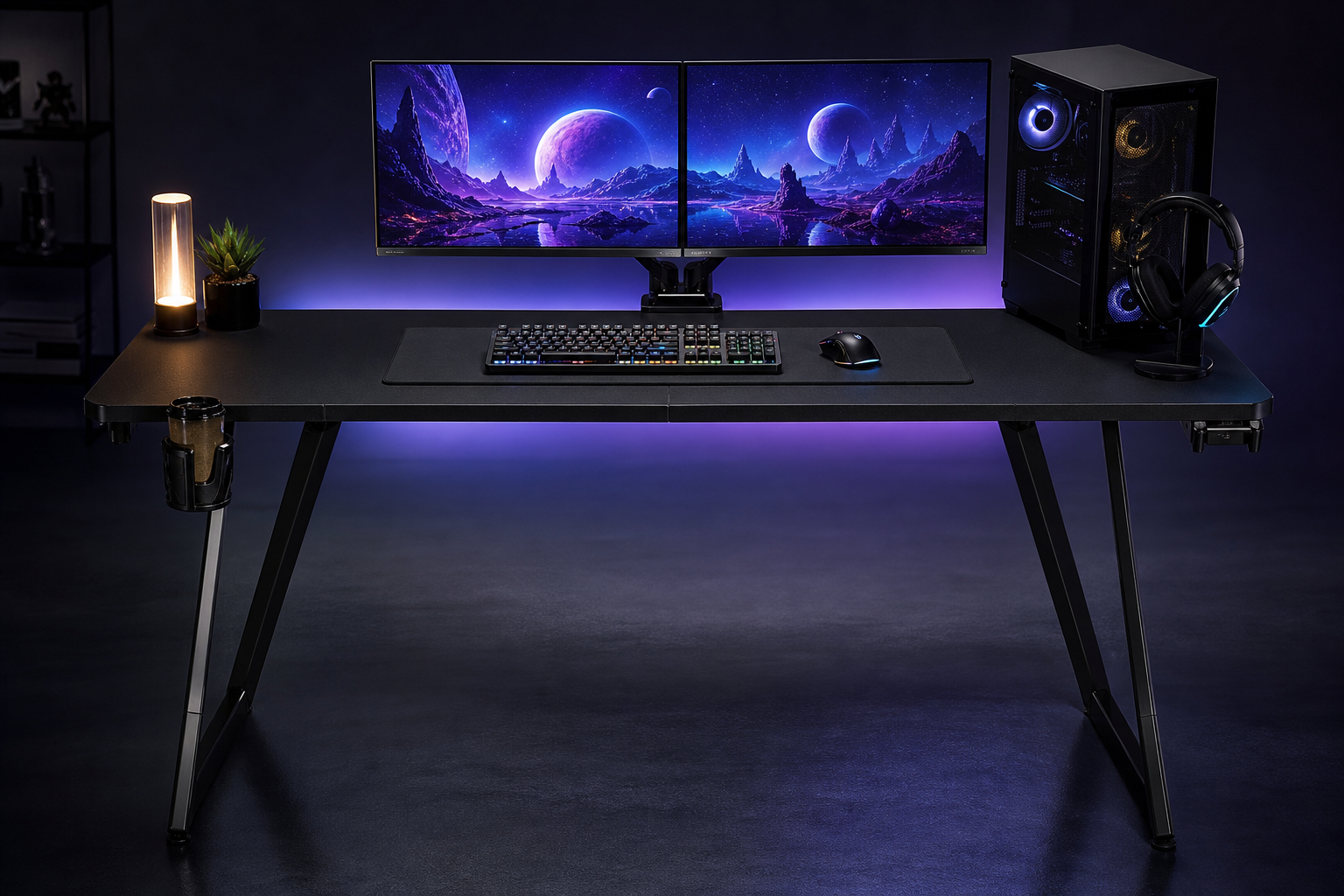
- +60-inch width comfortably fits two 27-inch monitors side by side
- +330 lb capacity handles heavy monitor arms and full tower PCs
- +Full-length cable tray and dual grommets tame any wire mess
- +RGB lighting strip on the front edge adds ambient glow
- -Fixed height — no sit-stand option
- -24-inch depth is adequate but tight for ultrawide monitor arms
- -RGB strip is gimmicky and difficult to match with other lighting
The EGD 60 hits the sweet spot for dual-monitor gamers. The 60-inch width, 330 lb capacity, and integrated cable management handle serious setups at a price that leaves budget for a monitor arm. A solid mid-range pick.
Arozzi Arena Leggero
Small-room gamers who need a compact desk with a full-surface mousepad included.
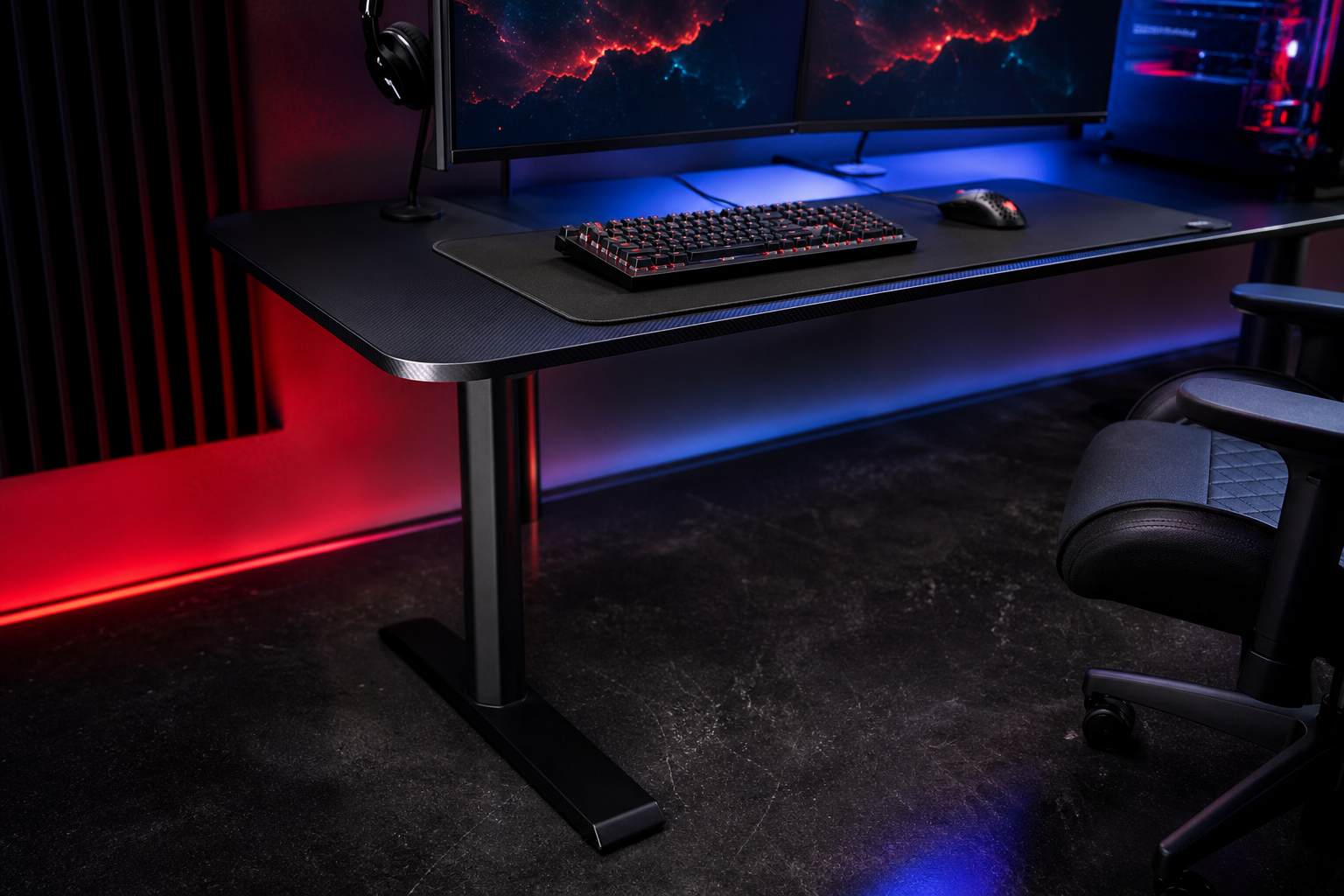
- +Full-surface microfiber desk mat — your entire desk is a mousepad
- +Compact 45-inch width fits in bedrooms and small offices
- +Washable desk mat is removable and machine-washable
- +Sturdy steel frame with adjustable feet for uneven floors
- -155 lb weight limit restricts heavy multi-monitor setups
- -Shallow depth limits desk space for larger monitors
- -Microfiber mat requires regular washing to stay clean
The Arena Leggero is perfect for tight spaces. The full-surface mousepad is a unique feature that eliminates the need for a separate desk mat, and the compact dimensions fit where larger desks cannot. Smart design for small setups.
Uplift V2 Standing Desk
Clean-desk enthusiasts who want a fully customizable standing desk with comprehensive cable management.
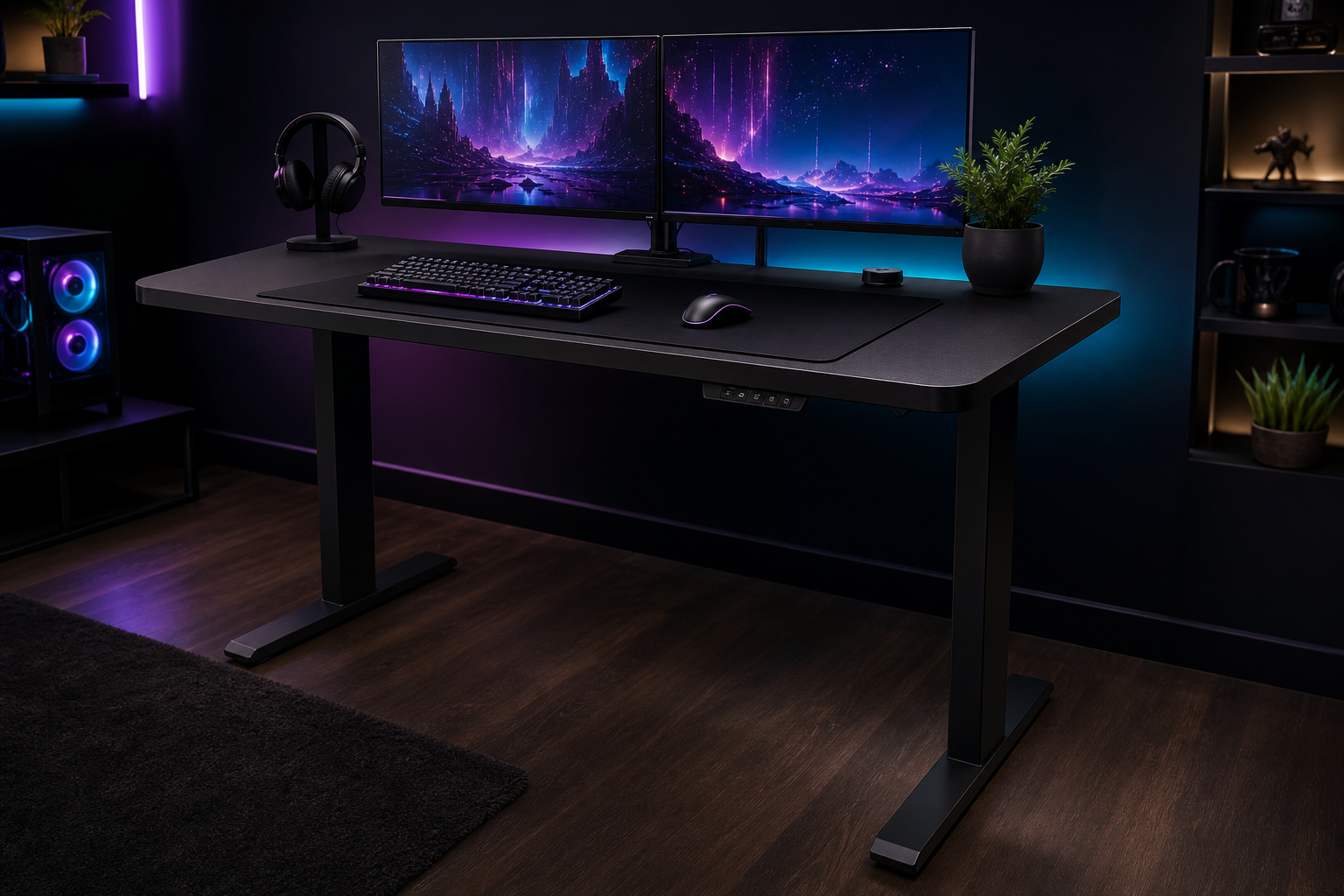
- +Included wire management kit covers routing, clips, and trays
- +Highly configurable — choose desktop size, material, and color
- +355 lb capacity with commercial-grade dual motors
- +Advanced keypad with 4 presets and anti-collision
- -Gets expensive quickly with add-ons and premium desktop options
- -Lead times can be long for custom configurations
- -Frame cross-bar can interfere with some keyboard trays
The Uplift V2 is the most configurable desk on this list. The included cable management kit, wide range of desktop materials, and 355 lb capacity make it the top choice for anyone who wants to design their perfect desk from scratch.
Cougar Mars Pro 150
RGB enthusiasts who want a desk that matches their illuminated setup with built-in lighting.
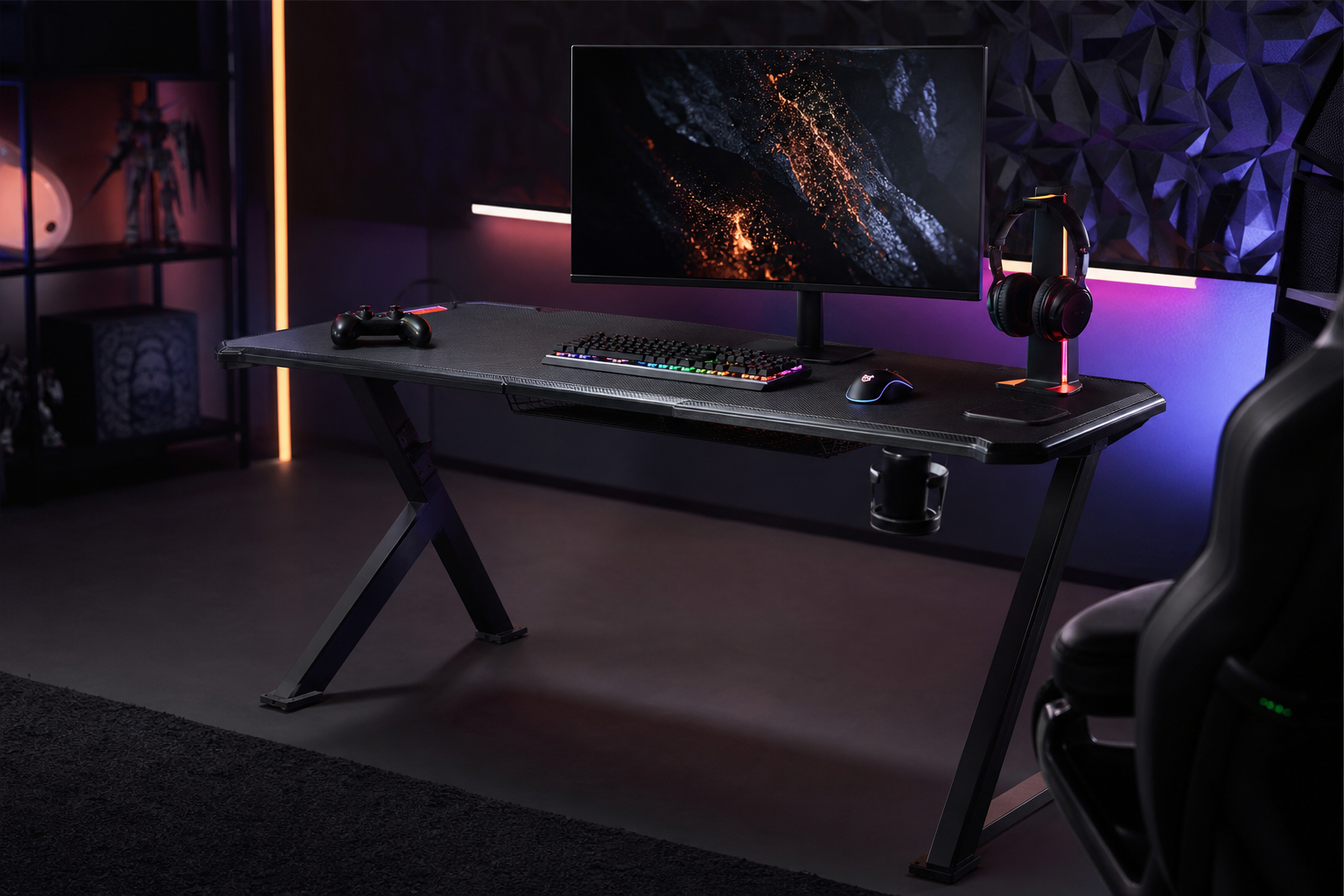
- +Dual-sided RGB light strips with multiple color modes and effects
- +Manual height adjustment lets you fine-tune without a motor
- +Dual-wing design with a docking station for peripherals
- +Solid 60-inch surface with 29-inch depth
- -RGB adds cost and potential failure points
- -Manual crank height adjustment is slower than motorized
- -220 lb weight limit is modest for the desk size
The Mars Pro 150 is the best desk for RGB enthusiasts. The dual-sided lighting strips create an ambient glow that matches your keyboard and mousepad lighting. The manual height adjustment is a nice bonus at this price point.
FlexiSpot E7 (Standard)
Value-focused buyers who want a proven motorized sit-stand frame without paying for premium extras.
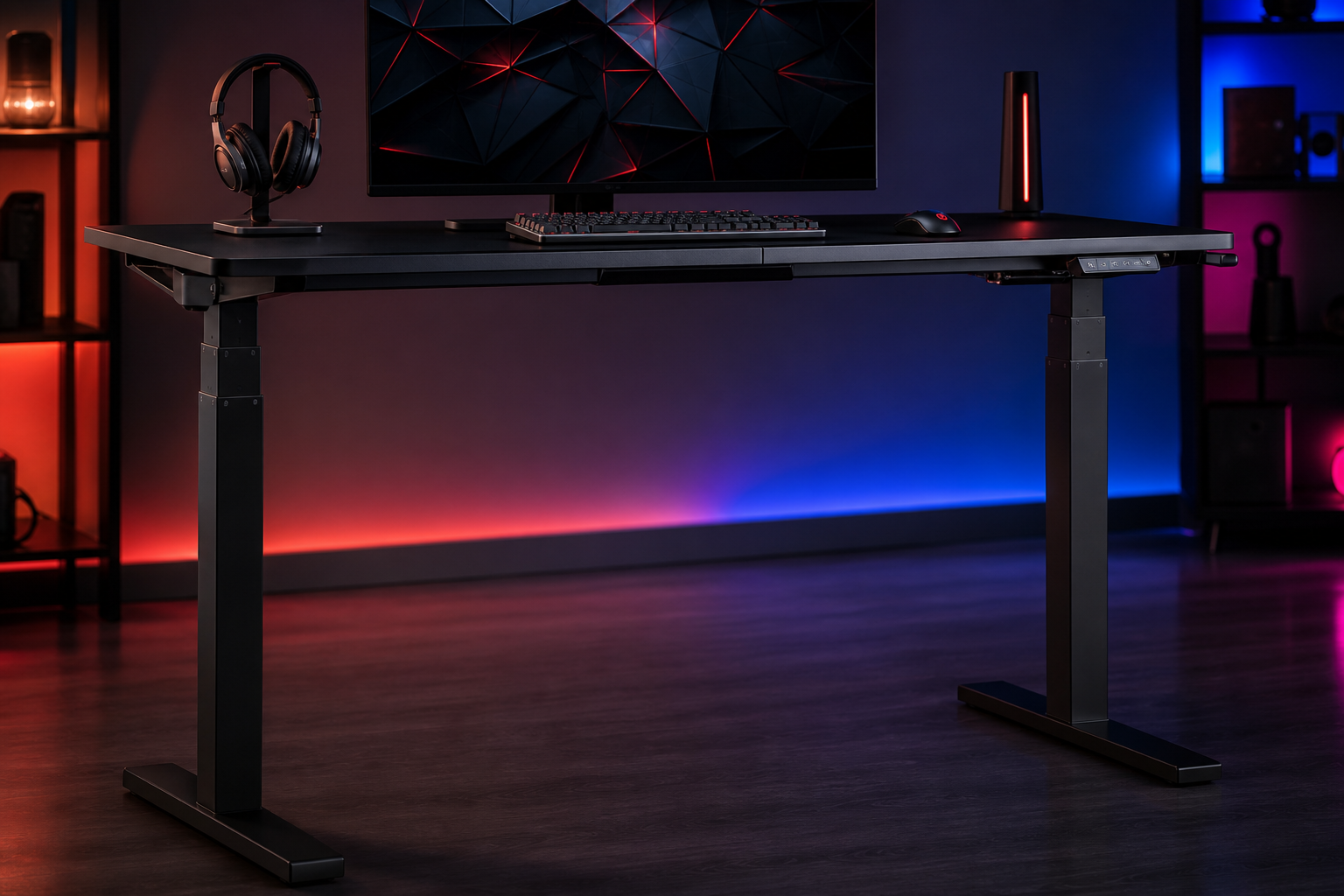
- +Dual-motor system with 310 lb capacity at a competitive price
- +Whisper-quiet operation under 50 dB — will not interrupt streams
- +4 programmable height presets for quick transitions
- +Wide height range fits users from 4'10" to 6'7"
- -Desktop options are basic — particleboard or bamboo
- -Cable management tray is sold separately
- -Slightly less stable at maximum height than the E7 Pro
The standard E7 is the entry point for quality sit-stand gaming. It shares the same dual-motor system as the Pro but at a lower price with simpler desktop options. If you want to start standing, this is where you start.
Bestier 55-Inch L-Shaped Desk
Budget gamers who want L-shaped space with integrated storage for under $130.
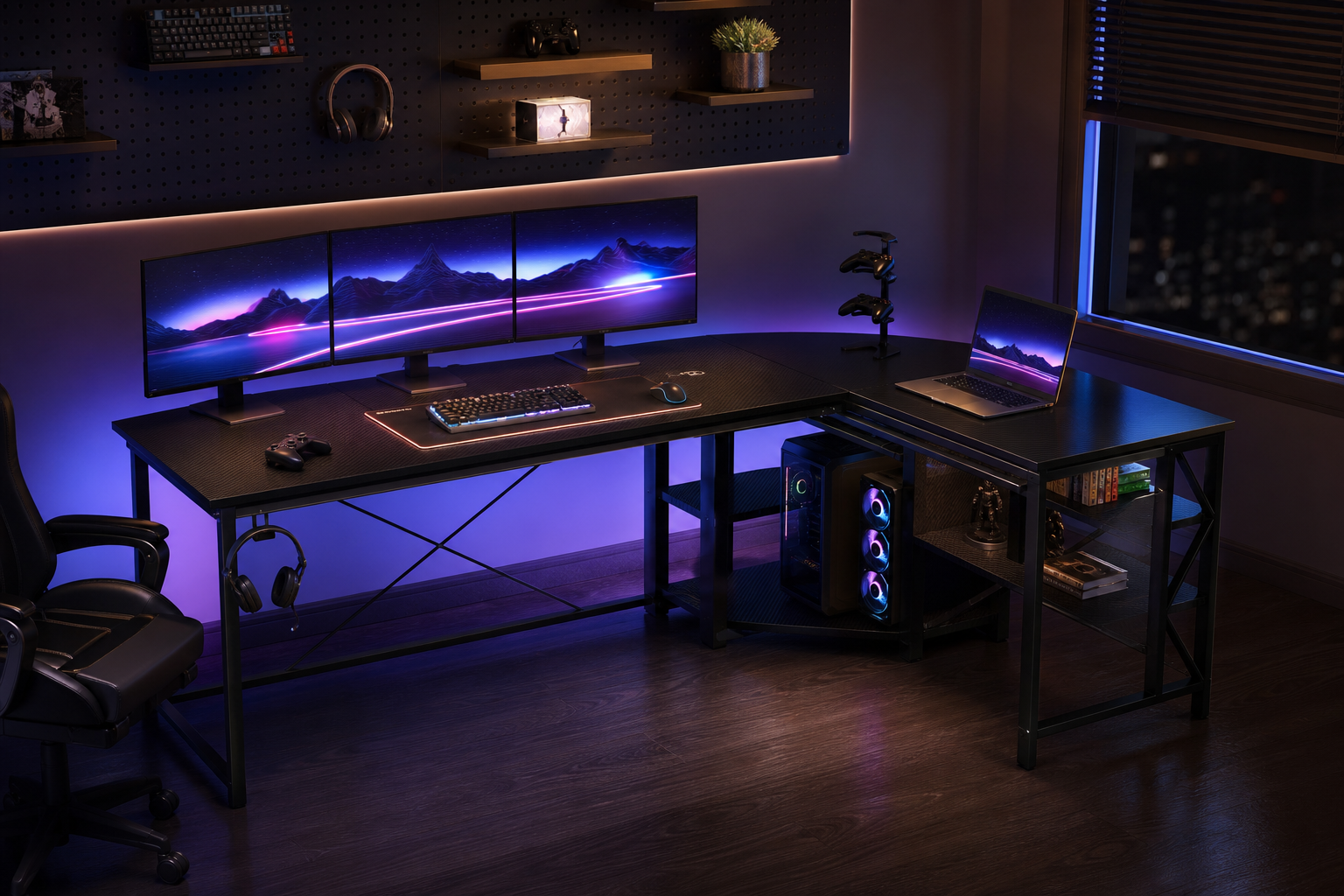
- +L-shape with built-in shelves at a fraction of motorized desk prices
- +Monitor riser shelf elevates screens to ergonomic height
- +LED light strip included for ambient desk lighting
- +Reversible L-shape fits left or right corner configurations
- -Fixed height with no sit-stand capability
- -200 lb capacity limits heavy multi-monitor setups
- -MDF surface is prone to scratches without a desk mat
The Bestier L-desk delivers remarkable value. You get an L-shaped layout, built-in shelving, a monitor riser, and LED lighting for what most companies charge for a basic straight desk. The best value gaming desk on the market.
How to pick the right gaming desks
Measure Your Space First
Measure your available floor space, door widths for delivery, and the distance from the wall to your chair. A 60-inch desk sounds great until you realize your room only fits 48 inches. Measure twice, order once.
Standing Desks Are Worth the Premium
Motorized sit-stand desks let you alternate between sitting and standing throughout the day. This reduces back pain, improves circulation, and keeps you more alert during long sessions. Budget $300-500 for a reliable electric frame.
Weight Capacity for Multi-Monitor Setups
A dual-monitor setup with a PC, microphone, and accessories easily weighs 80-100 lbs. Triple monitors push that higher. Check the desk's rated weight capacity and ensure it can handle your gear with margin to spare.
Cable Management Makes or Breaks a Setup
Built-in cable trays, grommets, and routing channels save hours of frustration. Desks without cable management force you to buy aftermarket solutions. Prioritize desks with integrated cable management.
L-Shaped vs. Straight
L-shaped desks give you a dedicated streaming zone and a main gaming area. Straight desks are simpler and fit more rooms. Choose based on your monitor count and whether you need separate workspace zones.