Best Gaming Mice in 2026
We compared gaming mice on sensor, weight, shape, polling rate, and published reviews to find the ten worth buying. From ultralight FPS weapons to ergonomic all-day workhorses, these are the mice that actually deliver.
Updated May 2026. Prices are approximate. BetterFPS earns a commission on qualifying Amazon purchases at no extra cost to you.
| Award | Name | Sensor | Weight | Polling | Connection | Buttons | Price |
|---|---|---|---|---|---|---|---|
| Best Overall | Razer Viper V3 Pro | Focus Pro 36K Gen-2 | 54 g | 4,000 Hz | 2.4 GHz / USB-C | 6 | $160 |
| Best for FPS | Logitech G Pro X Superlight 2 | HERO 2 | 60 g | 4,000 Hz (with adapter) | LIGHTSPEED 2.4 GHz / USB-C | 5 | $160 |
| Best Wireless | Razer DeathAdder V3 Pro | Focus Pro 30K | 63 g | 4,000 Hz (with dongle) | 2.4 GHz / USB-C | 5 | $90–$130 |
| Best Budget | Logitech G305 LIGHTSPEED | HERO 12K | 99 g (with AA battery) | 1,000 Hz | LIGHTSPEED 2.4 GHz | 6 | $40 |
| Best Lightweight | Finalmouse UltralightX | Finalsensor | 42 g | 8,000 Hz | 2.4 GHz wireless | 5 | $190 |
| Best Ergonomic | Logitech G502 X Plus | HERO 25K | 106 g | 1,000 Hz | LIGHTSPEED 2.4 GHz / USB-C | 13 | $130–$160 |
| Best for Large Hands | Razer Basilisk V3 Pro | Focus Pro 26K | 112 g | 4,000 Hz (with dongle) | 2.4 GHz / Bluetooth / USB-C | 11 | $130–$160 |
| Best for Small Hands | Razer Viper V3 HyperSpeed | Focus Pro 35K | 55 g | 1,000 Hz | 2.4 GHz / Bluetooth / USB-C | 6 | $100 |
| Best for MMO | Razer Naga V2 Pro | Focus Pro 30K | 117 g | 1,000 Hz | 2.4 GHz / Bluetooth / USB-C | Up to 19 (with 12-button panel) | $150–$180 |
| Best Value | Pulsar X2H Medium | PAW3395 | 57 g | 4,000 Hz (with dongle) | 2.4 GHz / USB-C | 5 | $80–$90 |
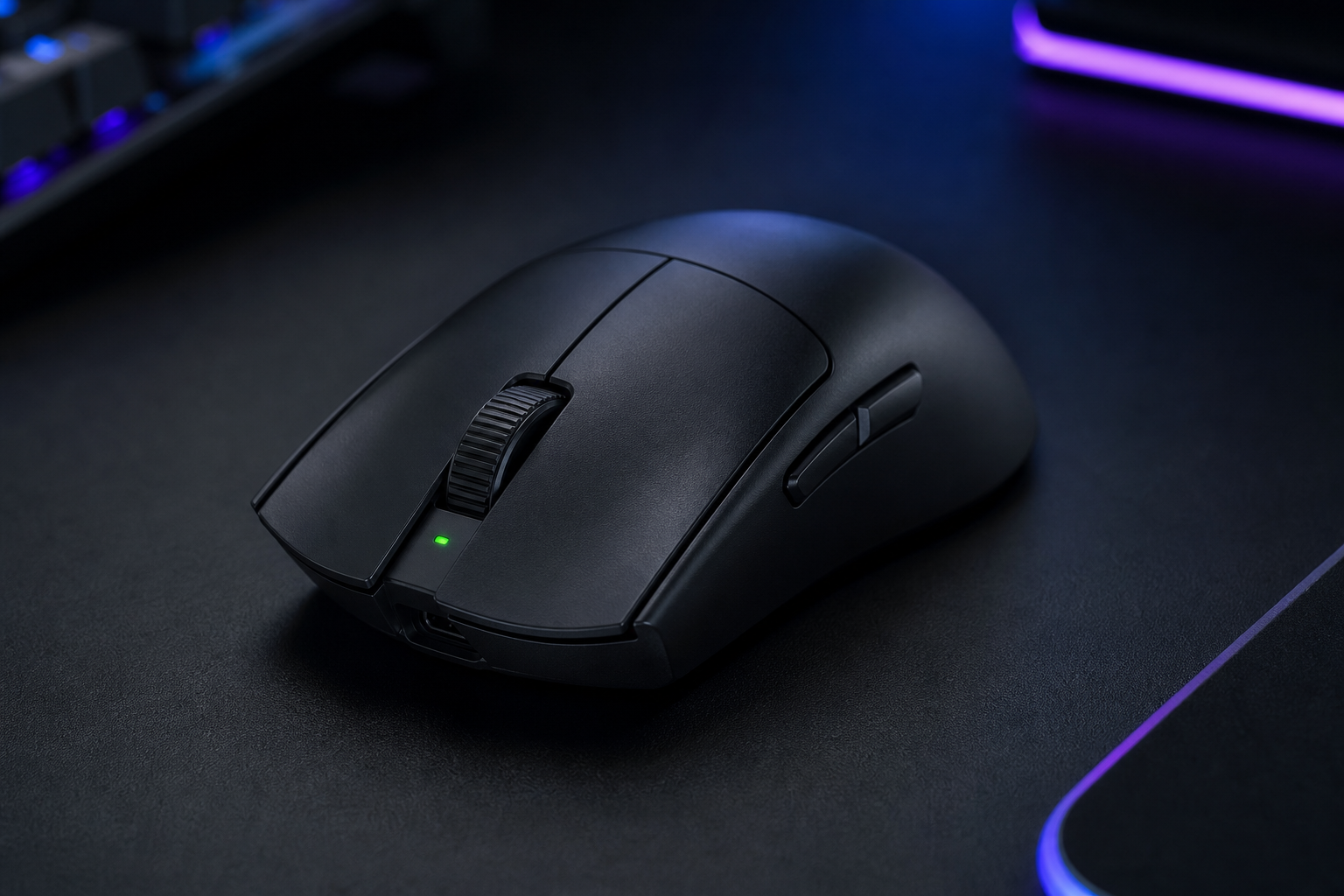
Razer Viper V3 Pro
The do-everything wireless mouse for competitive and casual players alike.
- +54 g with flawless wireless — class-leading weight
- +4 kHz HyperSpeed polling out of the box
- +Ambidextrous shape suits claw and fingertip grips
- +Practically perfect build quality with zero flex
- -Premium price tag
- -Symmetrical shape may not suit palm-grip players
- -Side buttons are slightly recessed
The Viper V3 Pro is the mouse that reviewers keep coming back to. At 54 g with 4 kHz polling and a sensor that never skips, it delivers on every measurable metric. If you can only buy one mouse, this is the safest bet in 2026.
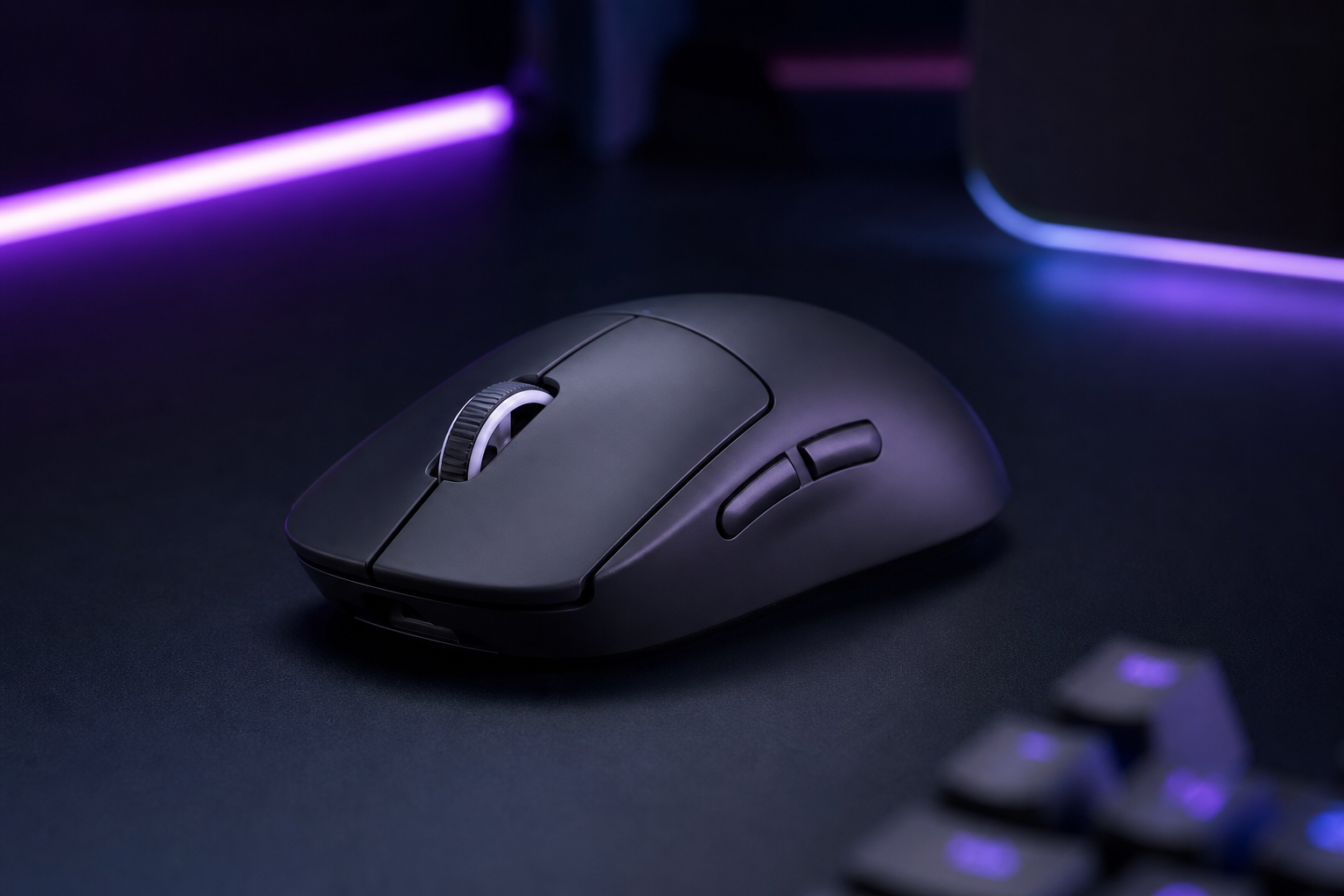
Logitech G Pro X Superlight 2
FPS purists who want a proven shape with zero-compromise tracking.
- +The most popular shape in pro FPS — proven ergonomics
- +HERO 2 sensor with zero smoothing or acceleration
- +LIGHTSPEED wireless is rock-solid reliable
- +PTFE feet glide perfectly on cloth and glass pads
- -4 kHz polling requires separate POWERPLAY adapter
- -No Bluetooth for multi-device use
- -Only 5 buttons — minimal for non-FPS games
The Superlight 2 is the safe pick for serious FPS players. Logitech's HERO 2 sensor is flawless, the shape has been refined over generations, and the wireless is indistinguishable from wired. It won't surprise you — it'll just work, every time.
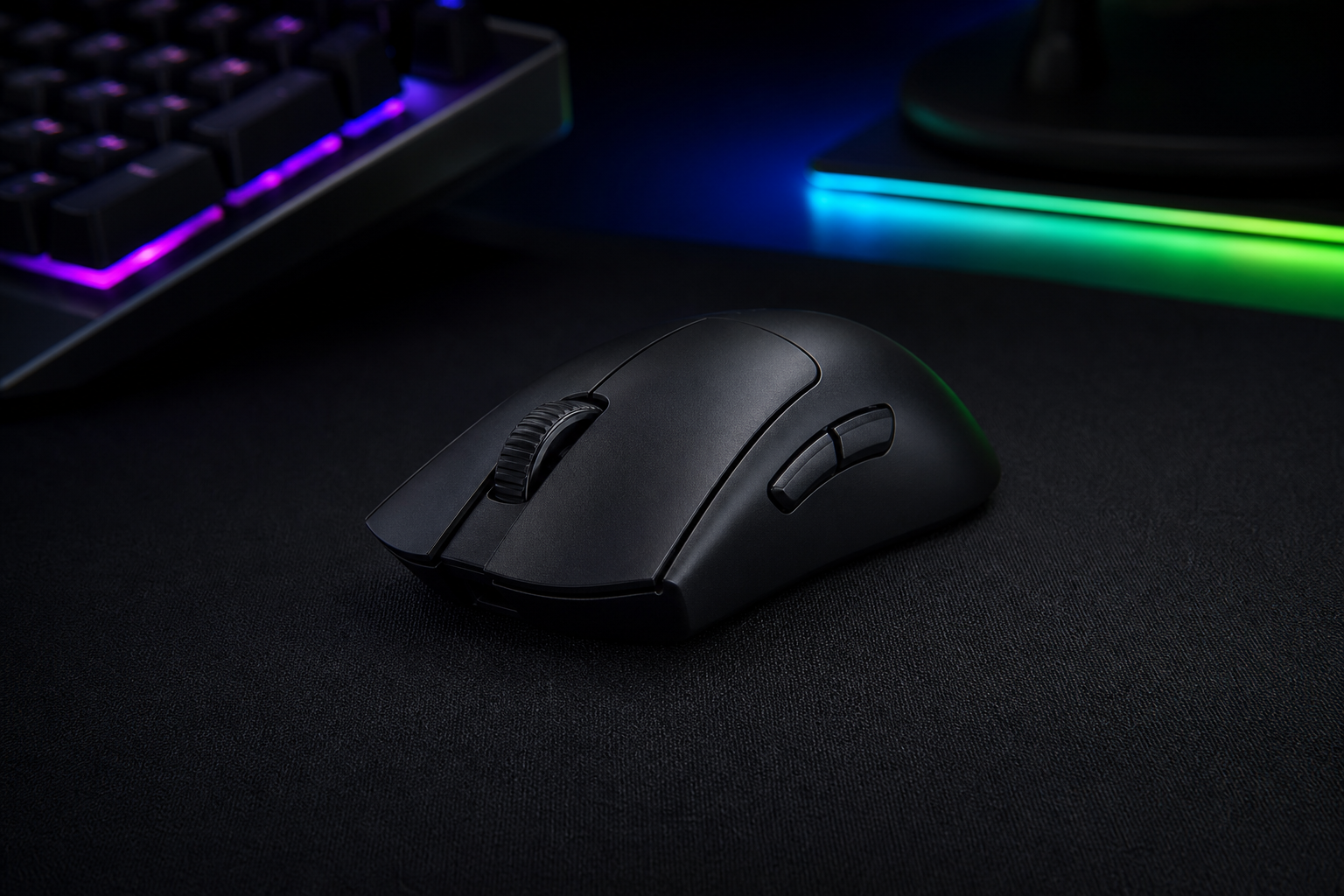
Razer DeathAdder V3 Pro
Wireless fans who want an ergonomic right-hand shape with marathon battery life.
- +Iconic ergonomic shape, refined over a decade
- +90-hour battery with HyperSpeed wireless
- +63 g is impressively light for an ergo mouse
- +Optical switches with zero double-click issues
- -Right-hand only — no left-hand option
- -No Bluetooth connectivity
- -Side grips can wear over time
The DeathAdder shape has been a best-seller for over a decade, and the V3 Pro is the best version yet. Lighter, faster, and wireless without compromise. If you palm-grip and want a right-hand ergonomic shape, look no further.
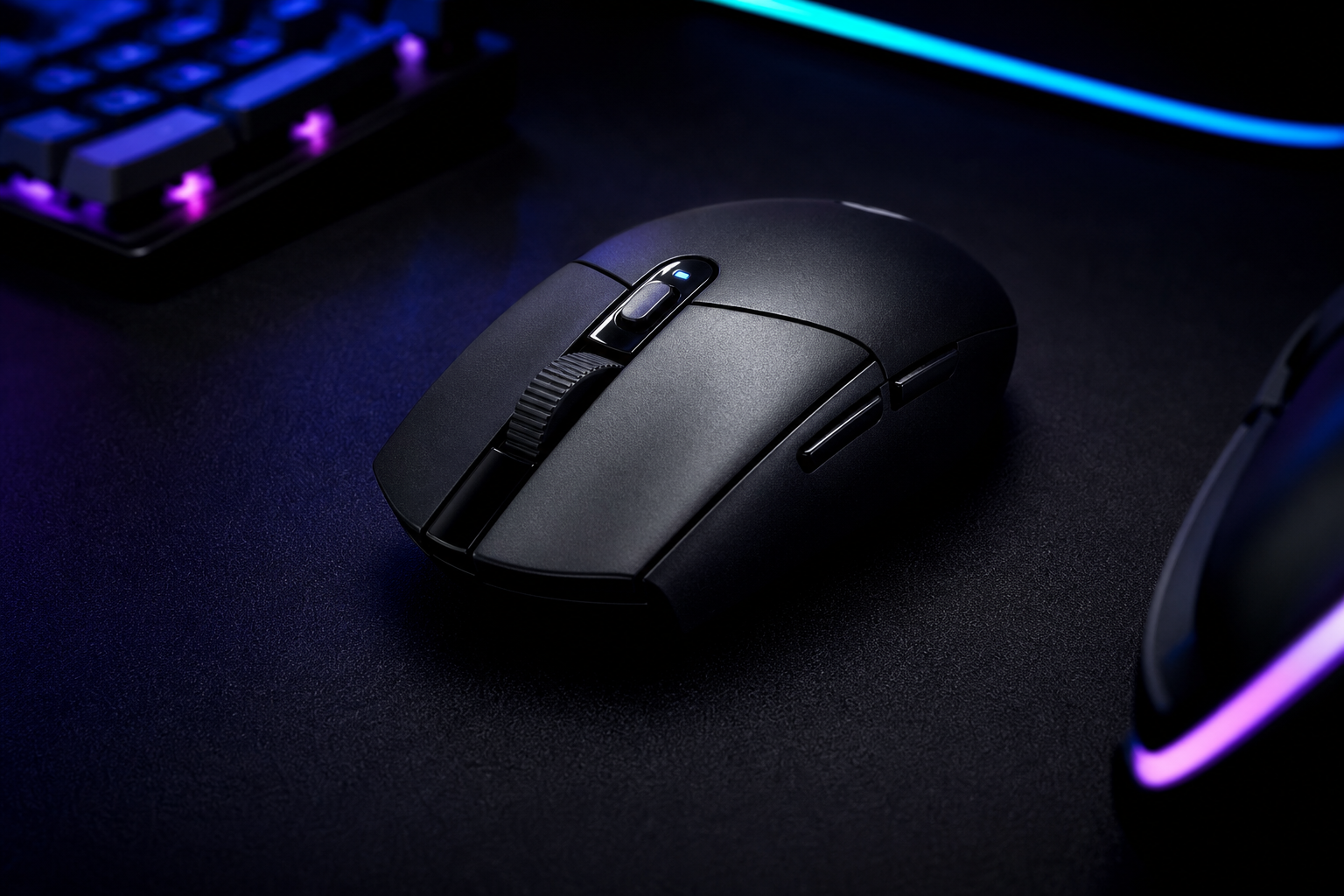
Logitech G305 LIGHTSPEED
Budget gamers who want real wireless performance without the premium price.
- +LIGHTSPEED wireless at $40 is unbeatable value
- +250-hour battery life on a single AA
- +HERO sensor tracks flawlessly at any DPI
- +Compact shape works for claw and fingertip grips
- -99 g with battery — heavy by 2026 standards
- -Dated design with no RGB or premium materials
- -1 kHz max polling rate
The G305 has been the budget king for years and it still holds up. You get genuine LIGHTSPEED wireless and a HERO sensor for $40. It's heavier than modern mice, but if you're budget-conscious, nothing else comes close to this value.
Finalmouse UltralightX
Players who want the absolute lightest wireless gaming mouse available.
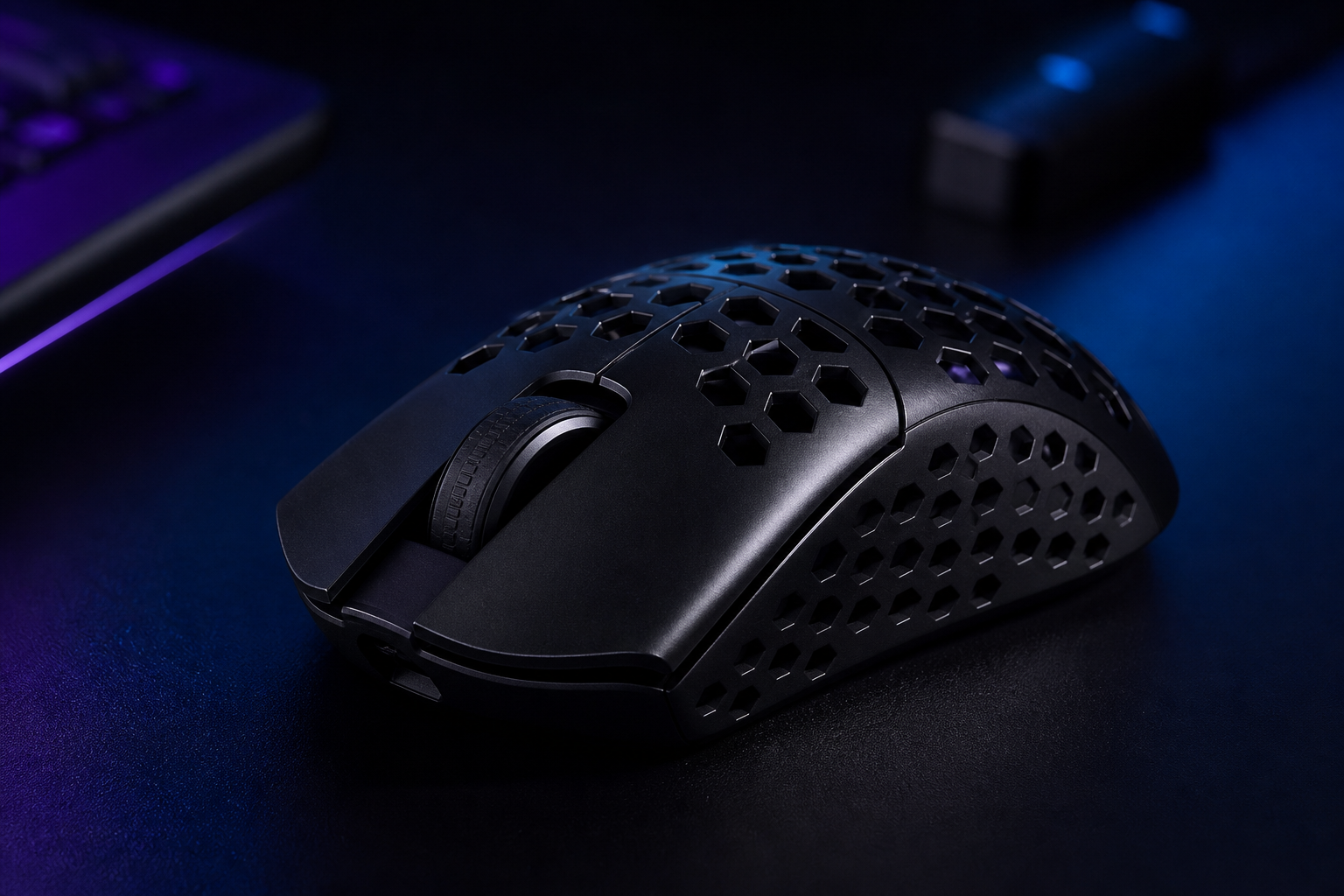
- +42 g wireless — the lightest on the market
- +8 kHz polling rate out of the box
- +100+ hour battery at full polling rate
- +No holes in the shell — clean design
- -Limited drop-based availability
- -No software for on-the-fly DPI changes
- -Polarizing shape that doesn't suit all grips
At 42 g with 8 kHz polling and no holes, the UltralightX is an engineering flex. If ultralight is your priority, nothing else competes. Just be sure the shape works for you, because Finalmouse doesn't do easy returns.
Logitech G502 X Plus
Ergonomic mouse lovers who want maximum buttons and features in a comfortable shell.
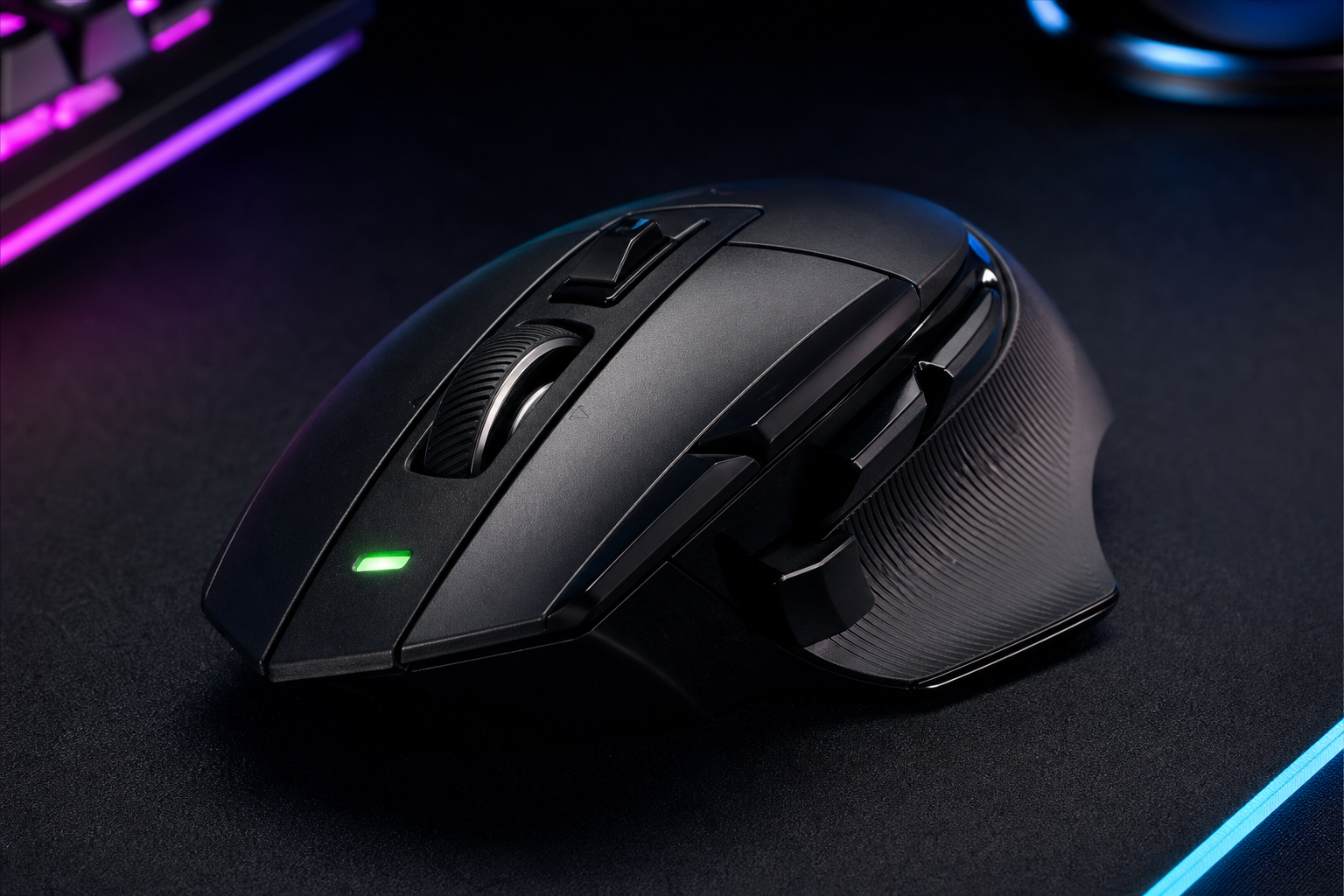
- +Legendary G502 shape with deep thumb rest
- +13 programmable buttons including dual scroll
- +130-hour wireless battery life
- +Optical-mechanical hybrid switches
- -106 g is heavy for competitive FPS
- -1 kHz polling — no higher option
- -Right-hand only design
The G502 X Plus is the Swiss Army knife of mice. The ergonomic shape fits like a glove for medium-to-large hands, and the button count handles any game or productivity workflow. It's too heavy for twitchy FPS, but for everything else, it's superb.
Razer Basilisk V3 Pro
Large-handed gamers who need a wide, tall body with a comfortable palm-grip shape.
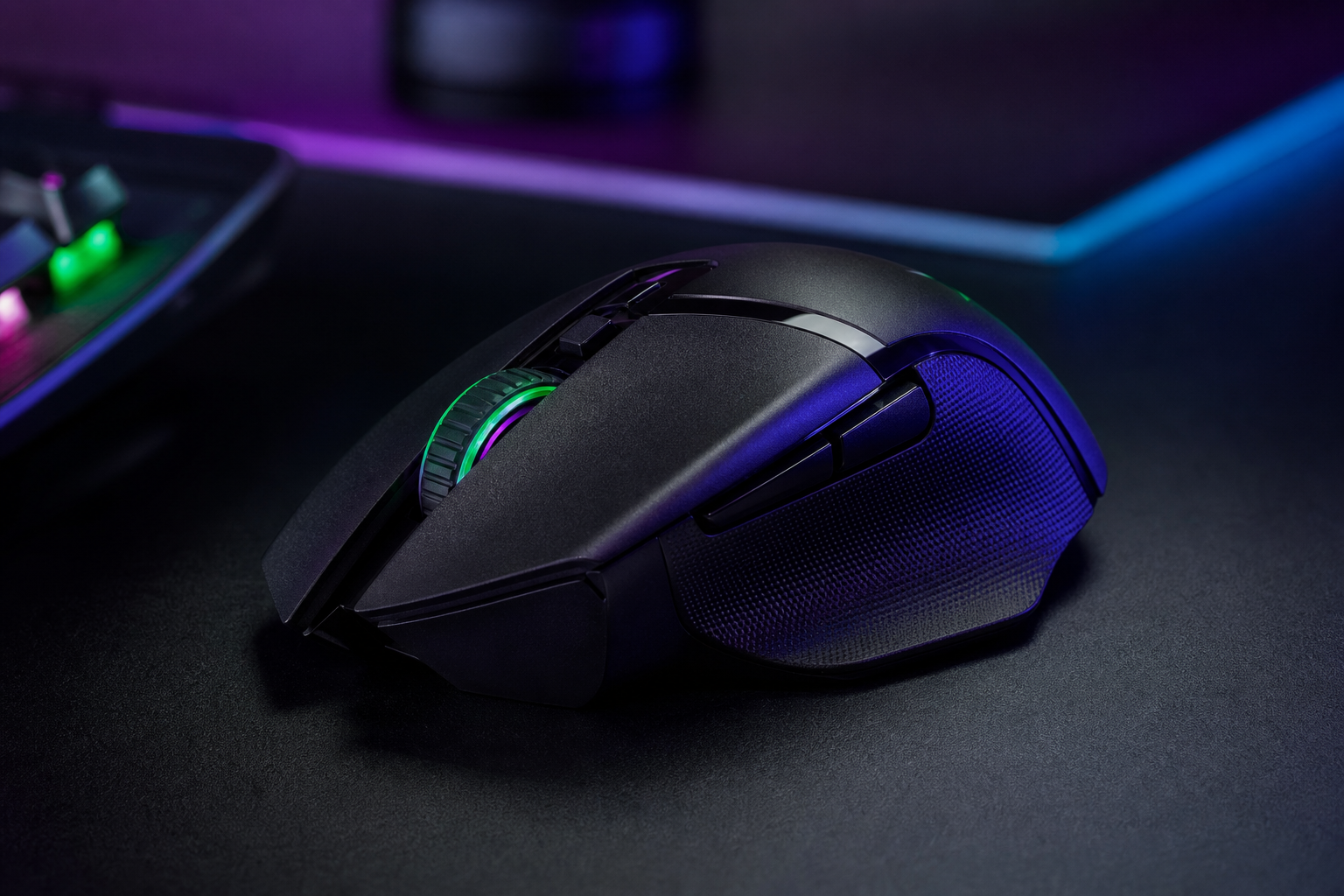
- +130 mm long and 75 mm wide — built for big hands
- +Deep thumb rest and contoured right side
- +HyperScroll tilt wheel with tactile/free-spin modes
- +Tri-mode connectivity with Bluetooth option
- -112 g is heavy for fast-paced games
- -Right-hand only
- -Premium price for a heavy mouse
If your hands are 20 cm+ and other mice feel like toys, the Basilisk V3 Pro was made for you. The wide body, deep thumb rest, and tall hump fill your palm completely. The HyperScroll wheel is a genuinely useful bonus for productivity and browsing.
Razer Viper V3 HyperSpeed
Small-handed gamers and fingertip-grip players who need a compact, lightweight shape.
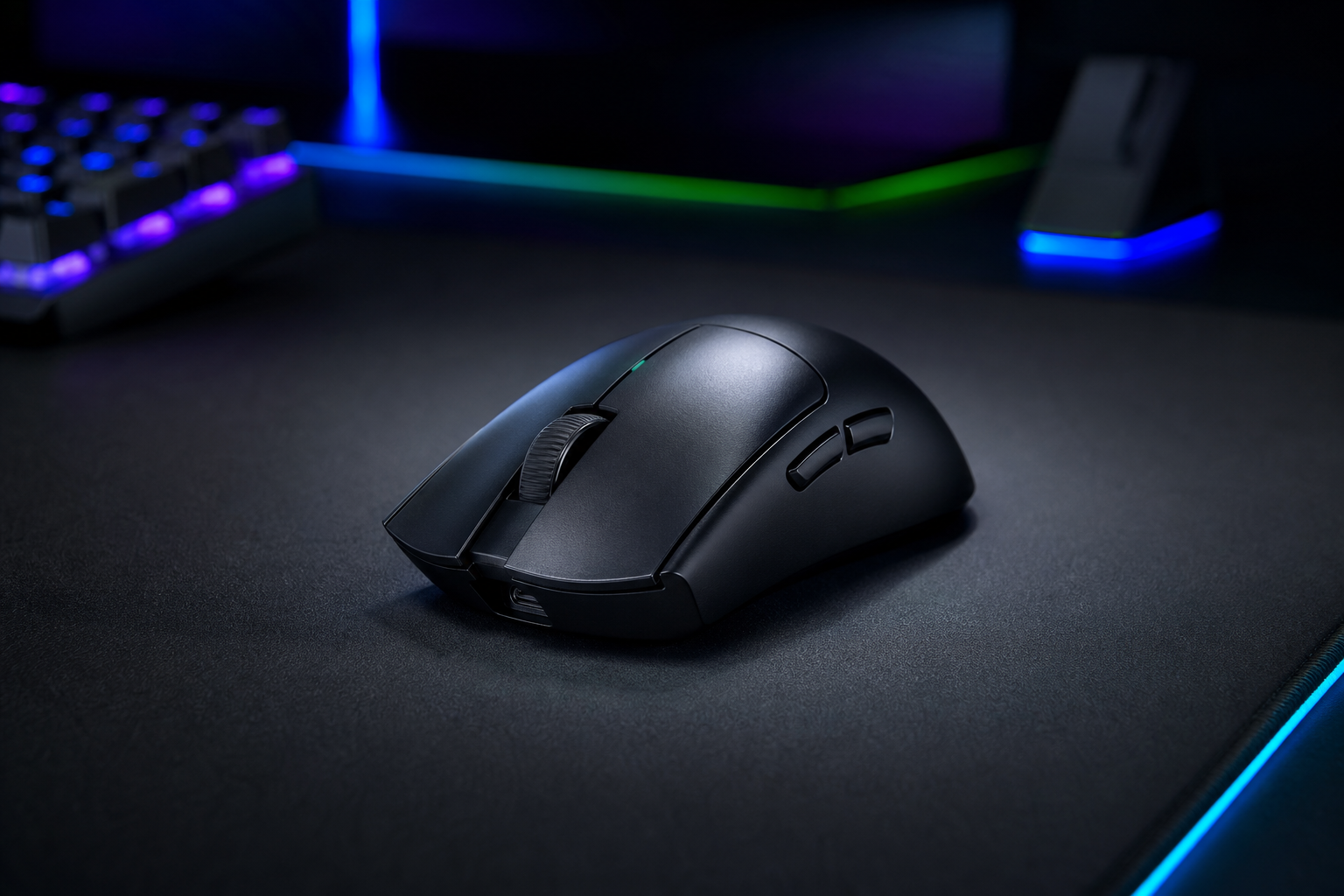
- +Compact symmetrical shape fits small hands perfectly
- +55 g wireless with Bluetooth option
- +Focus Pro 35K sensor with Smart Tracking
- +More affordable than the V3 Pro
- -1 kHz polling — no 4 kHz option
- -Lower-profile shape may not suit palm grip
- -Fewer features than the V3 Pro
The Viper V3 HyperSpeed is the compact alternative to the Pro. Same great sensor, similar weight, and a smaller shell that suits hands under 18 cm. The Bluetooth option is a nice bonus for laptop gamers, and the $100 price is very competitive.
Razer Naga V2 Pro
MMO and MOBA players who need a grid of thumb buttons for ability binds.
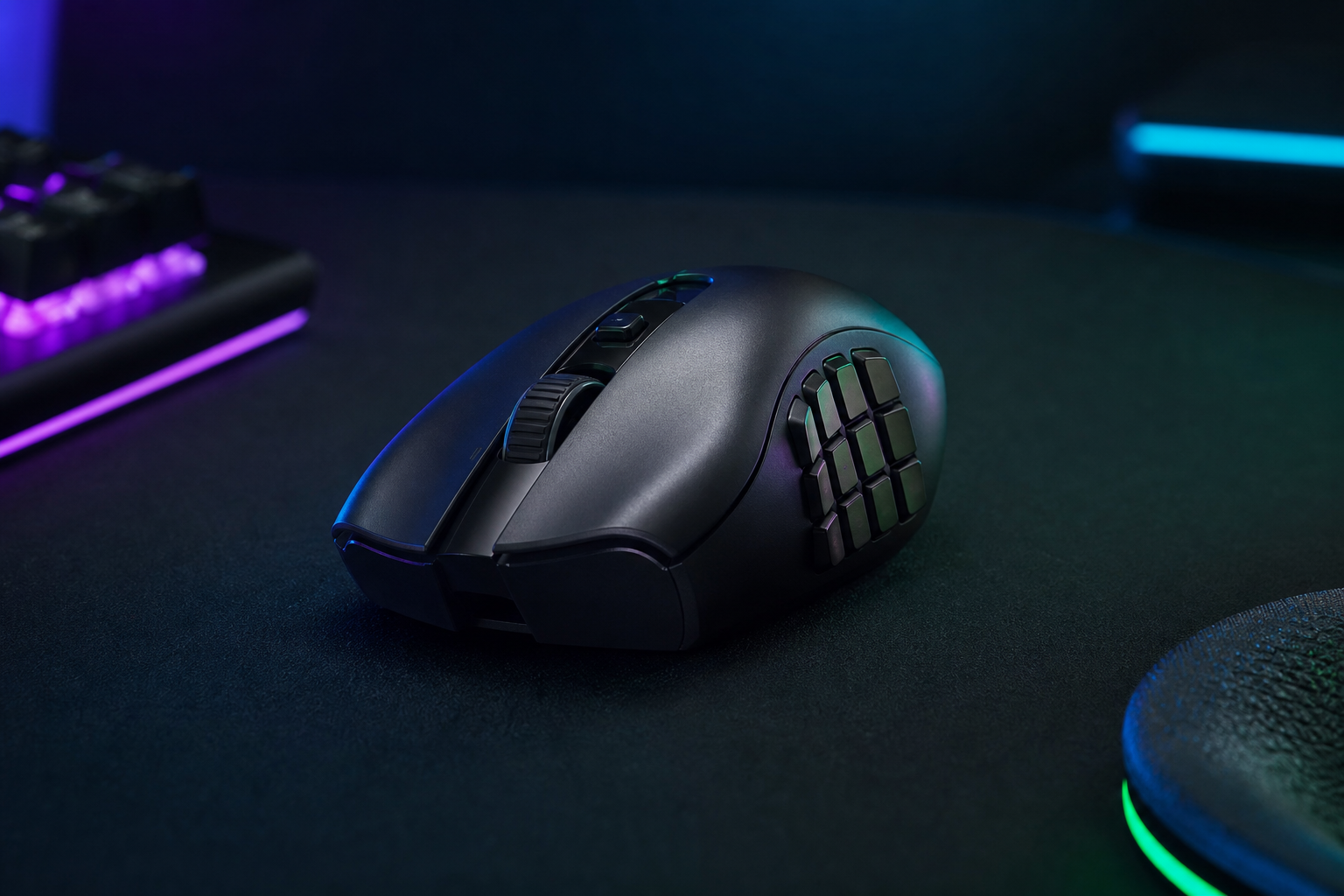
- +Three interchangeable side panels (2, 6, or 12 buttons)
- +Up to 19 programmable buttons total
- +Wireless with 150-hour Bluetooth battery
- +Focus Pro sensor with glass-compatible tracking
- -117 g — too heavy for competitive FPS
- -12-button grid takes time to learn
- -Side panels can wobble slightly on some units
If you play MMOs, MOBAs, or any game with more abilities than you have keyboard fingers, the Naga V2 Pro is the only real choice. The swappable side panels let you adapt to different games, and the wireless implementation is solid for the weight class.
Pulsar X2H Medium
Value seekers who want a lightweight wireless mouse with a comfortable hump-back shape.
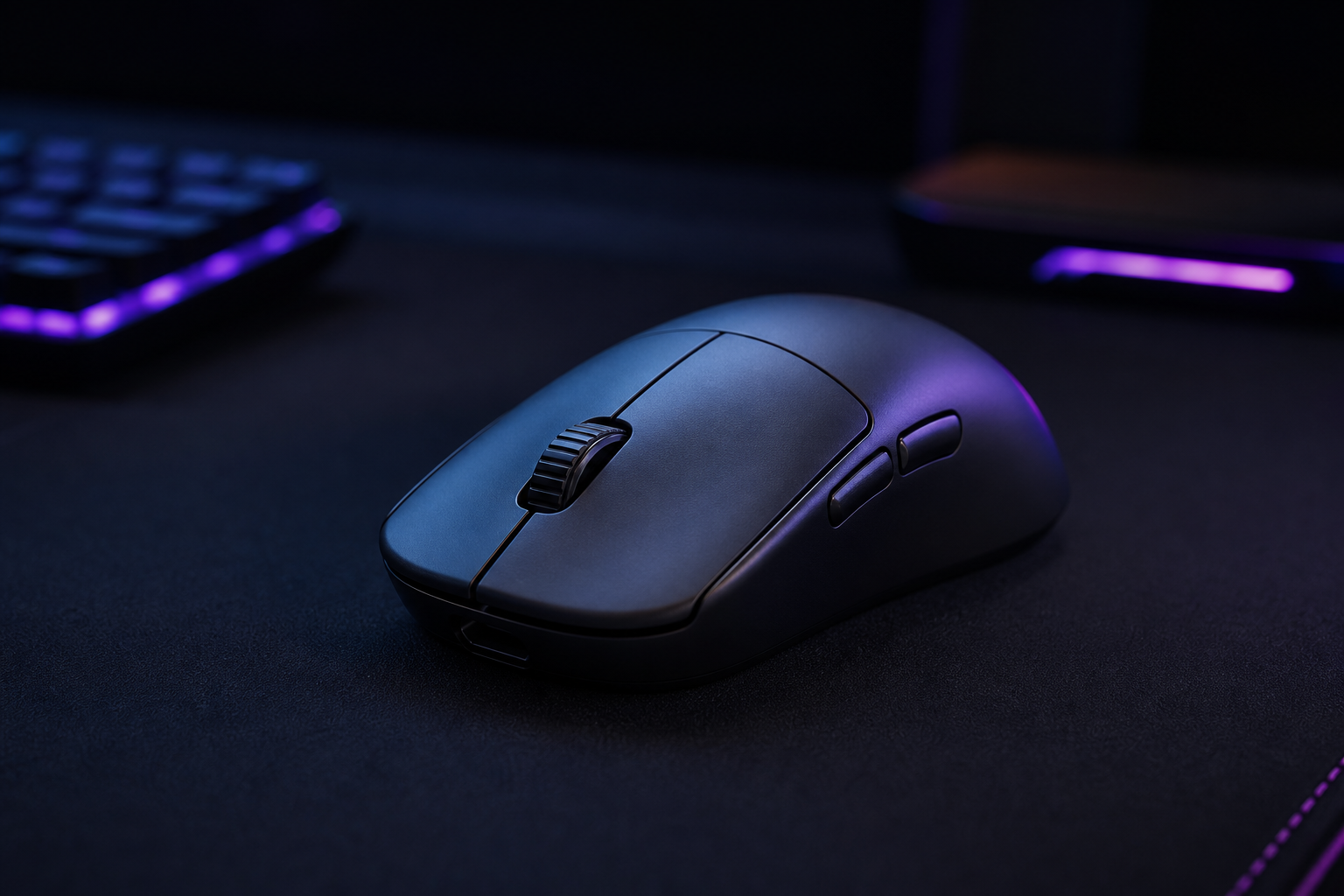
- +57 g wireless with 4 kHz polling for under $90
- +Comfortable raised hump suits claw and palm grips
- +PAW3395 sensor is flawless in practice
- +Available in multiple sizes for hand fit
- -No Bluetooth for multi-device use
- -Clicks can feel slightly pre-travel on some units
- -Less brand recognition than Razer or Logitech
The X2H Medium punches well above its weight (literally). You get a 57 g wireless mouse with a top-tier sensor and 4 kHz polling for about half the price of a Viper V3 Pro. The shape is comfortable for most grip styles, making it an easy recommendation for budget-conscious gamers.
How to pick the right gaming mice
Weight Is Personal
Sub-60 g mice reduce fatigue during long sessions and allow faster flicks, but some players aim better with a heavier mouse that resists micro-adjustments. Try both before committing.
Sensor Doesn't Matter (Much)
Every flagship sensor in 2026 tracks flawlessly. The difference between a Focus Pro 35K and a HERO 2 is in the spec sheet, not in your gameplay. Don't overpay for sensor alone.
Shape Beats Specs
A perfectly specced mouse that doesn't fit your hand is worse than a budget mouse that does. Know your grip style (palm, claw, fingertip) and hand size before shopping.
Polling Rate: 1 kHz vs 4 kHz vs 8 kHz
Higher polling rates reduce perceived input lag, but the benefit shrinks above 4 kHz for most players. At 360 Hz+, 4 kHz polling is noticeable; 8 kHz is for the truly obsessed.
Wireless Has Won
2.4 GHz wireless from Logitech, Razer, and others now matches wired latency. Battery anxiety is over — most last 70+ hours. The only reason to go wired is saving $20.