Best Gaming Monitors 2026
Your GPU generates the frames. Your monitor is what you actually see. A $500 GPU paired with a $150 60Hz panel is leaving half your performance on the table. These are the 10 monitors worth buying right now — from $130 budget IPS to $1,100 4K QD-OLED.
Updated May 2026. Prices are approximate. BetterFPS earns a commission on qualifying Amazon purchases at no extra cost to you.
| Award | Name | Panel | Res / Hz | Price | Price |
|---|---|---|---|---|---|
| Best Overall | ASUS ROG Swift OLED PG27UCDM | QD-OLED (4th gen) | 3840 x 2160 (4K) | — | $1,099 |
| Best for Competitive FPS | ASUS ROG Swift OLED PG27AQWP-W | WOLED (Tandem) | 2560 x 1440 (QHD) | — | $1,099 |
| Best OLED Value | Alienware AW2726DM | QD-OLED (Samsung) | 2560 x 1440 (QHD) | — | $350 |
| Best Ultrawide | MSI MPG 341CQR QD-OLED X36 | QD-OLED (5th gen, RGB Stripe) | 3440 x 1440 (UWQHD) | — | $899 |
| Best 4K | Alienware AW3225QF | QD-OLED | 3840 x 2160 (4K) | — | $700–$1,000 |
| Best Budget 1080p | LG UltraGear 24GS65F-B | IPS | 1920 x 1080 (Full HD) | — | $130 |
| Best Budget 1440p | ASUS TUF Gaming VG27AQ3A | Fast IPS | 2560 x 1440 (QHD) | — | $199 |
| Best 1440p Sweet Spot | ASUS ROG Swift PG27AQDP | WOLED | 2560 x 1440 (QHD) | — | $699 |
| Best Value HDR | AOC Q27G3XMN | VA (Mini-LED, 336 dimming zones) | 2560 x 1440 (QHD) | — | $270 |
| Best Ultrawide Premium | ASUS ROG Swift PG34WCDN | QD-OLED (5th gen, RGB Stripe) | 3440 x 1440 (UWQHD) | — | $950 |
ASUS ROG Swift OLED PG27UCDM
The no-compromise pick. 4K OLED at 240Hz with DisplayPort 2.1a.
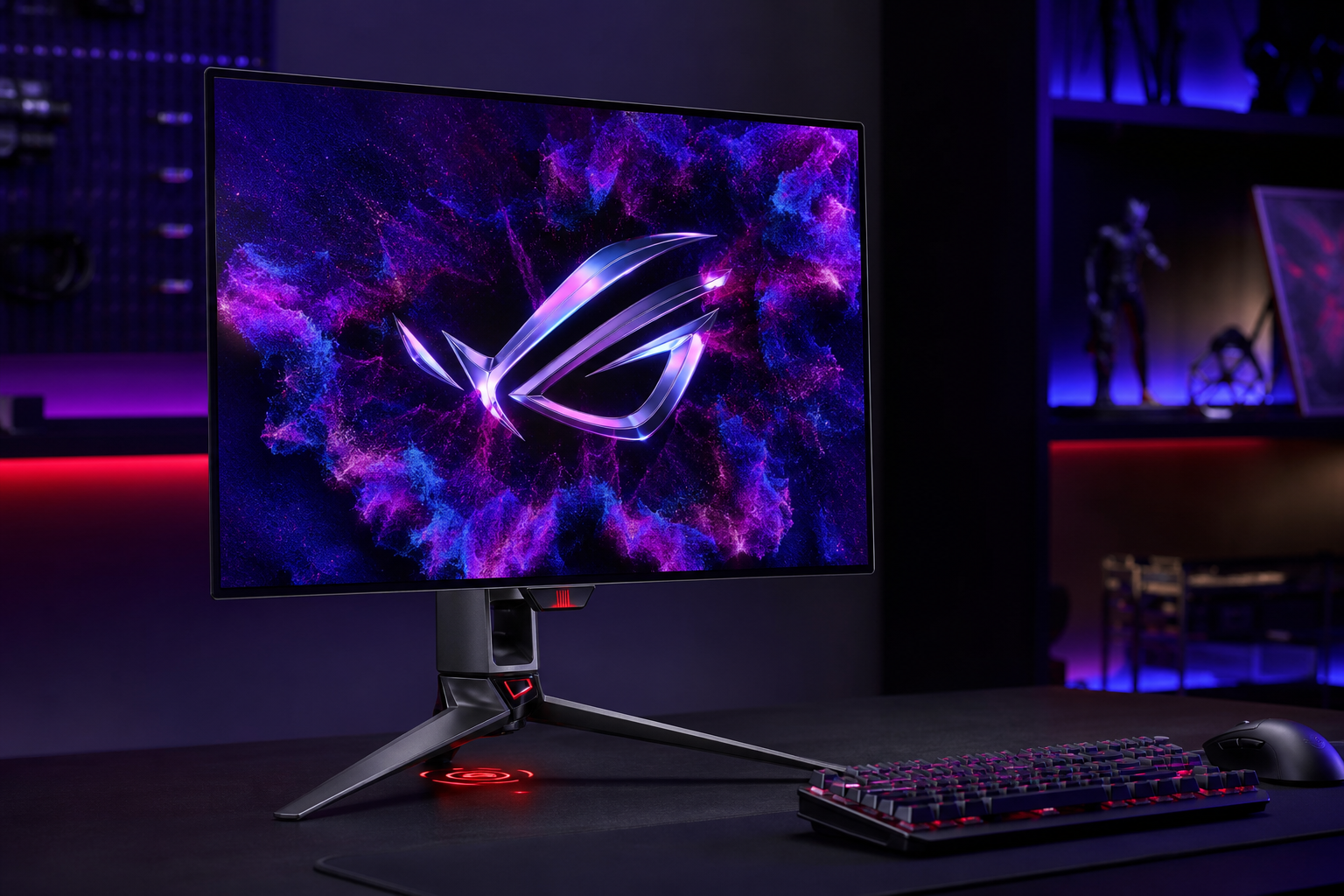
- +First 27" 4K QD-OLED — 166 PPI with perfect blacks
- +DP 2.1a (80Gbps) + USB-C 90W for single-cable laptop setups
- +Neo Proximity Sensor for automatic OLED burn-in protection
- -~$1,100 — demands both a big budget and a flagship GPU
- -4K at 240Hz needs an RTX 5080+ or RX 9070 XT+ to actually saturate
If you have the GPU to drive 4K and the budget for top-tier, this is the monitor to buy in 2026. Nothing else combines 4K, OLED, and 240Hz in a 27" package. Pair it with DLSS Quality and you'll hit 200+ FPS in most titles.
ASUS ROG Swift OLED PG27AQWP-W
Esports and ranked grinders who want every possible advantage.
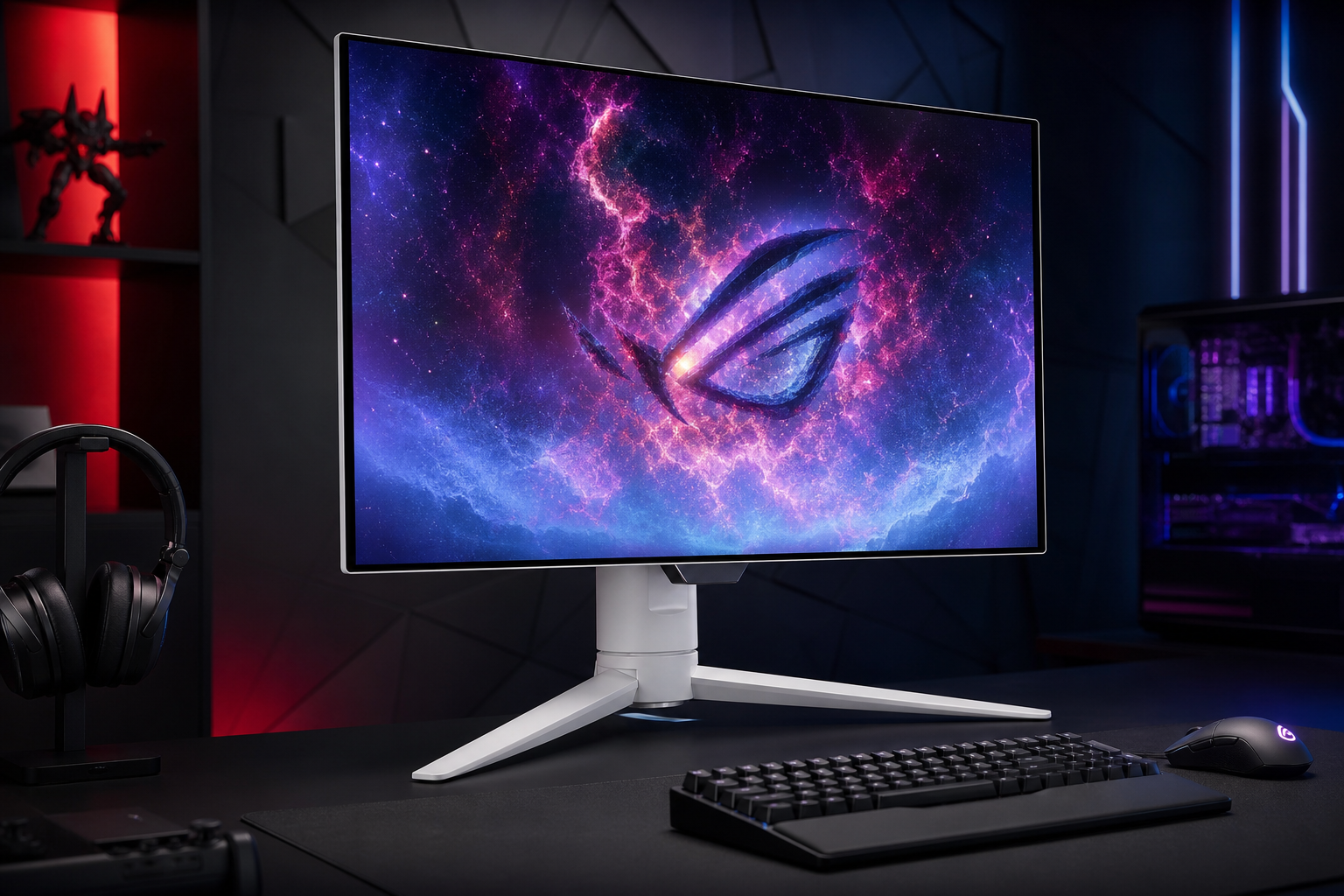
- +540Hz at 1440p — fastest OLED gaming panel available
- +Dual-mode: switch to 720Hz at 1080p for maximum competitive edge
- +TrueBlack Glossy coating for zero-haze clarity
- -$1,100 for a 1440p panel is a hard sell outside competitive play
- -Requires DP 2.1a GPU — only RTX 50-series and RX 9000-series support it
The diminishing returns between 360Hz and 540Hz are real — but if you play Valorant, CS2, or Apex competitively, those microseconds matter. The 720Hz 1080p mode is genuinely useful for tournament-resolution practice.
Alienware AW2726DM
Best entry point into OLED gaming. Absurd value.
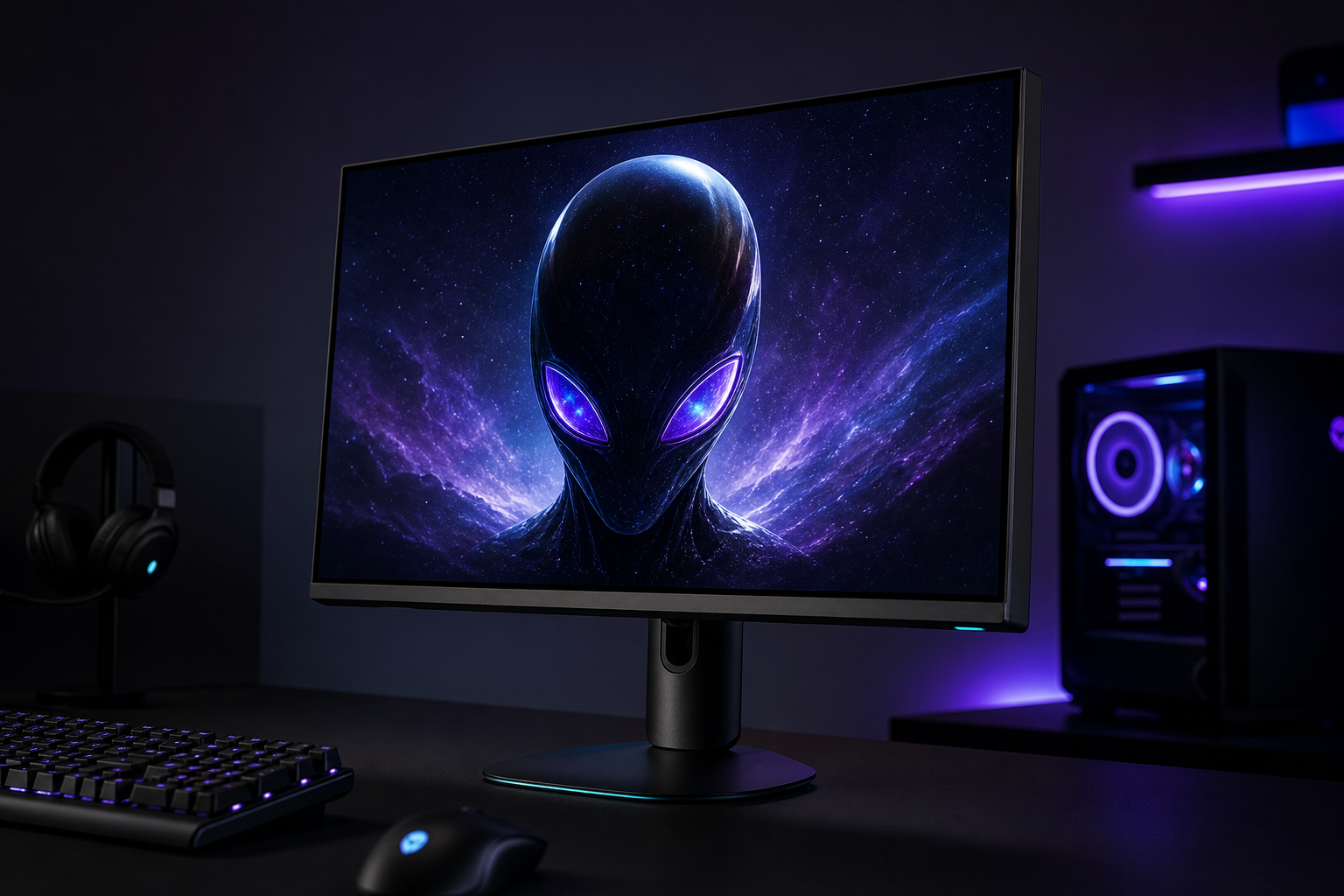
- +Same Samsung QD-OLED panel tech as $1,000+ monitors — at $350
- +240Hz + 0.03ms + infinite contrast — the OLED experience for real
- +Perfect for RTX 4070 / RX 7800 XT class builds hitting 200+ FPS at 1440p
- -Stripped-down build: basic stand, no USB hub, no RGB lighting
- -~200 nit typical brightness — HDR impact is minimal, best in dim rooms
This monitor broke the OLED price floor. At $350, there is no reason to buy a high-end IPS anymore. If you game in a moderately lit room and don't need HDR fireworks, this is the best value in gaming displays.
MSI MPG 341CQR QD-OLED X36
Immersive ultrawide gaming with competitive-grade speed.
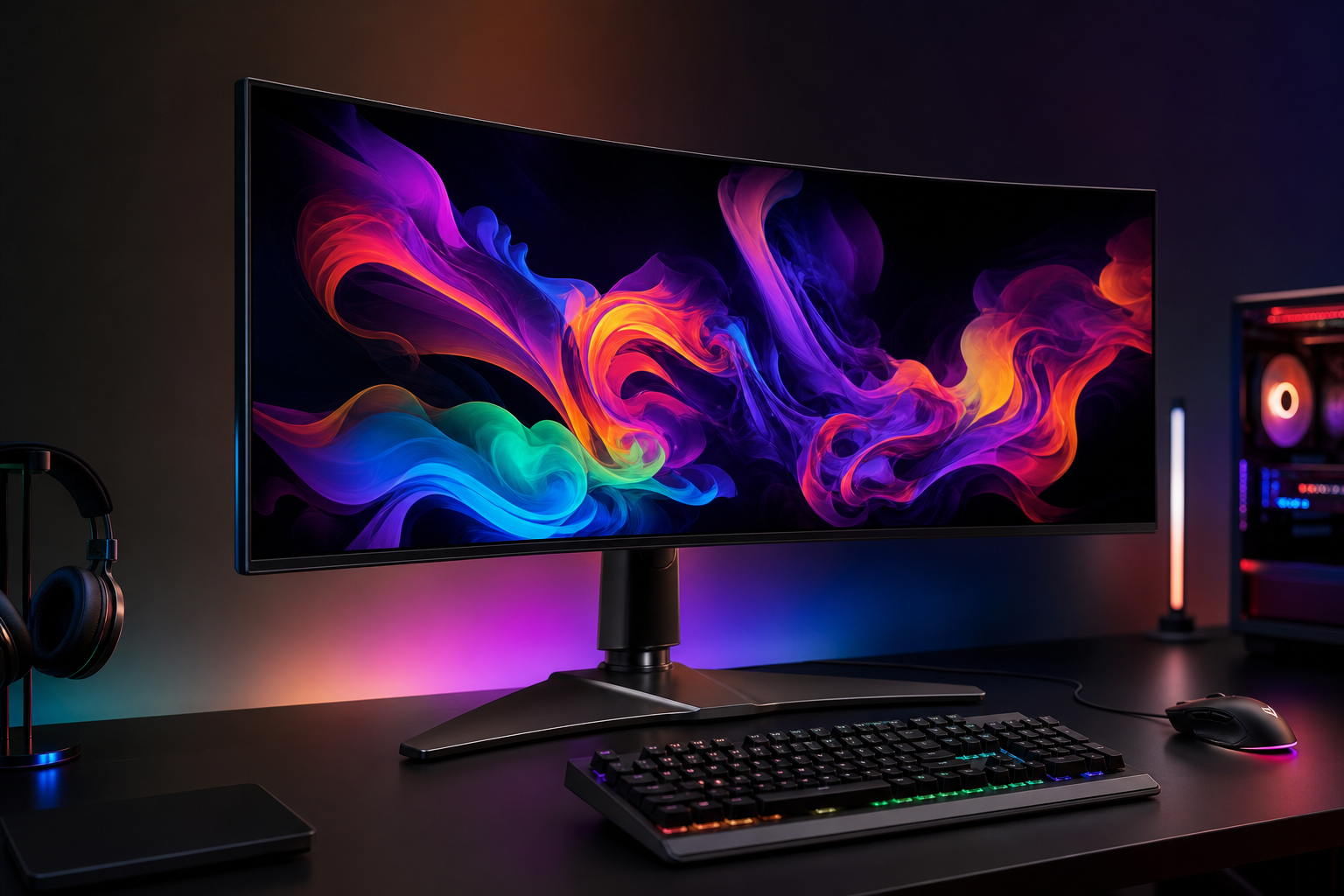
- +5th-gen RGB Stripe sub-pixel layout — eliminates the text fringing that plagued older QD-OLEDs
- +360Hz on an ultrawide is a generational leap from the 175Hz panels of 2024
- +1,300-nit peak brightness is best-in-class for OLED ultrawides
- -~$900 is still a significant investment for a monitor
- -Curved panel reduces color accuracy for professional photo/video work
The ultrawide that finally makes zero compromises. Previous QD-OLED ultrawides topped out at 175Hz with visible text fringe — this one does 360Hz with clean text. If you play story-driven FPS games (Tarkov, Helldivers 2, single-player), the immersion is unmatched.
Alienware AW3225QF
4K gaming at a lower price. Great for console + PC dual-use.
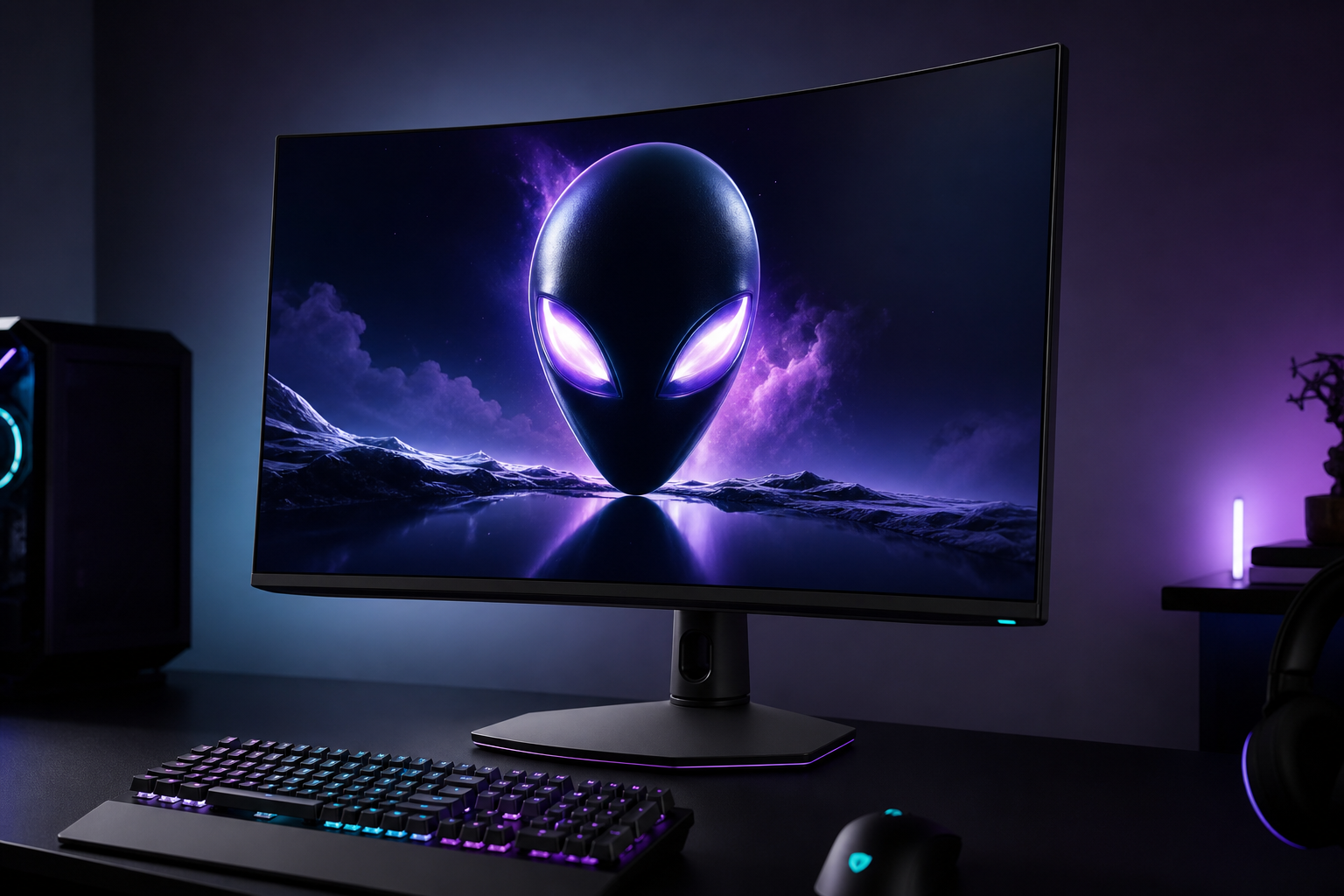
- +32" is the ideal size for 4K — resolution density is perfect at desk distance
- +Seen as low as $700 on sale — best value for a 4K QD-OLED
- +Dolby Vision + HDMI 2.1 makes it a top-tier PS5 Pro / Xbox Series X display
- -Only DisplayPort 1.4 — no DP 2.1, which limits future GPU compatibility
- -Curved panel may bother users who also use it for spreadsheets and coding
The sweet spot for 4K gaming. At $700–800 on sale, it undercuts the ASUS PG27UCDM by $300+ while delivering a comparable OLED experience on a larger canvas. The Dolby Vision support makes it a genuine living-room contender too.
LG UltraGear 24GS65F-B
First gaming monitor or budget build. Hard to beat at $130.
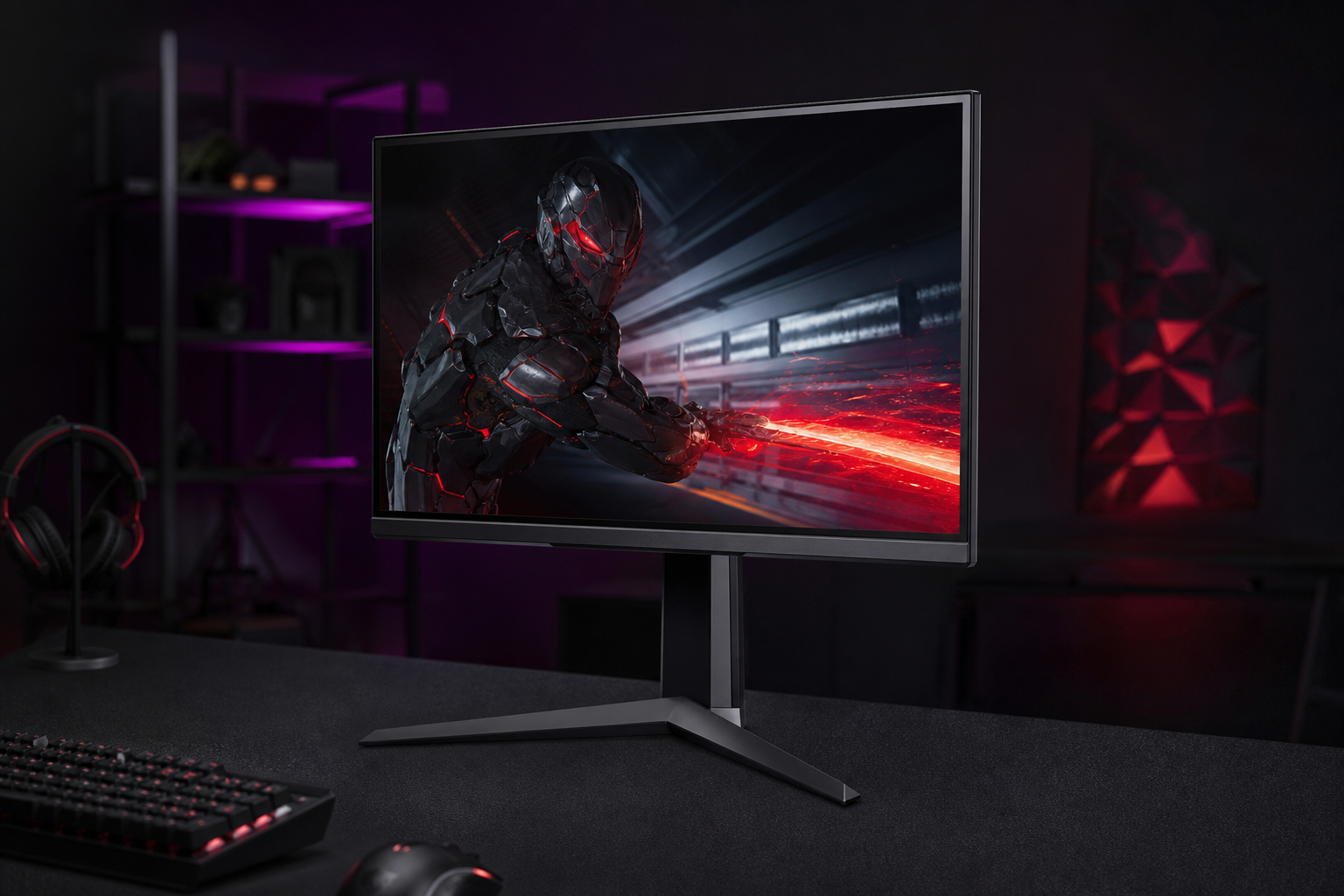
- +180Hz IPS at $130 — the price/performance king
- +Full ergonomic stand (height, tilt, pivot) is rare at this price
- +99% sRGB — colors are genuinely good for a budget panel
- -1080p at 24" is the minimum viable experience for competitive gaming in 2026
- -IPS contrast (1000:1) means blacks look gray in dark rooms
The monitor to recommend to anyone on a tight budget. Pair it with an RTX 4060 or RX 7600 XT and you'll hit 160+ FPS in every competitive title. The full ergonomic stand is the cherry on top — most budget monitors ship with tilt-only.
ASUS TUF Gaming VG27AQ3A
Best 1440p under $200. The value sweet spot for mid-range builds.
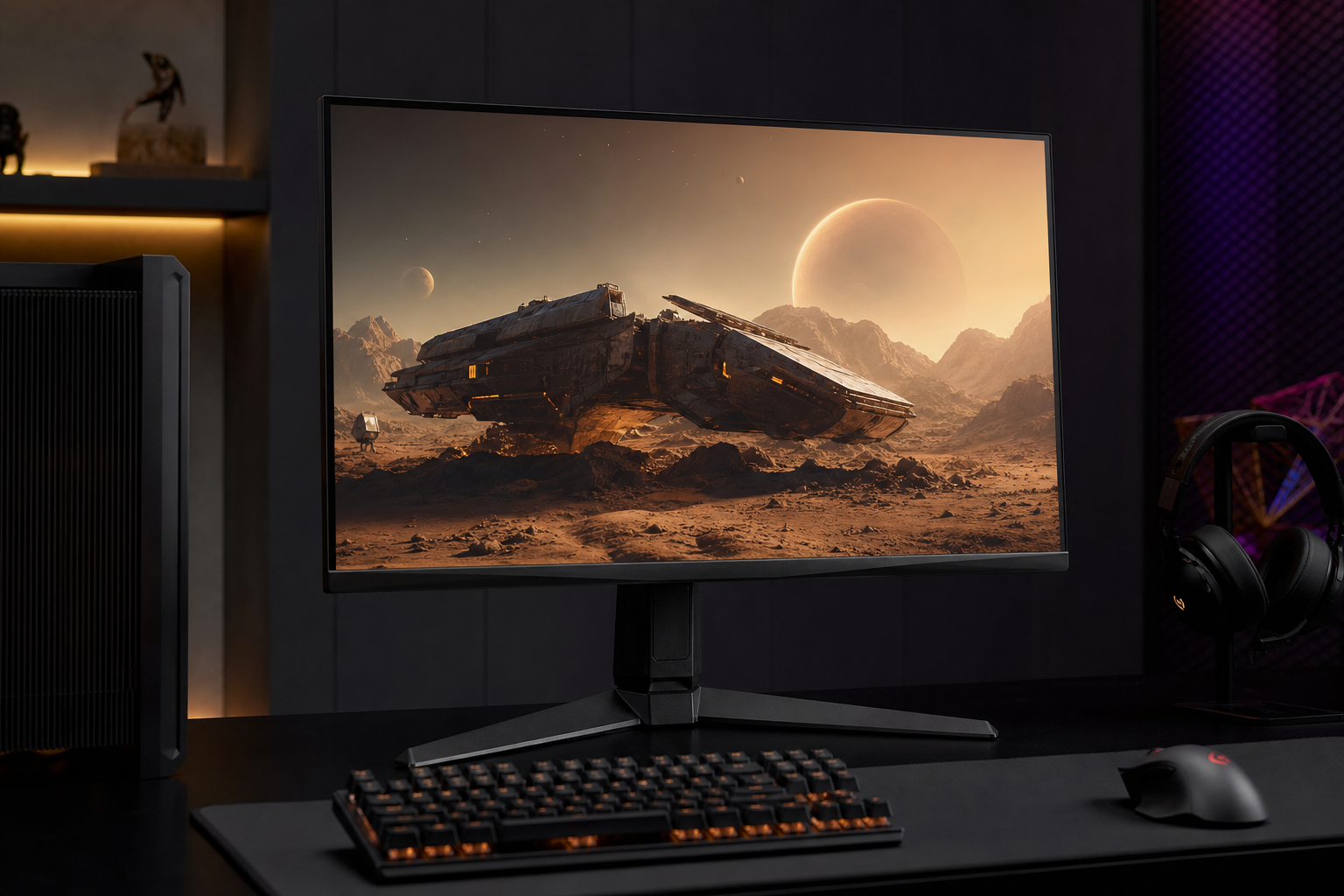
- +Under $200 for 1440p 180Hz Fast IPS — outstanding value
- +130% sRGB coverage provides vibrant, punchy colors
- +ELMB Sync lets you run backlight strobing + adaptive sync simultaneously
- -1000:1 contrast ratio — typical IPS, blacks look washed in dark scenes
- -HDR10 at 250 nits is not a meaningful HDR experience
The price-to-quality ratio is unbeatable. If you're running an RTX 4060 Ti or RX 7700 XT, this is the monitor that matches your GPU's output without wasting money on panel tech your card can't saturate.
ASUS ROG Swift PG27AQDP
The ultimate 1440p all-rounder. 480Hz OLED for both casual and competitive.
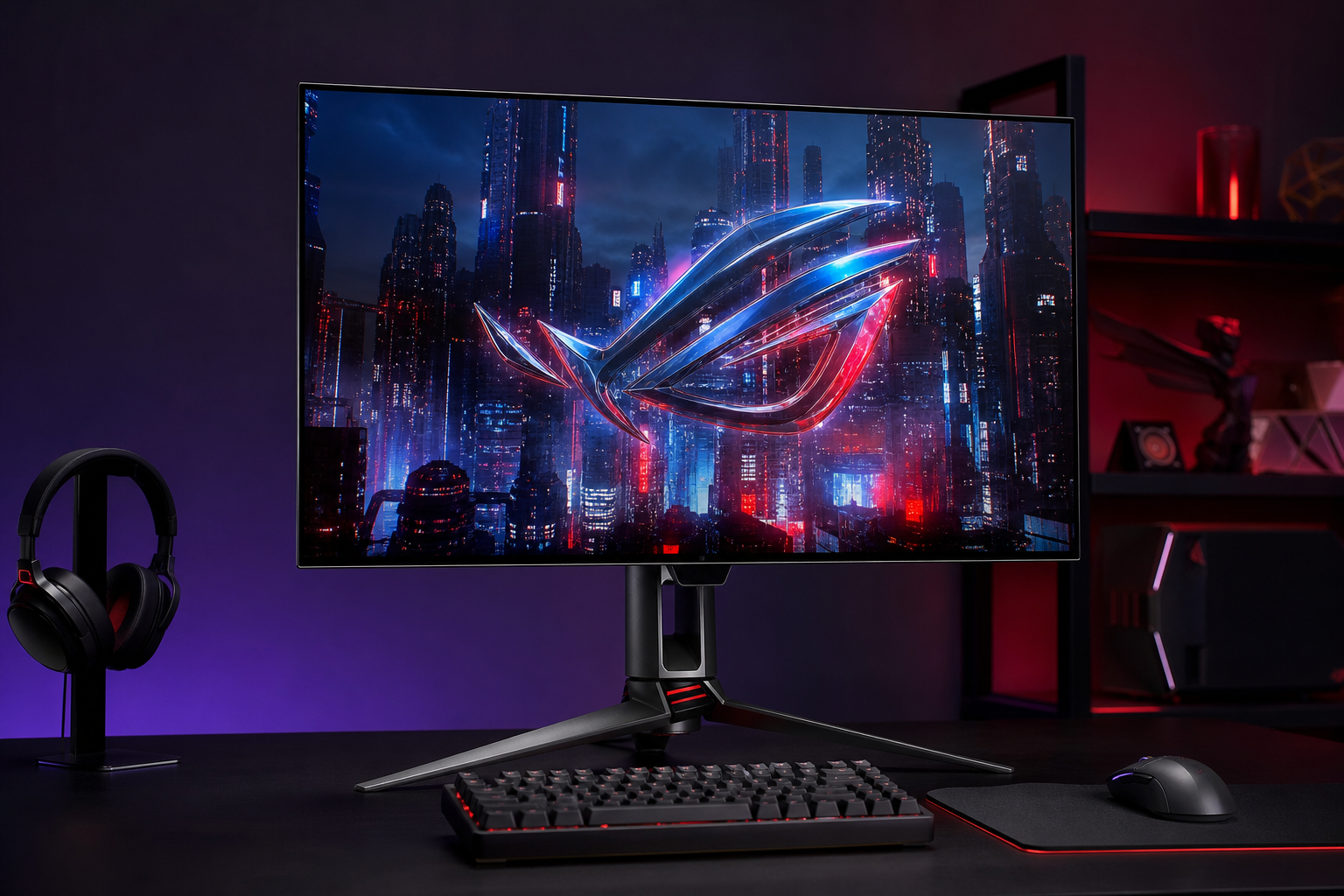
- +480Hz OLED at 1440p — the performance sweet spot for high-refresh gaming
- +1,500,000:1 contrast ratio with factory-calibrated 99% DCI-P3
- +Perfect for RTX 5070 / RX 9070 XT builds that push 300+ FPS at 1440p
- -$700 is steep when budget 1440p exists at $200 and OLED at $350
- -Only DisplayPort 1.4 — won't hit 480Hz without DSC compression
If you want one monitor for everything — competitive ranked, single-player immersion, desktop use — and you have the budget, this is it. The 480Hz headroom means you won't outgrow it until 8K becomes mainstream.
AOC Q27G3XMN
Real HDR gaming under $300. Mini-LED done right.
- +Mini-LED with 336 dimming zones delivers genuine HDR at a budget price
- +1,300-nit peak brightness crushes every IPS at this price point
- +96% DCI-P3 color coverage via quantum-dot film — rivals monitors 3x the price
- -VA panel has slower dark-scene transitions — visible smearing in horror games
- -336 zones is good but you'll see halo blooming around bright HUD elements on dark backgrounds
The only monitor under $300 where HDR actually looks good. If you play games with dark environments (Tarkov, Hunt: Showdown, horror titles), the 4,000:1 native contrast + Mini-LED zones produce blacks that IPS panels simply cannot.
ASUS ROG Swift PG34WCDN
Premium ultrawide with ROG build quality.
- +Same 5th-gen QD-OLED panel as the MSI with better stand and OSD
- +ROG build quality — metal stand, cable management, premium finish
- +360Hz at 3440x1440 for both immersive and competitive ultrawide play
- -~$50-100 more than the MSI for equivalent panel performance
- -Curved ultrawide remains suboptimal for professional color work
Choose this over the MSI if build quality and brand support matter to you. The panel is identical; you're paying for the better stand, OSD navigation, and ASUS warranty. Both are excellent.
How to pick the right gaming monitors
Match your monitor to your GPU
A 4K 240Hz OLED is pointless if your GPU pushes 80 FPS at 4K. Use BetterFPS to find your actual FPS per game, then pick a monitor whose refresh rate your hardware can realistically saturate. General rules: RTX 4060 / RX 7600 XT class → 1080p or 1440p at 144–180Hz. RTX 4070 Ti / RX 7800 XT → 1440p at 240Hz. RTX 5080+ → 4K at 240Hz.
Panel type matters more than refresh rate
The jump from IPS to OLED is visually larger than 144Hz to 240Hz. OLED panels deliver perfect blacks, near-instant pixel response (0.03ms vs 1ms on IPS), and vastly superior contrast. In 2026, QD-OLED panels have dropped below $350 — there is no longer a reason to buy a premium IPS for gaming.
G-Sync vs FreeSync doesn’t matter anymore
Every monitor on this list supports both NVIDIA and AMD adaptive sync. The proprietary lock-in era is over. Buy whichever monitor has the best panel and features — it will work with your GPU regardless of brand.
HDR is real now (but only on specific panels)
“HDR10” on a 250-nit IPS panel is meaningless. Real HDR requires either OLED (infinite contrast) or Mini-LED with 300+ dimming zones and 1,000+ nit peak brightness. On this list, the AOC Q27G3XMN ($270) is the cheapest monitor where HDR actually looks good.