Best Stream Decks & Macro Pads in 2026
A stream deck transforms your workflow by putting scene switches, audio controls, and shortcuts under your fingertips. Whether you need LCD keys, mechanical buttons, or foot pedals, dedicated macro hardware eliminates fumbling with keyboard shortcuts mid-stream. We compared the top options across price points and use cases.
Updated May 2026. Prices are approximate. BetterFPS earns a commission on qualifying Amazon purchases at no extra cost to you.
| Award | Name | Keys | Display | Connection | Software | Price |
|---|---|---|---|---|---|---|
| Best Overall | Elgato Stream Deck MK.2 | 15 LCD keys | Individual LCD per key (72x72 px) | USB-C (detachable) | Stream Deck Software (Win/Mac) | $150 |
| Best for Streaming | Elgato Stream Deck + XL | 36 LCD keys + 6 dials + touch strip | Individual LCD per key + OLED touch strip | USB-C | Stream Deck Software (Win/Mac) | $350 |
| Best Budget | Razer Stream Controller X | 15 LCD keys | Individual LCD per key | USB-C | Razer Streaming Controller App | $100 |
| Best Portable | Elgato Stream Deck Neo | 8 LCD keys + info strip | Individual LCD per key + OLED info bar | USB-C | Stream Deck Software (Win/Mac) | $100 |
| Best LCD Keys | Elgato Stream Deck XL | 32 LCD keys | Individual LCD per key (96x96 px) | USB-C | Stream Deck Software (Win/Mac) | $250 |
| Best Pedal | Elgato Stream Deck Pedal | 3 foot pedals | None (foot-operated) | USB-C | Stream Deck Software (Win/Mac) | $90 |
| Best for Productivity | Loupedeck Live S | 4 LCD keys + 2 dials + touch strip | LCD keys + haptic touch strip | USB-C | Loupedeck Software (Win/Mac) | $129 |
| Best Wireless | VCOM StreamControl | 12 mechanical keys + 3 dials | Per-key RGB backlight (no LCD) | 2.4 GHz wireless + USB-C | VCOM StreamControl App | $90 |
| Best Customizable | Mountain DisplayPad | 12 LCD keys + 6 mechanical keys | Individual IPS LCD per key (128x128 px) | USB-C | Mountain Base Camp (Win/Mac) | $180 |
| Best Value | VSDINSIDE Stream Dock M18 | 15 LCD keys + 3 dials | Individual LCD per key | USB-C | Stream Dock App (Win/Mac) | $55–$65 |
Elgato Stream Deck MK.2
The standard for streamers who want reliable LCD keys with the best plugin ecosystem available.
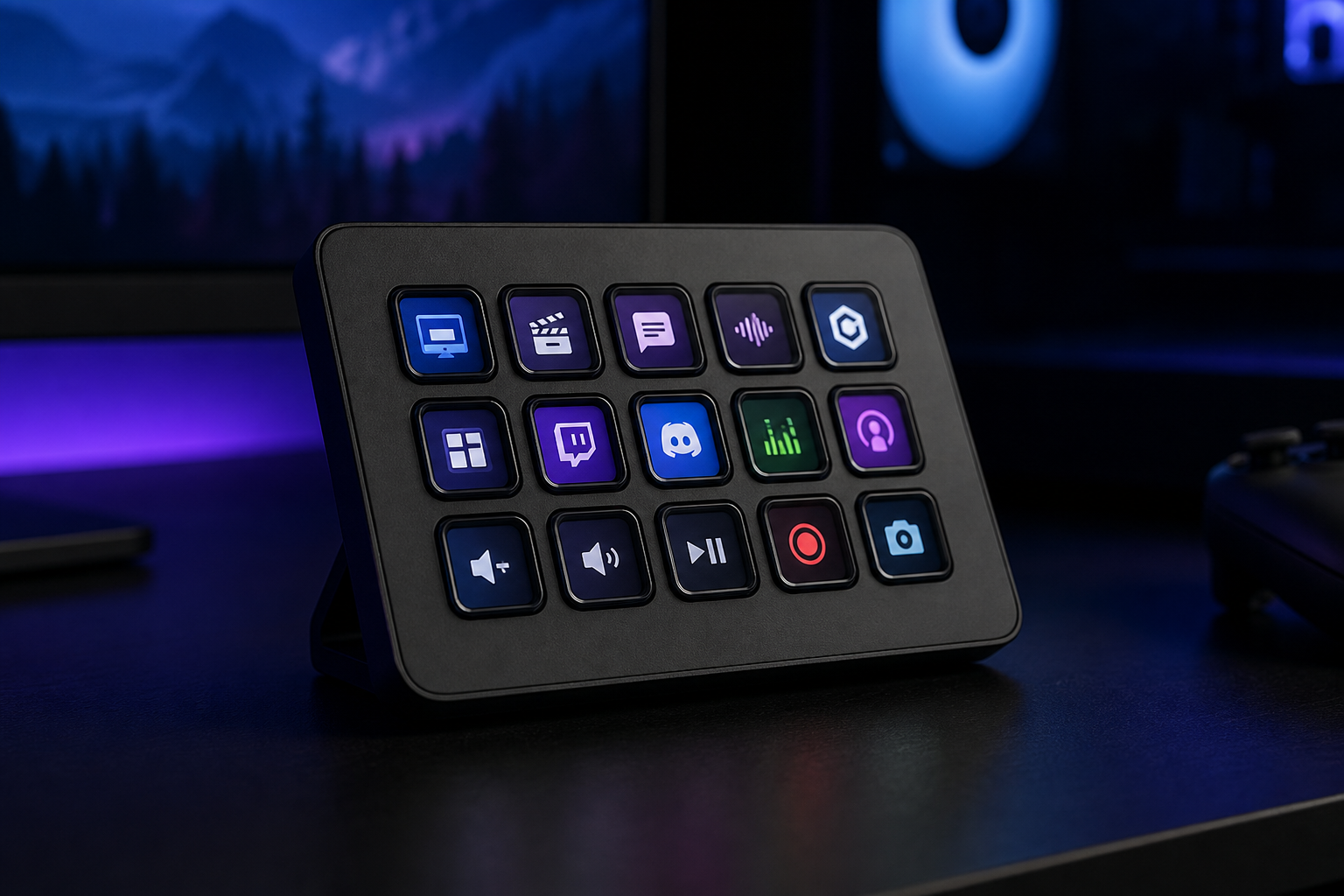
- +Industry-leading plugin library — OBS, Twitch, Spotify, Philips Hue, and hundreds more
- +15 LCD keys is the sweet spot for most streaming workflows
- +Detachable USB-C cable and swappable faceplates for desk aesthetics
- +Multi-action and folder support effectively multiplies key count
- -LCD keys feel mushy compared to mechanical alternatives
- -$150 is steep for 15 buttons when alternatives exist at half the price
- -Requires Stream Deck software running in the background at all times
The Stream Deck MK.2 is the default recommendation for a reason. Nothing else matches its plugin ecosystem, and 15 keys handles the needs of most streamers. The software is the real product here — the hardware is just the interface.
Elgato Stream Deck + XL
Professional streamers and content creators who need maximum control surfaces for complex productions.
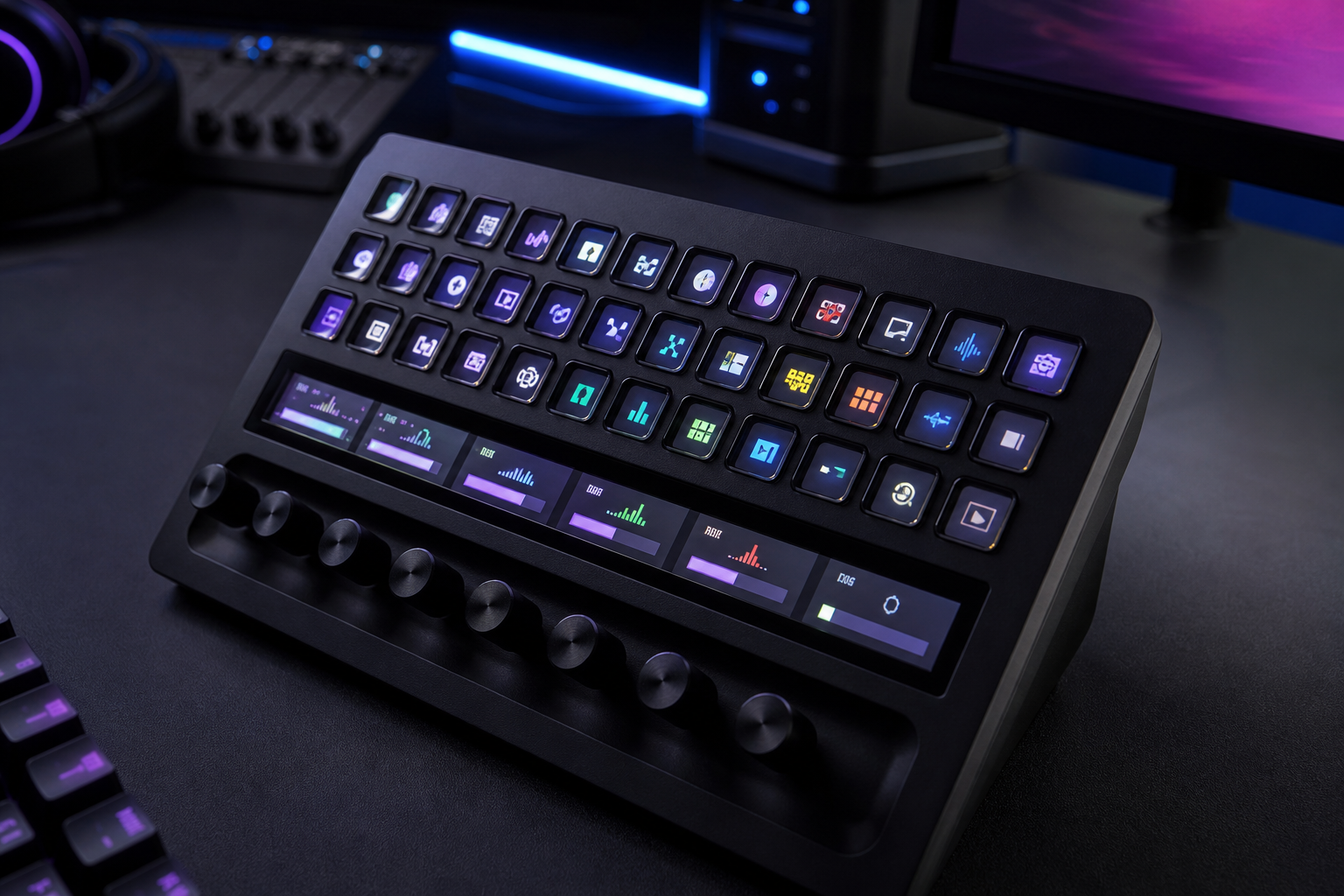
- +36 LCD keys plus 6 rotary dials cover every possible control need
- +OLED touch strip adds context-sensitive controls between dials
- +Dials provide precise analog control for volume, lighting, and effects
- +Same ecosystem and plugins as the MK.2 but with massively expanded capacity
- -Very expensive at $350 — overkill for casual streamers
- -Large footprint takes significant desk real estate
- -Complexity requires time investment to set up effectively
The + XL is the ultimate Stream Deck for production-heavy streamers. The combination of 36 LCD keys, 6 dials, and a touch strip gives you more physical controls than most professional audio mixers. Worth it only if you will use the capacity.
Razer Stream Controller X
Budget streamers who want LCD keys at $50 less than Elgato with solid OBS and Twitch integration.
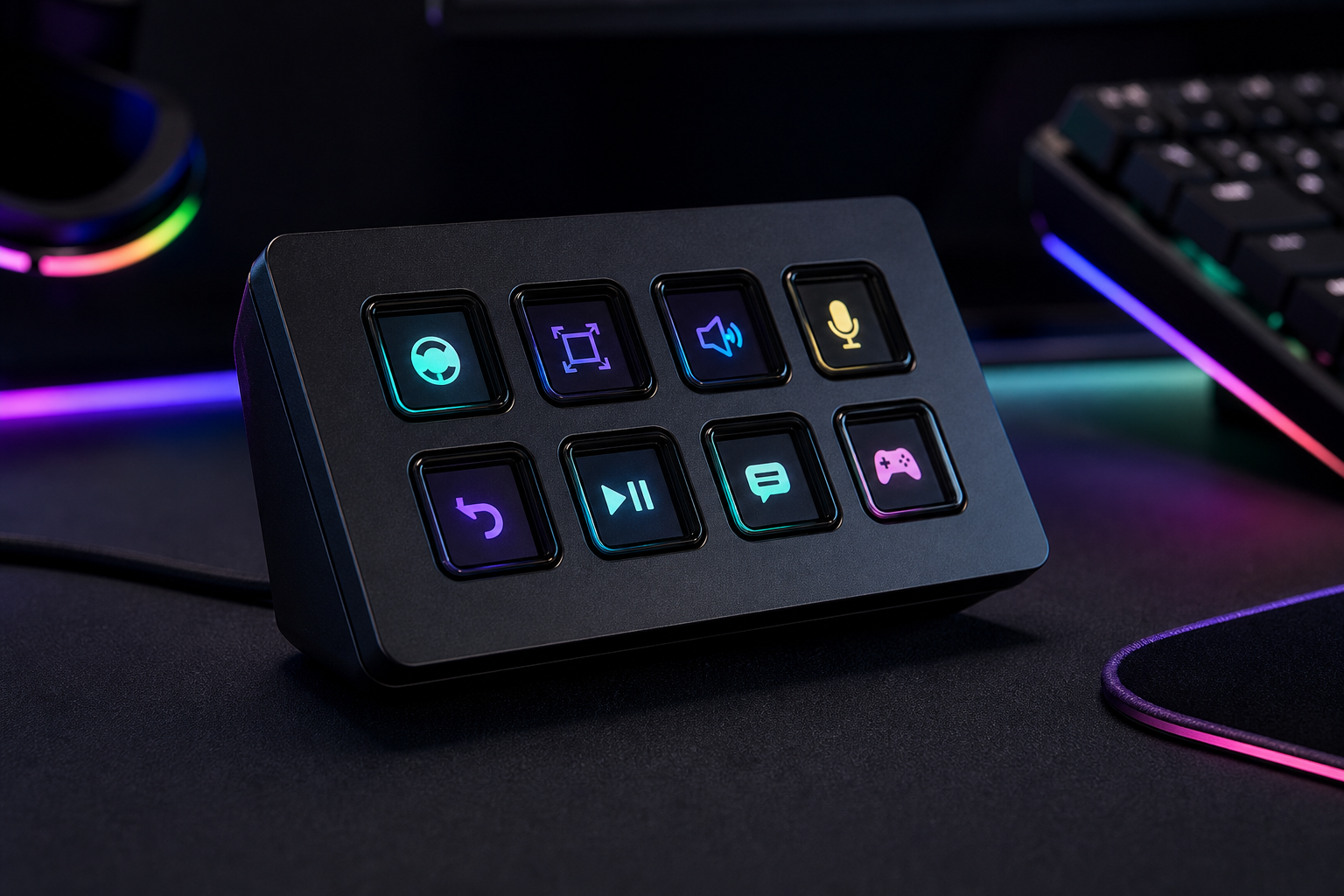
- +Same 15 LCD key format as Stream Deck MK.2 at a lower price
- +Bright, crisp LCD displays with customizable icons
- +Magnetic stand with adjustable angle
- +Growing plugin ecosystem with OBS and Twitch support
- -Plugin library is smaller than Elgato's — check your specific needs
- -Software is less mature and occasionally buggy
- -No multi-action support as deep as Stream Deck's folder system
The Stream Controller X is the best value LCD key device. It covers the core streaming use case — scene switching, audio control, chat commands — at $50 less than Elgato. If you use OBS and Twitch primarily, it does everything you need.
Elgato Stream Deck Neo
Travel streamers and minimalists who want Elgato's ecosystem in the smallest possible form factor.
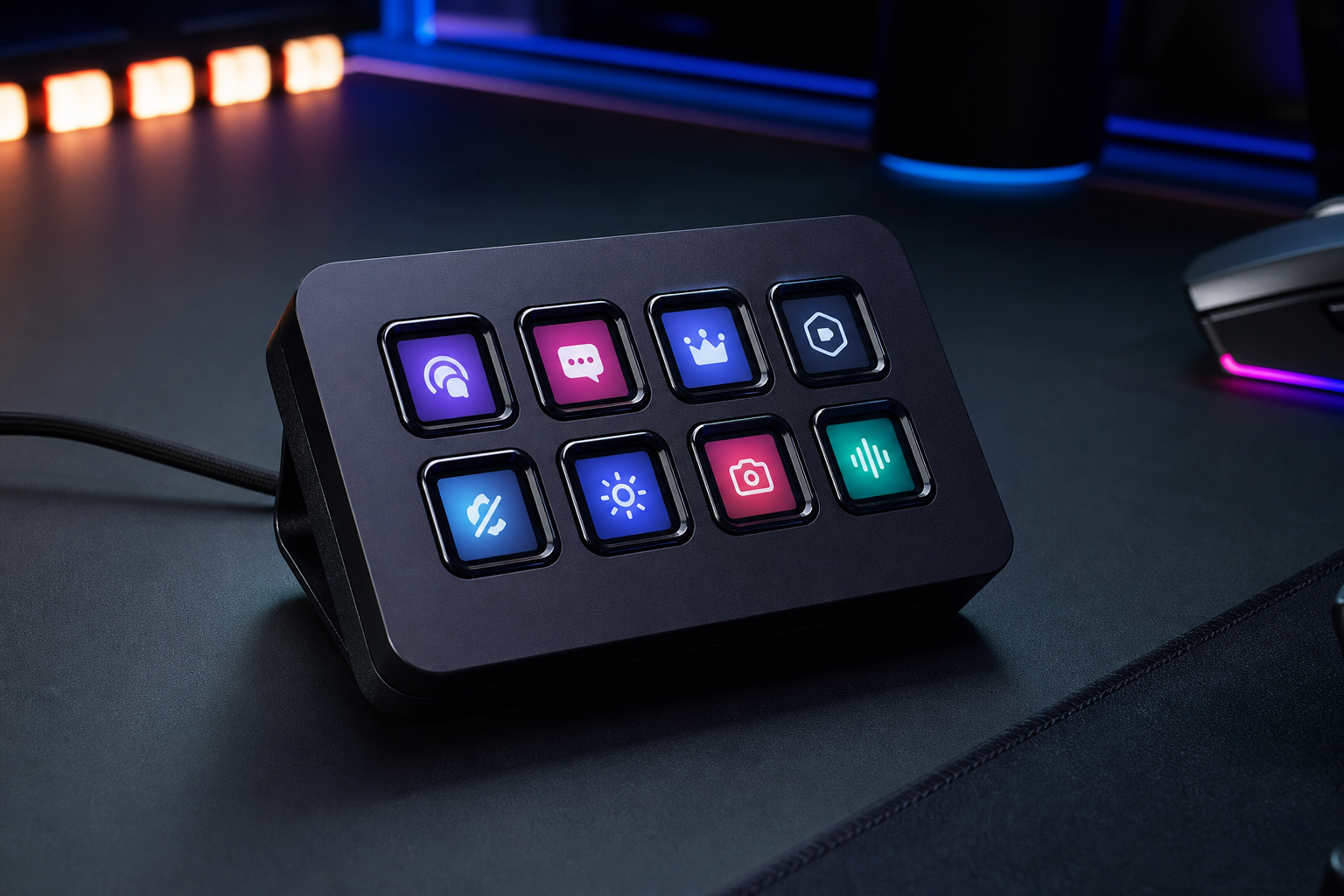
- +Most compact Stream Deck — fits in a laptop bag easily
- +OLED info strip displays time, notifications, and status at a glance
- +Full access to Elgato's plugin Marketplace and multi-action system
- +Clean, minimal design that does not dominate a small desk
- -Only 8 keys — power users will outgrow it quickly
- -Same price as the Razer Stream Controller X which has 15 keys
- -Info strip is useful but not essential
The Neo is the right Stream Deck for travelers and minimalists. You get the full Elgato software ecosystem in a pocketable form factor. If 8 keys covers your workflow, there is no reason to go bigger.
Elgato Stream Deck XL
Power users who need 32 visible keys without relying on folders or pages.
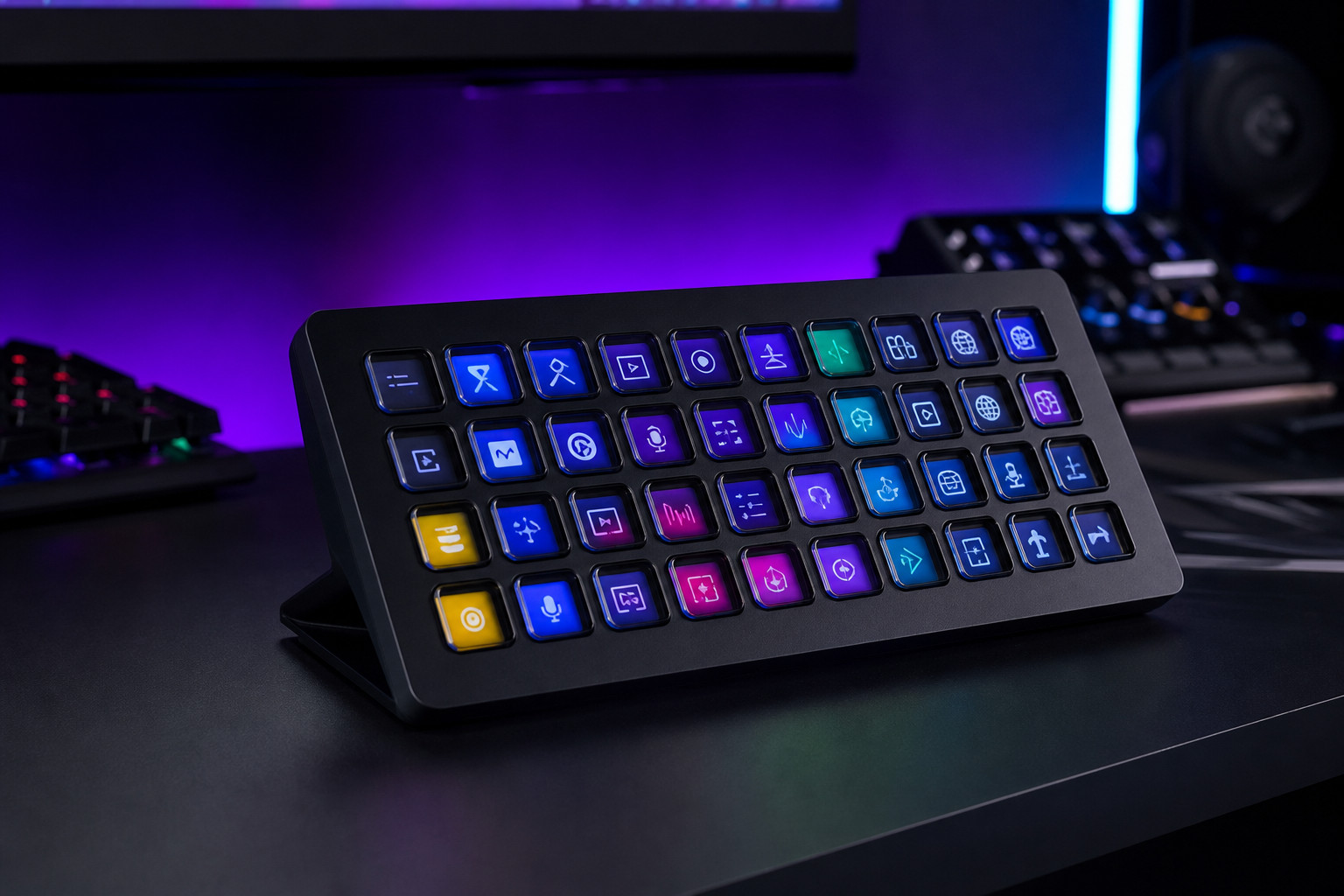
- +32 LCD keys means you rarely need to navigate folders or switch pages
- +Larger key surface (96x96 px) displays more detailed icons and text
- +Same rock-solid plugin ecosystem as the MK.2
- +Premium metal faceplate and adjustable stand
- -Large footprint — takes significant desk space
- -Expensive at $250 for what is essentially more of the same keys
- -The + XL exists at $100 more with dials and touch strip
The XL is for users who hate navigating pages and folders. All 32 keys are visible at once, meaning your entire workflow is one press away. If you know you need more than 15 keys but do not need dials, this is the right choice.
Elgato Stream Deck Pedal
Streamers who need hands-free controls for push-to-talk, muting, or scene switching.
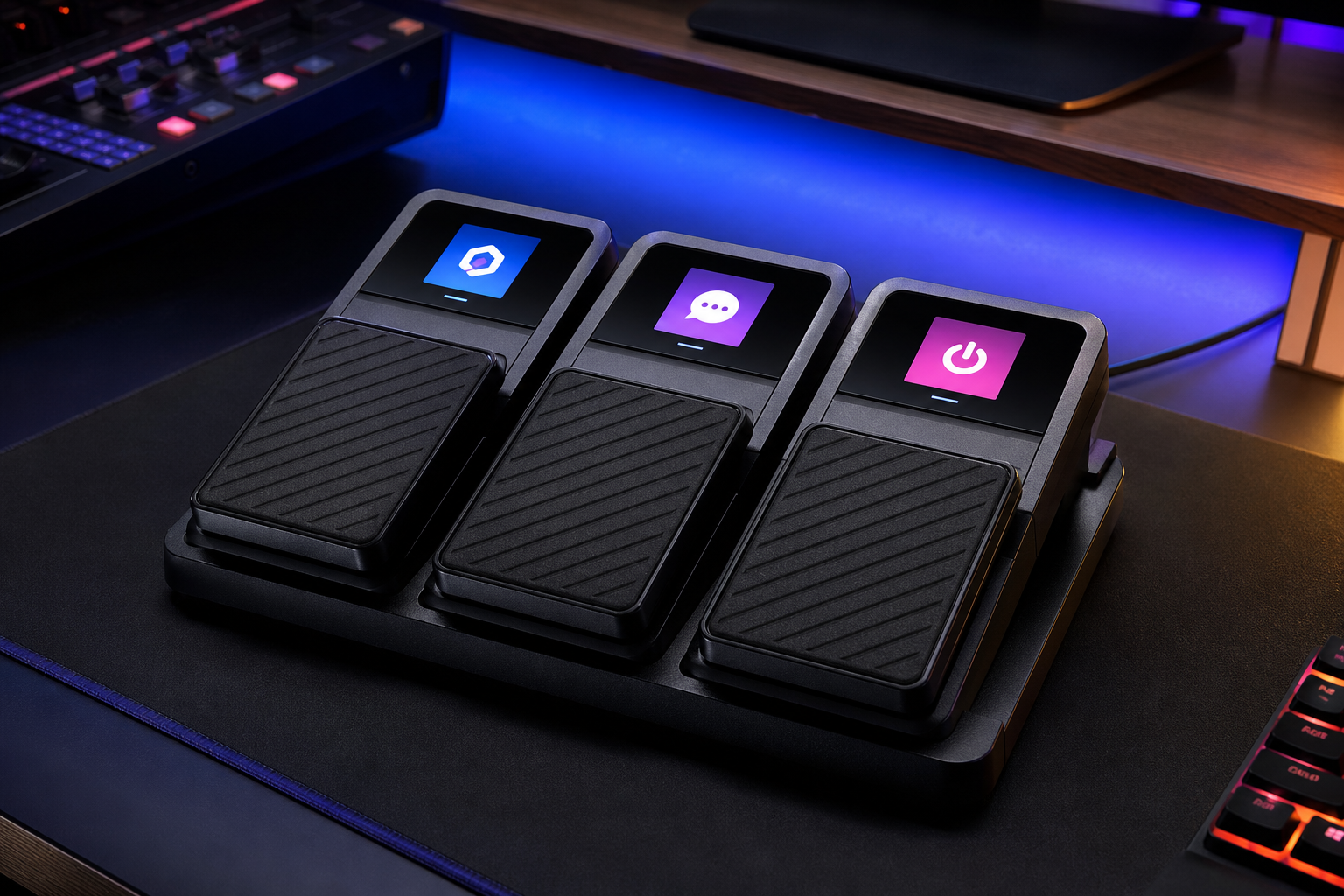
- +Hands-free operation keeps your hands on mouse and keyboard
- +Perfect for push-to-talk in Discord or muting during streams
- +Integrates with the same Stream Deck software and plugins
- +Heavy-duty construction stays in place on hard floors
- -Only 3 pedals — limited without pairing with another Stream Deck
- -Not effective on thick carpet — slides around
- -No visual feedback — you must memorize pedal assignments
The Stream Deck Pedal is the best companion device in the Stream Deck lineup. Push-to-talk by foot, mute by foot, switch scenes by foot — all without taking your hands off your game. A must-have add-on for competitive streamers.
Loupedeck Live S
Creators who split time between streaming and creative work in Adobe, DaVinci, or other editing tools.
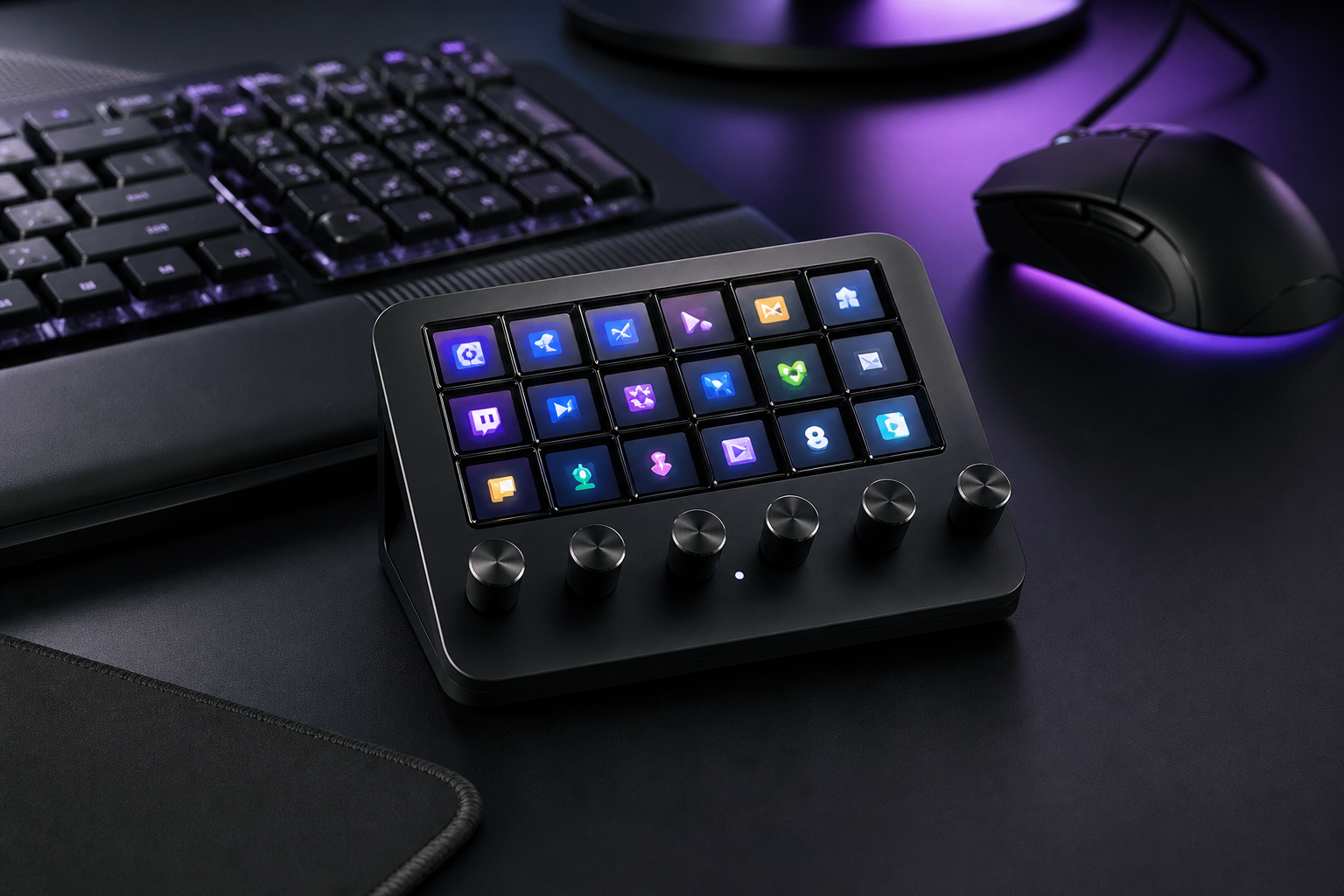
- +Deep integration with Adobe Premiere, Photoshop, and Lightroom
- +Dials provide precise analog control for creative parameters
- +Compact form factor with a combination of buttons and tactile controls
- +Haptic touch strip adds a unique control surface for scrolling and adjustments
- -Only 4 LCD keys — limited for pure streaming use
- -Loupedeck software has a steeper learning curve than Stream Deck
- -Plugin ecosystem is smaller and more creative-focused
The Loupedeck Live S bridges streaming and creative production. If you edit video, photos, or music alongside streaming, the dial-and-button combination gives you controls that a pure LCD key device cannot match.
VCOM StreamControl
Streamers who want wireless freedom with mechanical key feel and rotary dials.
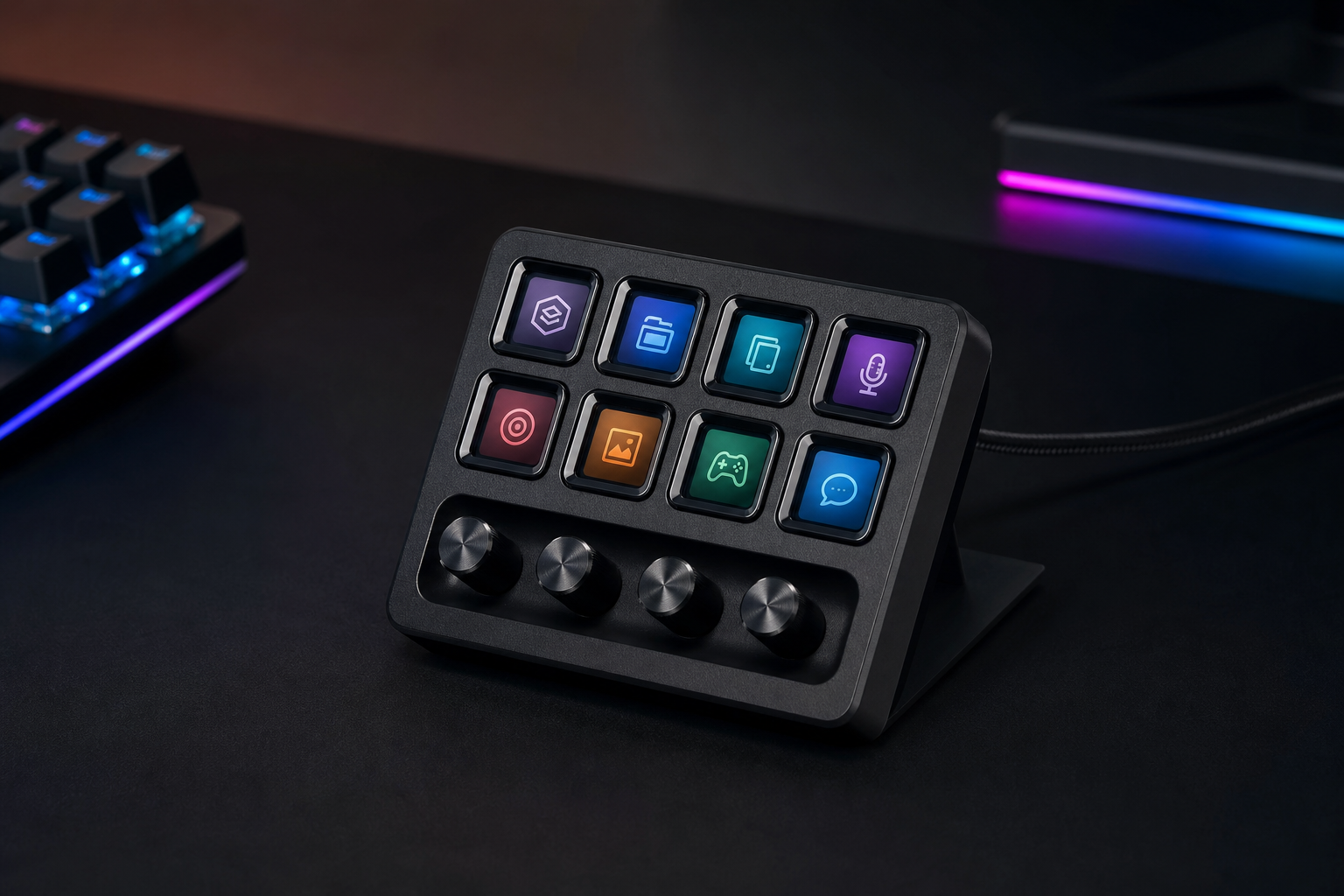
- +Wireless 2.4 GHz connection eliminates cable clutter
- +Mechanical keys provide satisfying tactile feedback
- +3 rotary dials for precise volume and effect control
- +Competitive price for a wireless macro pad with dials
- -No LCD keys — you must memorize or label key functions
- -Smaller plugin ecosystem than Elgato or Razer
- -Battery life requires recharging every 2-3 weeks with regular use
The VCOM StreamControl is the best wireless macro pad available. The combination of mechanical keys, dials, and wireless connectivity at $90 is a strong value. Just accept the trade-off of no LCD keys for the wireless freedom.
Mountain DisplayPad
Mechanical keyboard enthusiasts who want LCD keys with hot-swappable switches and modular customization.
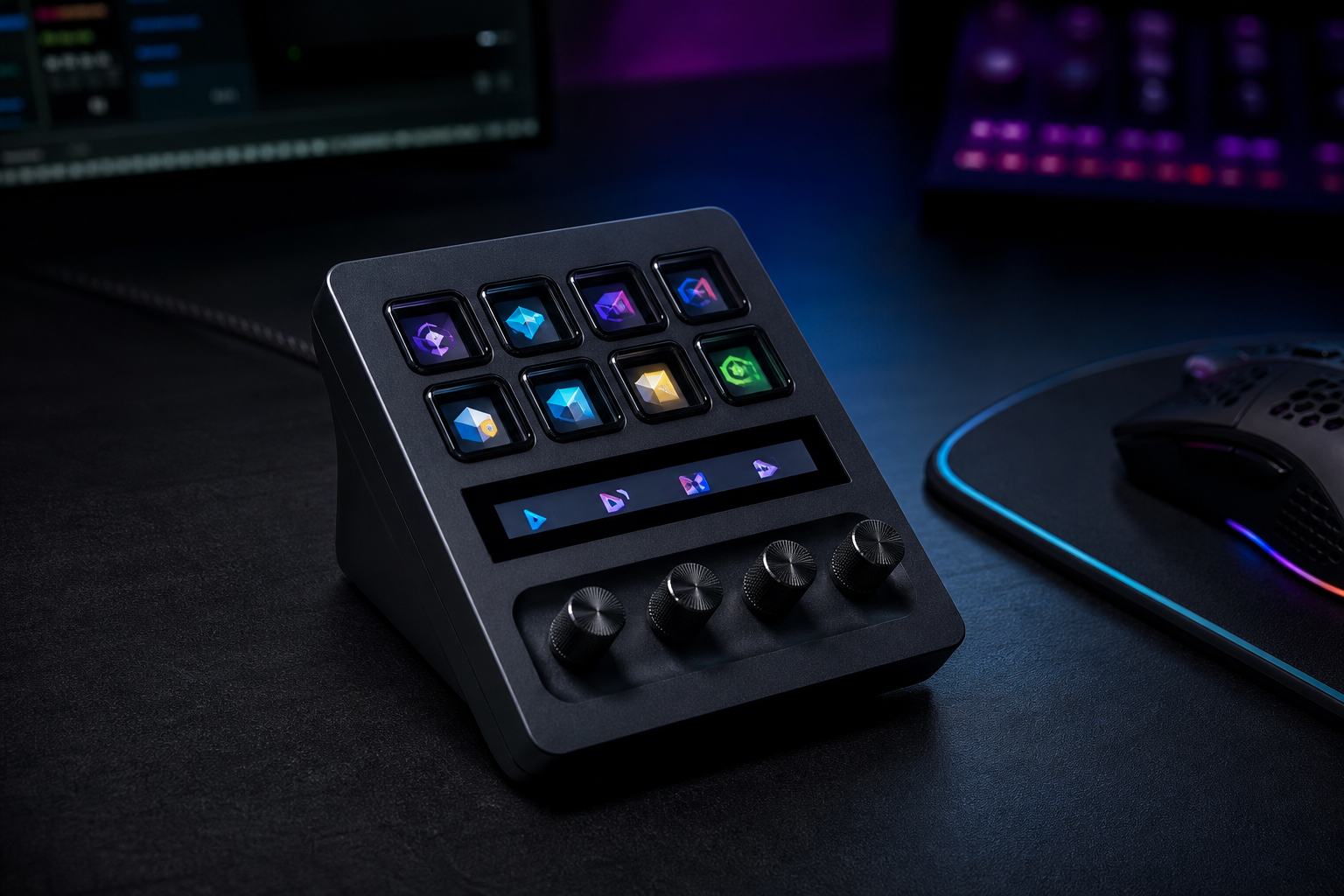
- +12 LCD keys plus 6 hot-swappable mechanical keys — best of both worlds
- +128x128 px IPS displays are sharper than Elgato's 72x72 px
- +Hot-swap mechanical switches let you choose your preferred feel
- +Modular design with interchangeable top plates
- -Mountain's software is less mature than Elgato's ecosystem
- -More expensive than the Stream Deck MK.2 with fewer total LCD keys
- -Limited plugin support compared to established platforms
The DisplayPad is the enthusiast's macro pad. The combination of high-res LCD keys and hot-swappable mechanical switches gives you customization that no other device matches. Ideal for users who care about both function and tactile feel.
VSDINSIDE Stream Dock M18
Budget streamers who want 15 LCD keys and dials at less than half the price of an Elgato Stream Deck.
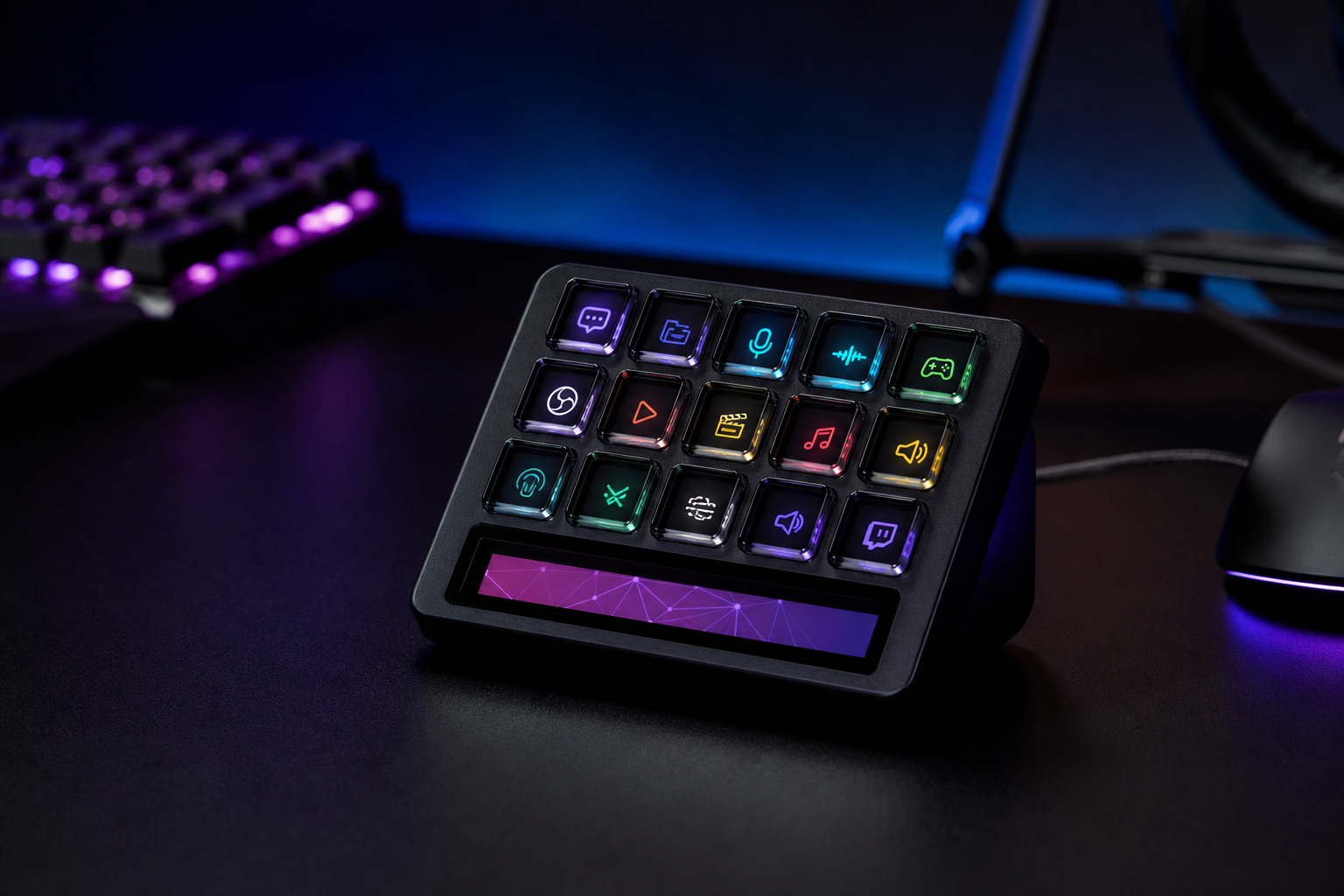
- +15 LCD keys plus 3 rotary dials for under $65 — incredible value
- +OBS and Twitch integration covers the core streaming workflow
- +Drag-and-drop icon editor makes setup straightforward
- +Dials add analog control that the Stream Deck MK.2 lacks entirely
- -Plugin ecosystem is basic — limited to core streaming apps
- -LCD key quality and brightness is noticeably below Elgato's
- -Software updates are infrequent and documentation is sparse
The M18 is the value king of stream decks. You get 15 LCD keys plus 3 dials — more hardware than a Stream Deck MK.2 — at less than half the price. The software is basic but functional. If budget is your priority, this is the answer.
How to pick the right stream decks & macro pads
LCD Keys vs. Mechanical Buttons
LCD keys display custom icons and change dynamically based on context — you always know what each button does. Mechanical buttons are cheaper and more tactile but require memorization. For streaming, LCD keys are worth the premium.
How Many Keys Do You Actually Need?
Most streamers use 8-15 keys for scene switching, audio controls, and chat commands. Power users and productivity enthusiasts may want 32+. Start with fewer keys and upgrade only if you genuinely run out of room.
Plugin Ecosystem Matters
Elgato's Stream Deck software has the largest plugin library — OBS, Twitch, Spotify, Hue, and hundreds more. Alternatives may match on hardware but lag behind on integrations. Check that your critical apps are supported before buying.
Dials and Sliders Add Precision
Physical dials are superior to buttons for volume control, timeline scrubbing, and lighting adjustments. If you frequently adjust levels mid-stream, look for a device with rotary encoders or touch strips.
Software-Only Alternatives Exist
Touch Portal and Macro Deck turn a spare phone or tablet into a free stream controller. They work well enough to decide whether you need dedicated hardware. Try a software solution first before investing $150+.