Best Streaming Webcams in 2026
A good webcam makes your stream look professional without the complexity of a DSLR setup. Modern webcams offer 4K resolution, AI-powered autofocus, and low-light correction that would have required a dedicated camera just a few years ago. We compared the top options to find the best for every budget and use case.
Updated May 2026. Prices are approximate. BetterFPS earns a commission on qualifying Amazon purchases at no extra cost to you.
| Award | Name | Resolution | FPS | FOV | Autofocus | Price |
|---|---|---|---|---|---|---|
| Best Overall | Elgato Facecam MK.2 | 1080p | Up to 120 fps | 84° (adjustable) | Fixed focus (manual set) | $130 |
| Best 4K | Elgato Facecam 4K | 4K (3840x2160) | 4K/30fps, 1080p/60fps | 72° (adjustable) | None (fixed focus) | $300 |
| Best 1080p | Logitech Brio 300 | 1080p | 30 fps | 70° | Yes (AI-enhanced) | $70 |
| Best Budget | NexiGo N980P | 1080p | 60 fps | 75° | Software (fixed focus) | $47 |
| Best for Streaming | Logitech MX Brio | 4K (3840x2160) | 4K/30fps, 1080p/60fps | 90° (adjustable to 65°/78°) | Yes (AI-powered) | $200 |
| Best Low Light | Acer QHD Conference Webcam | 4K (3840x2160) | 30 fps | 70° | Yes | $130 |
| Best with Ring Light | Razer Kiyo Pro Ultra | 4K (3840x2160) | 4K/30fps, 1080p/60fps | 72° | Yes (AI-powered) | $250 |
| Best Compact | Logitech C920x HD Pro | 1080p | 30 fps | 78° | Yes | $55 |
| Best Autofocus | Insta360 Link 2 | 4K (3840x2160) | 4K/30fps, 1080p/60fps | 79.5° | AI tracking with gimbal | $200 |
| Best Value | Anker PowerConf C200 | 2K (2560x1440) | 30 fps | 65°–95° (adjustable) | Yes (AI-enhanced) | $60 |
Elgato Facecam MK.2
Streamers who want the best 1080p image with full manual control and up to 120fps smoothness.
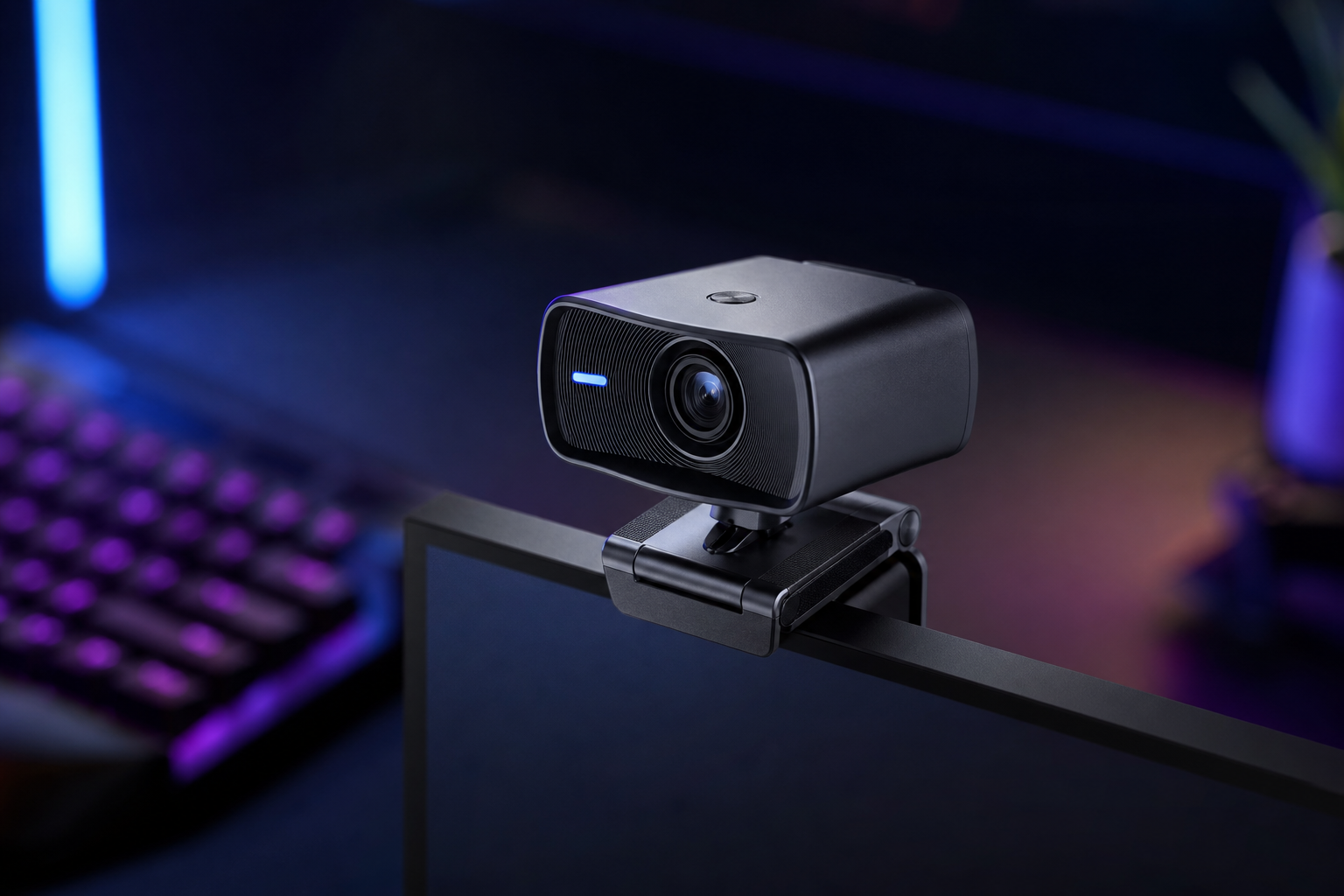
- +120fps mode delivers the smoothest webcam footage available
- +No built-in mic means no accidental audio source conflicts
- +Elgato Camera Hub provides complete control over exposure, white balance, and color
- +Premium Sony STARVIS sensor with excellent low-light performance
- -Fixed focus requires manual adjustment when changing desk position
- -1080p max — no 4K option for future-proofing
- -Software is required for full control (no onboard memory on base model)
The Facecam MK.2 is purpose-built for streaming, and it shows. The 120fps option is a genuine differentiator, and the lack of a built-in mic is a feature, not a limitation. The best dedicated streaming webcam you can buy.
Elgato Facecam 4K
Content creators who need true 4K source footage for YouTube recordings and high-end productions.
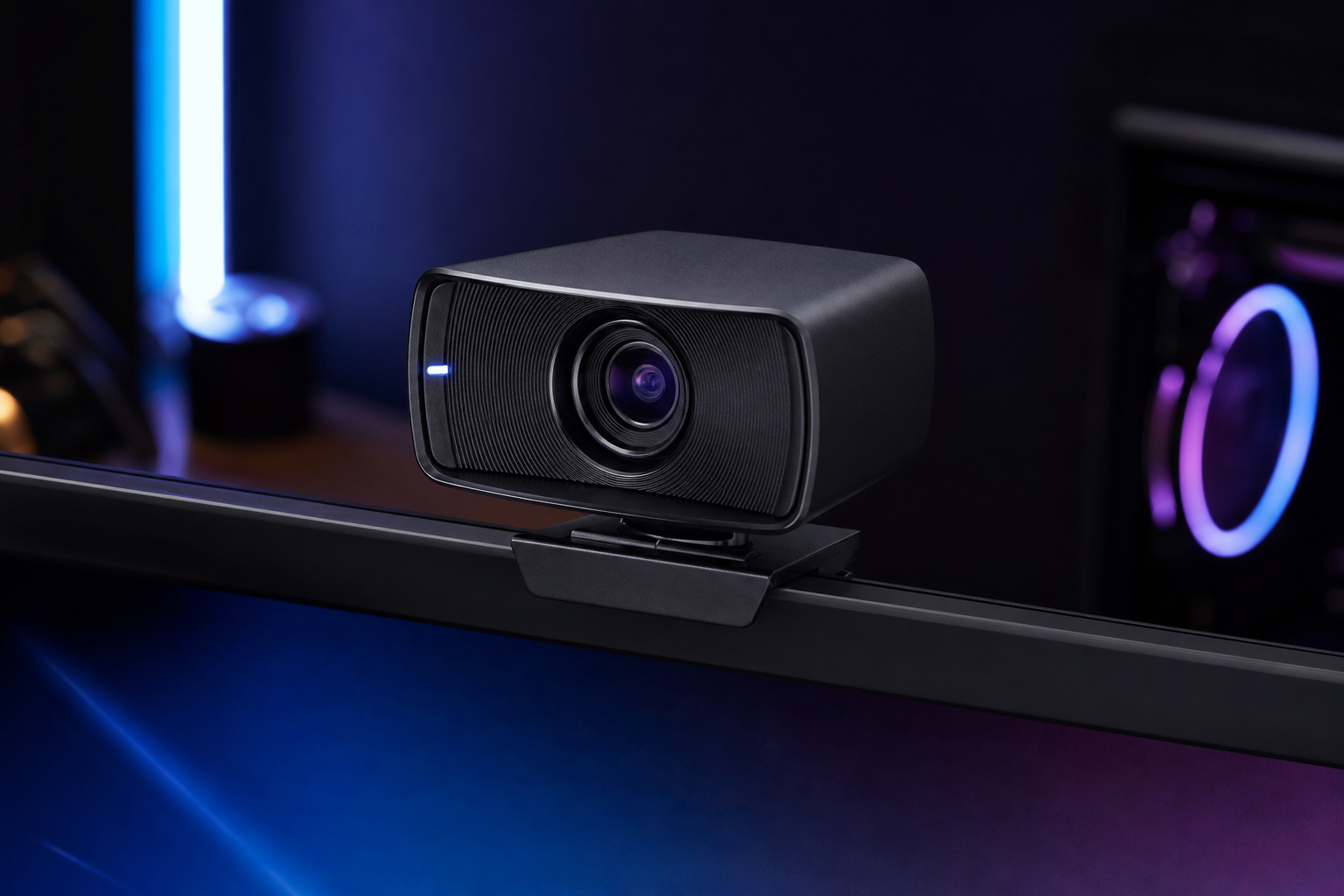
- +Genuine 4K resolution with a large Micro 4/3 sensor
- +Interchangeable lens system for cinematic depth of field
- +Incredible color accuracy and dynamic range
- +Downscaled 4K-to-1080p looks noticeably sharper than native 1080p
- -Very expensive for a webcam at $300
- -4K is limited to 30fps — 60fps only at 1080p
- -Large form factor requires a sturdy mount
The Facecam 4K is more camera than webcam. If you record YouTube content alongside streaming, the 4K source footage and interchangeable lenses give you creative flexibility nothing else in this category can match.
Logitech Brio 300
Streamers who want reliable 1080p autofocus with AI exposure correction at a fair price.
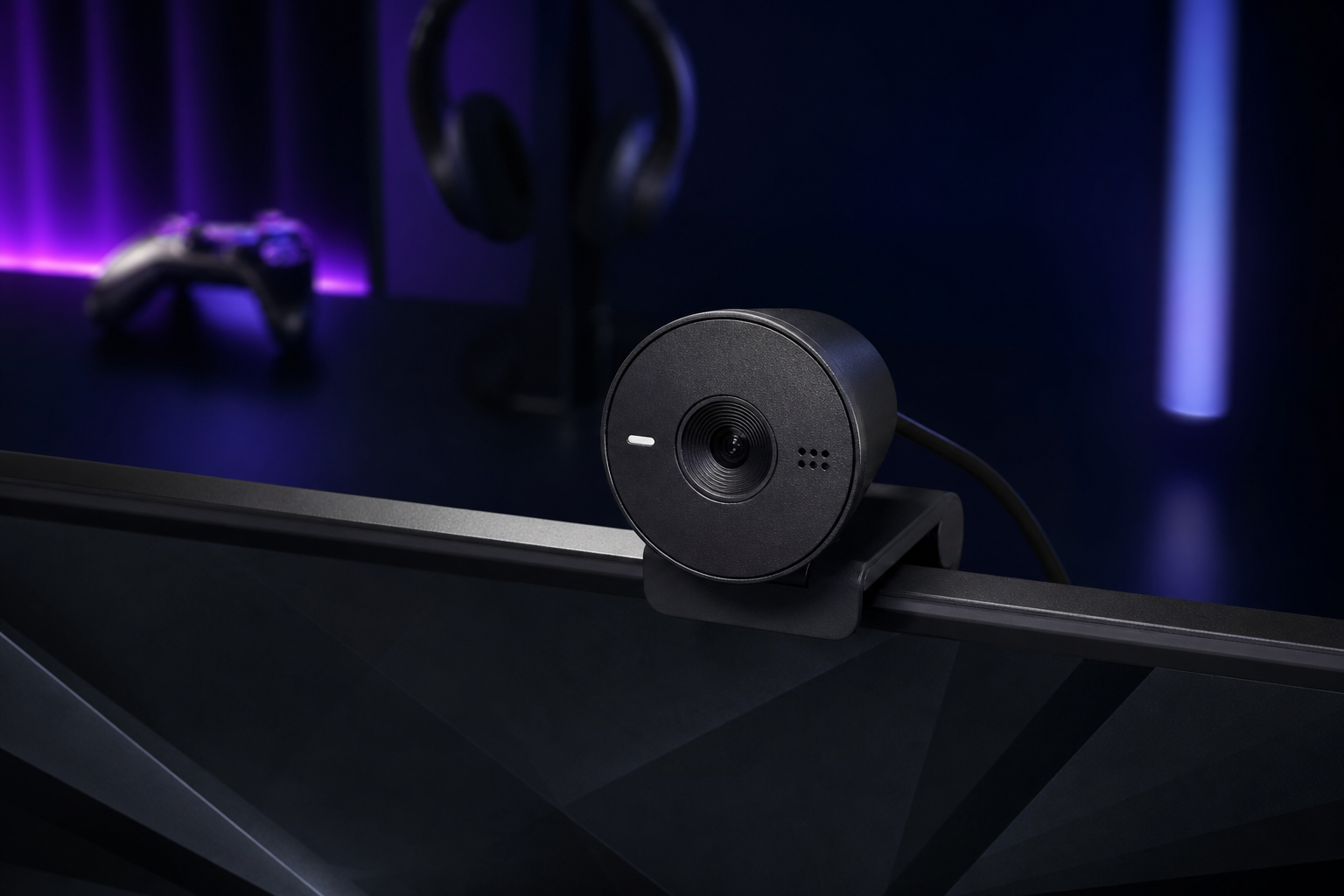
- +AI-powered auto-exposure keeps you well-lit in changing conditions
- +RightLight technology adjusts for backlighting and shadows
- +USB-C connectivity with included USB-A adapter
- +Privacy shutter built into the design
- -30fps only — no 60fps option
- -Plastic build feels less premium than competitors
- -FOV is narrow — little room for background or movement
The Brio 300 is the smart 1080p pick for most streamers. The AI exposure correction handles imperfect lighting gracefully, and the price leaves budget for a proper microphone and lighting. A workhorse webcam.
NexiGo N980P
Budget streamers who want 60fps smoothness without spending more than $50.
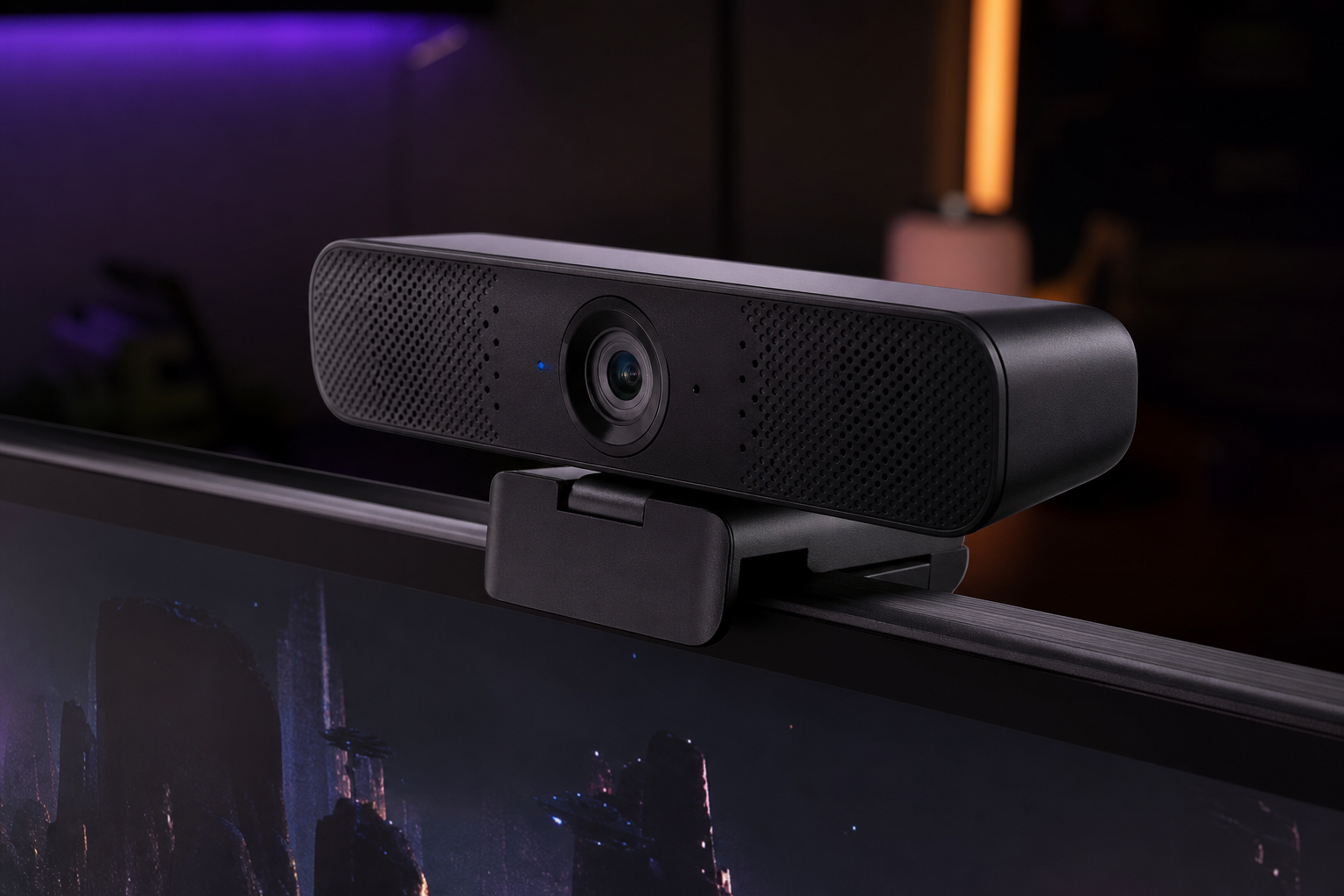
- +60fps at 1080p for under $50 — unmatched value
- +Smooth motion makes fast-paced gaming streams look professional
- +Flexible mounting works on monitors and tripods
- +Privacy cover included
- -Image quality is soft compared to premium 1080p options
- -Low-light performance is poor without dedicated lighting
- -Fixed focus can miss if you lean back from the set position
The N980P delivers the spec that matters most — 60fps — at a price that leaves room for everything else. Add a $20 ring light and you have a streaming setup that looks surprisingly good for under $70 total.
Logitech MX Brio
Streamers who want 4K capability, adjustable FOV, and top-tier autofocus in one package.
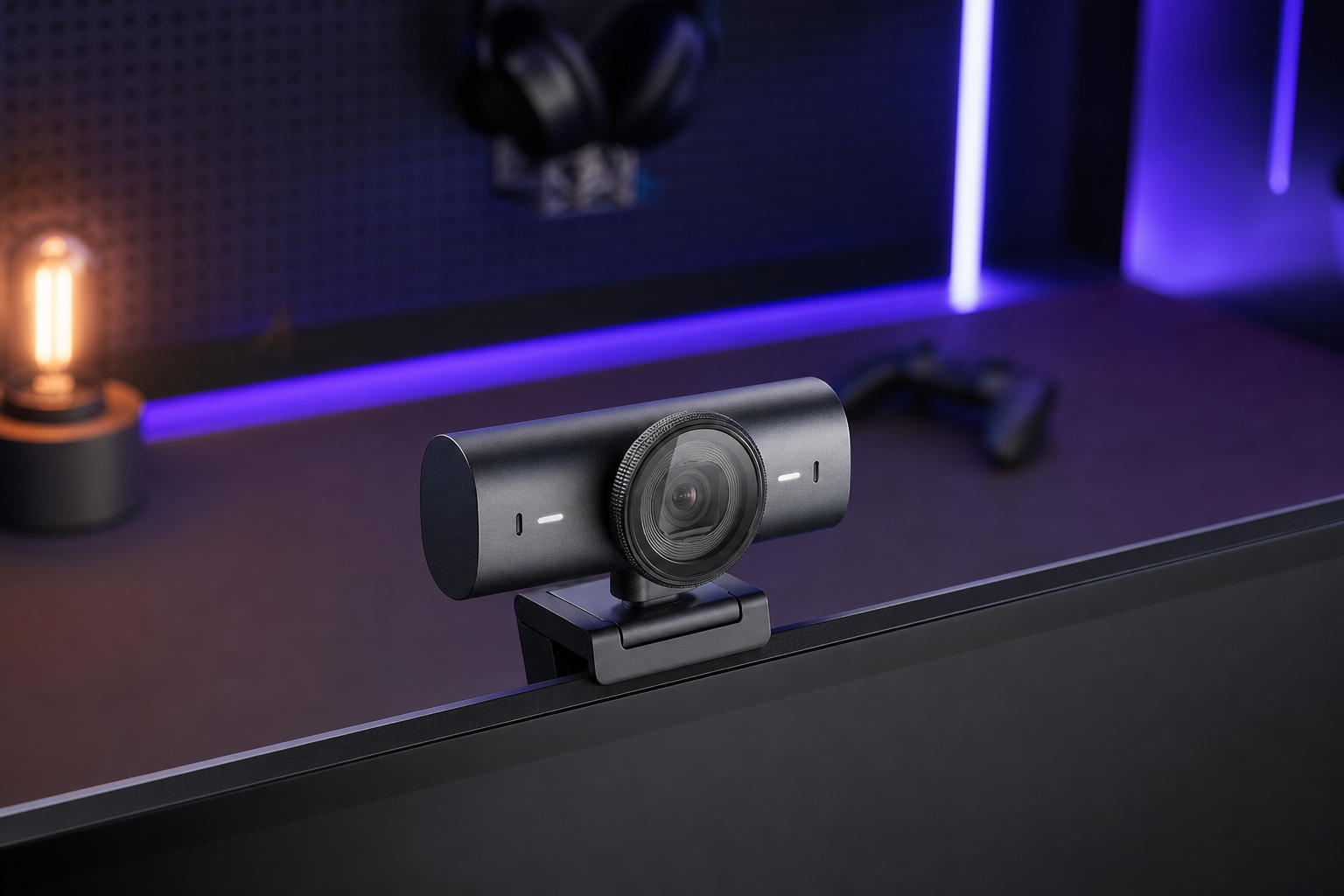
- +Adjustable FOV (65°/78°/90°) lets you frame your shot precisely
- +AI-powered autofocus tracks your face accurately and quickly
- +Show Mode switches to a downward-facing overhead view
- +Works seamlessly with Logi Tune software for color and exposure control
- -Expensive at $200 when you still need a separate mic
- -4K 30fps looks choppier than 1080p 60fps for animated streamers
- -AI autofocus can hunt occasionally in low-contrast scenes
The MX Brio is Logitech's premium all-rounder. The adjustable FOV is a standout feature that lets you frame tight for face cam or wide for desk demos. If you want one webcam that handles everything, this is it.
Acer QHD Conference Webcam
Streamers in dimly lit rooms who need a large sensor and HDR to compensate for poor lighting.
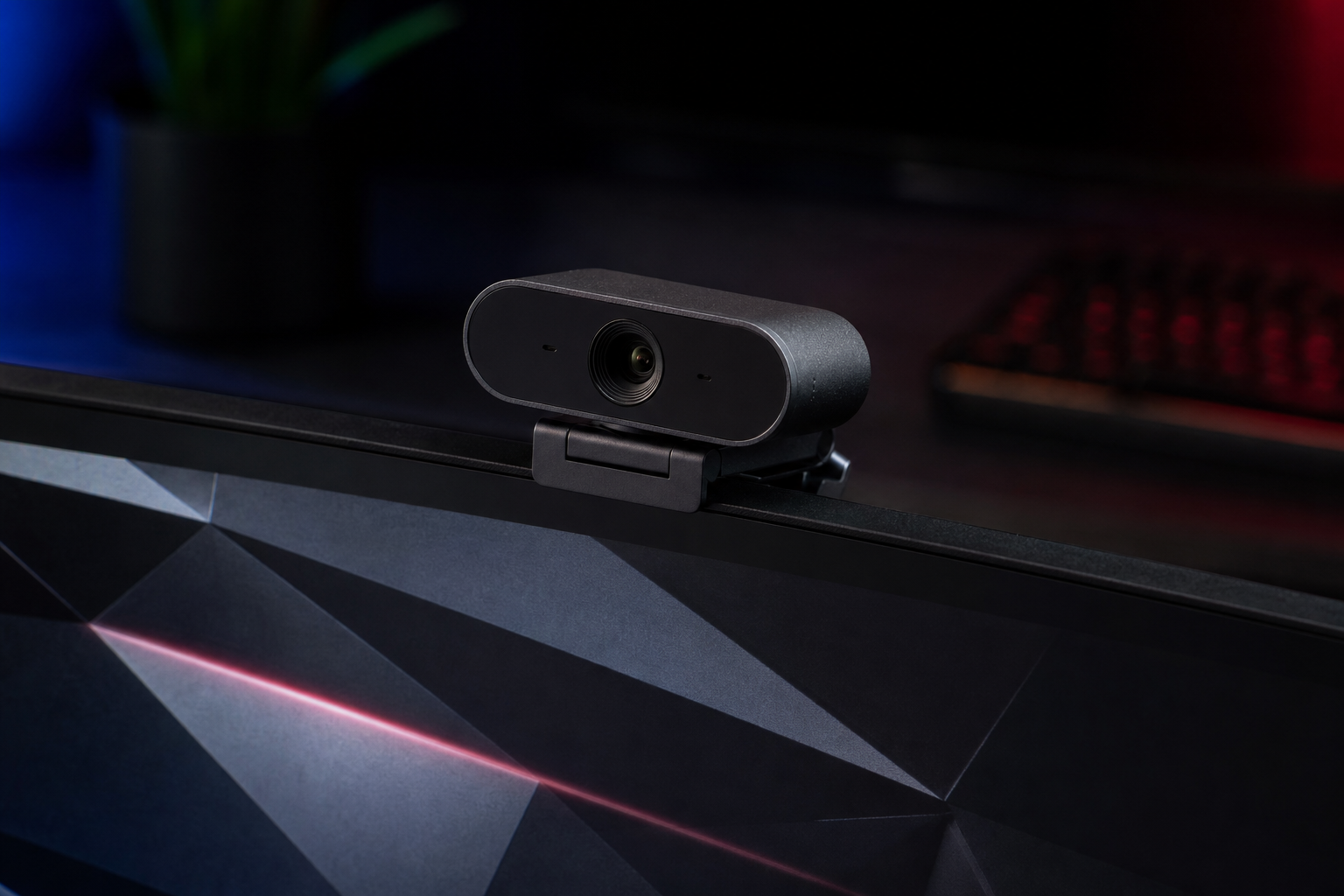
- +Large Sony 1/2-inch CMOS sensor captures significantly more light
- +HDR mode balances highlights and shadows in mixed lighting
- +4K resolution at a mid-range price point
- +Noise-cancelling dual mics as a backup audio source
- -30fps only — no 60fps option even at 1080p
- -Bulky design sticks out from monitor tops
- -Software support is basic compared to Logitech or Elgato
If your streaming room has poor lighting and you do not want to invest in a ring light, the large Sony sensor in the Acer webcam picks up more ambient light than anything else at this price. A niche pick that solves a real problem.
Razer Kiyo Pro Ultra
Streamers who want a single device that handles both camera and face lighting.
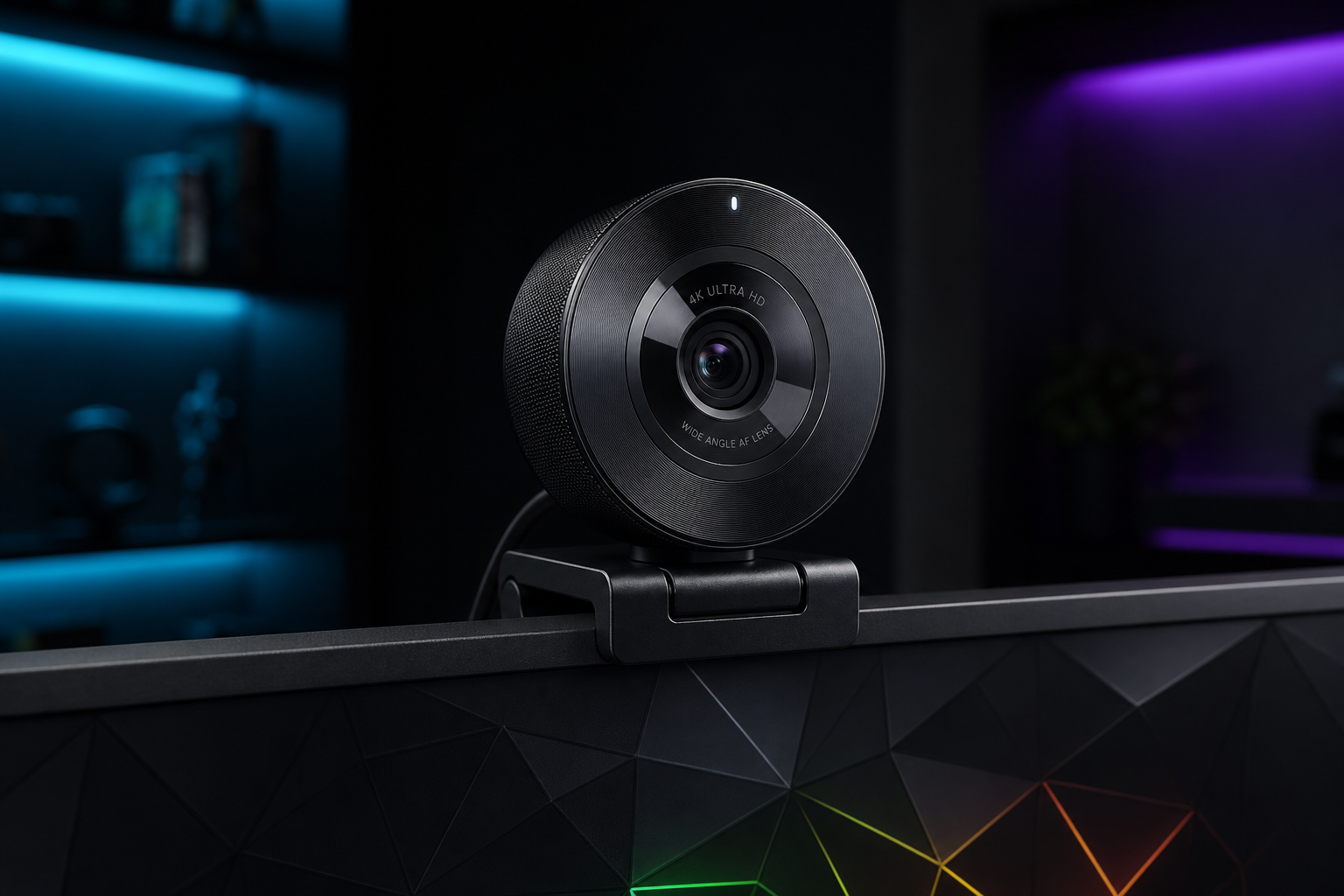
- +Large 1/1.2-inch sensor produces exceptionally detailed images
- +Adjustable ring light eliminates the need for separate lighting
- +AI autofocus and face tracking keep you sharp during movement
- +Physical privacy shutter for peace of mind
- -Very expensive — nearing mirrorless camera territory
- -Extremely large and heavy for a webcam
- -Ring light is subtle — not a replacement for proper studio lighting
The Kiyo Pro Ultra combines the best webcam sensor on the market with built-in lighting. If you want a single-device solution, nothing else comes close. Just know that the integrated light supplements rather than replaces dedicated lighting.
Logitech C920x HD Pro
Anyone who wants the most proven, reliable webcam on the market in a compact form factor.
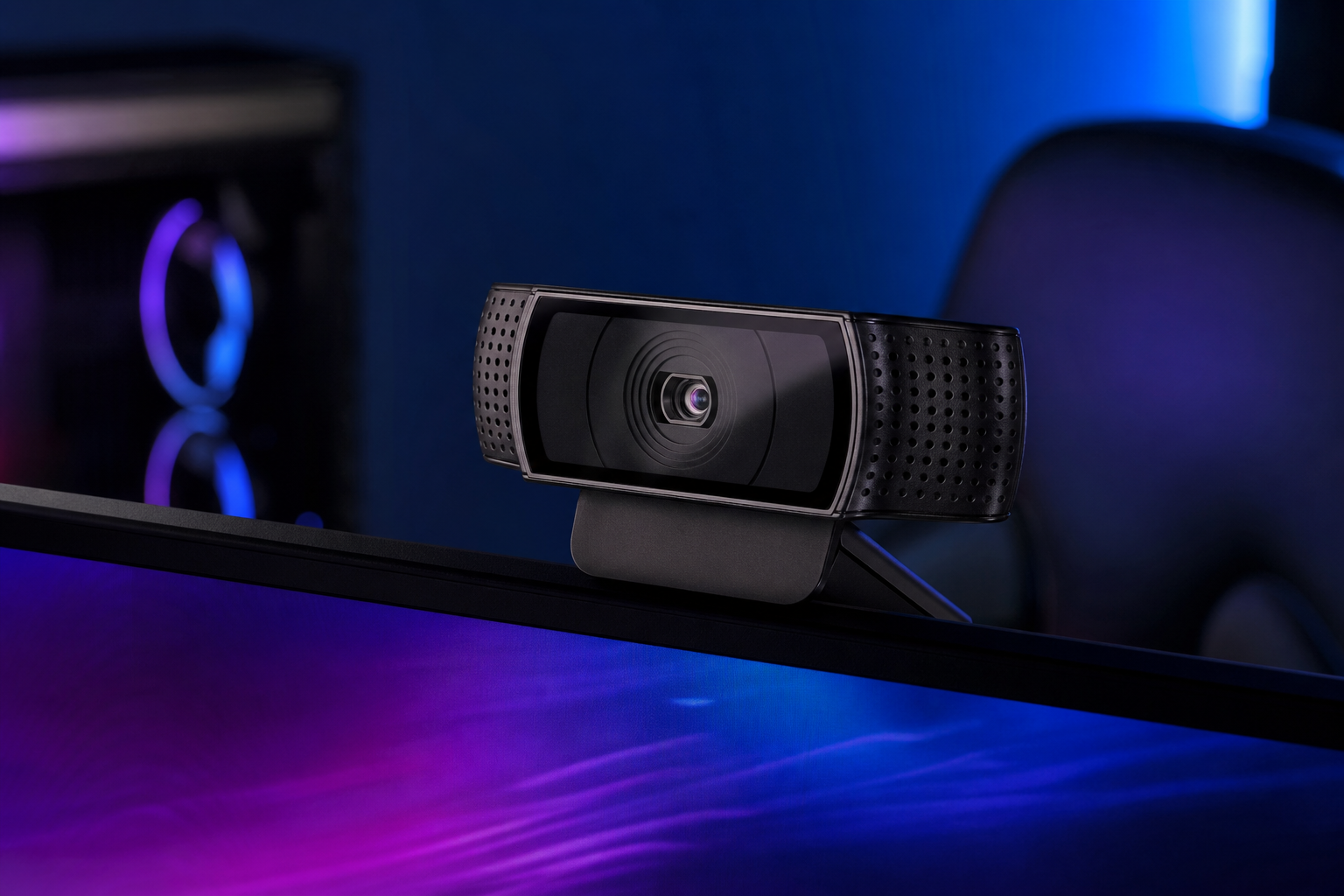
- +Compact design barely protrudes from your monitor
- +Universally compatible with every streaming and conferencing app
- +Autofocus works reliably without hunting or overshooting
- +Available everywhere and always in stock
- -30fps only — noticeably less smooth than 60fps options
- -Image quality is showing its age compared to newer sensors
- -No manual exposure control in hardware
The C920 has been the default recommendation for nearly a decade because it just works. It is compact, reliable, and ubiquitous. Not the best at anything, but competent at everything. The safe choice.
Insta360 Link 2
Content creators who move around their space and need the camera to physically follow them.
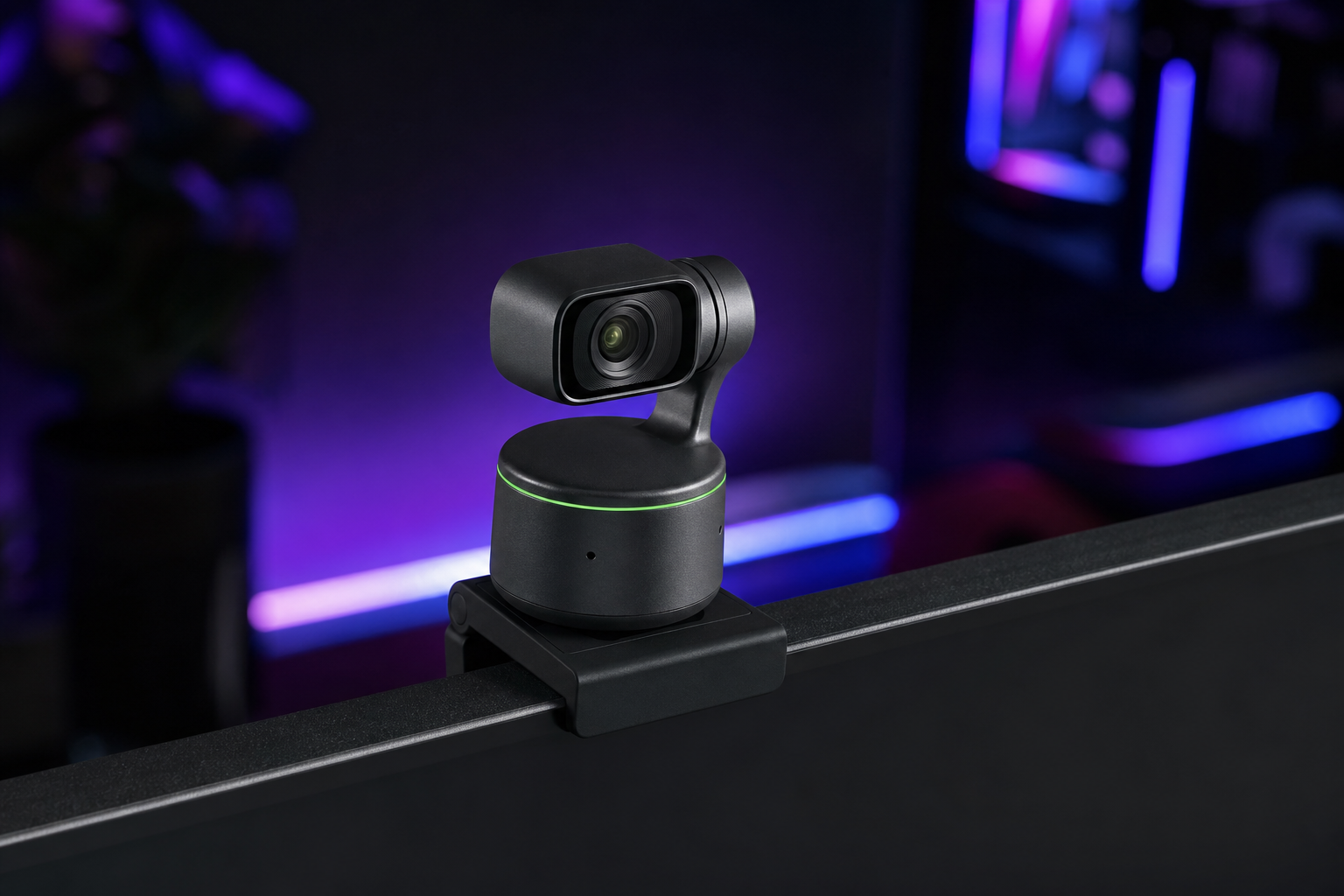
- +3-axis gimbal physically rotates to track your face and body
- +AI tracking is fast and accurate — handles standing, sitting, and whiteboard demos
- +Gesture control lets you trigger zoom, whiteboard mode, and more without touching software
- +Overhead mode for desk demos and unboxings
- -Gimbal motor is audible in quiet environments
- -Tracking can be distracting if you move frequently during gameplay
- -Premium price for a webcam that requires a stable surface
The Link 2 is in a category of its own. The gimbal tracking is not a gimmick — it genuinely solves the problem of staying framed during active streams. Ideal for IRL content, cooking streams, and anyone who moves around their setup.
Anker PowerConf C200
Budget-conscious streamers who want better-than-1080p resolution and adjustable FOV under $60.
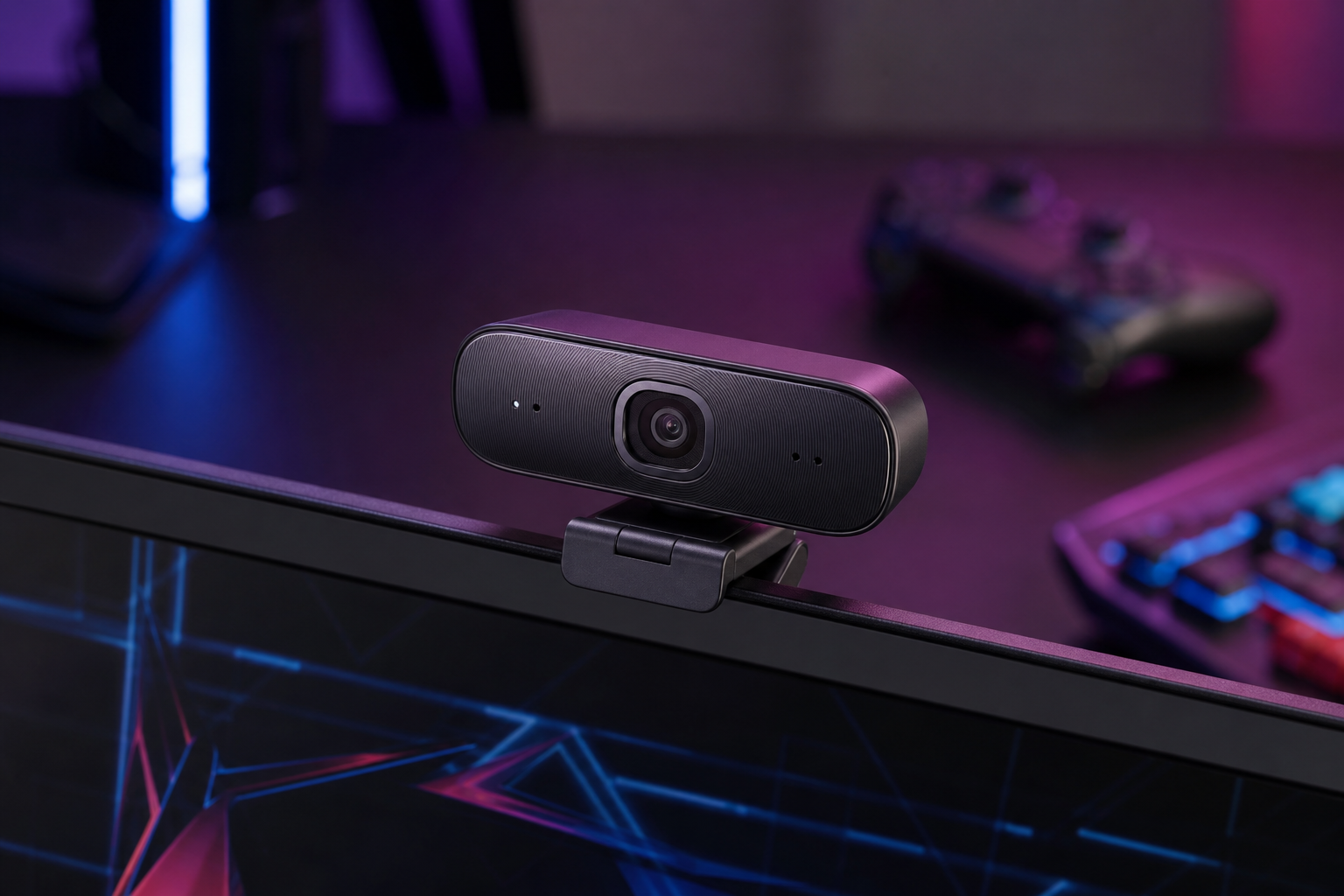
- +2K resolution at a 1080p price — sharper than competitors at this range
- +Adjustable FOV from 65° to 95° adapts to any desk setup
- +AI-powered low-light correction improves image in dim rooms
- +Compact design with built-in privacy cover
- -30fps only — no 60fps option at any resolution
- -AnkerWork software is basic compared to Logitech or Elgato
- -2K is an odd resolution that some streaming software handles poorly
The PowerConf C200 punches above its weight with 2K resolution and adjustable FOV at a budget price. The image quality is visibly sharper than 1080p webcams costing the same, making it the best value in the webcam market right now.
How to pick the right streaming webcams
4K vs. 1080p: What Actually Matters
Most streams are broadcast at 1080p or even 720p. A 4K webcam downscaled to 1080p in OBS looks sharper than a native 1080p webcam, but the difference is subtle. Prioritize frame rate and low-light performance over raw resolution.
Frame Rate Is More Important Than Resolution
A 1080p 60fps webcam looks dramatically smoother than a 4K 30fps one. For gaming streams where you are animated and moving, 60fps is visibly better. 30fps is fine for talking-head content and meetings.
Low-Light Performance Separates Good from Great
Larger image sensors (1/2 inch or bigger) capture more light and produce cleaner images in typical room lighting. If your streaming space is not studio-lit, this is the most important spec to prioritize.
Field of View and Framing
A 65-78 degree FOV is ideal for streaming — wide enough to capture your face and upper body without showing too much of your room. Ultra-wide FOVs (90+) are better for group calls and whiteboard content.
Skip the Built-in Mic
Every webcam includes a microphone. None of them sound good enough for streaming. Use a dedicated microphone and disable the webcam mic in your streaming software. No exceptions.